
Mac Screenshot Tricks That Save Editing Time
Mac screenshot shortcuts, the Options menu that ends Desktop clutter, markup before saving, and Terminal defaults that route every capture.
Mac screenshot shortcuts, the Options menu that ends Desktop clutter, markup before saving, and Terminal defaults that route every capture.

Where every recurring charge hides, which cancel windows get your money back, and the rules that stop the next signup.
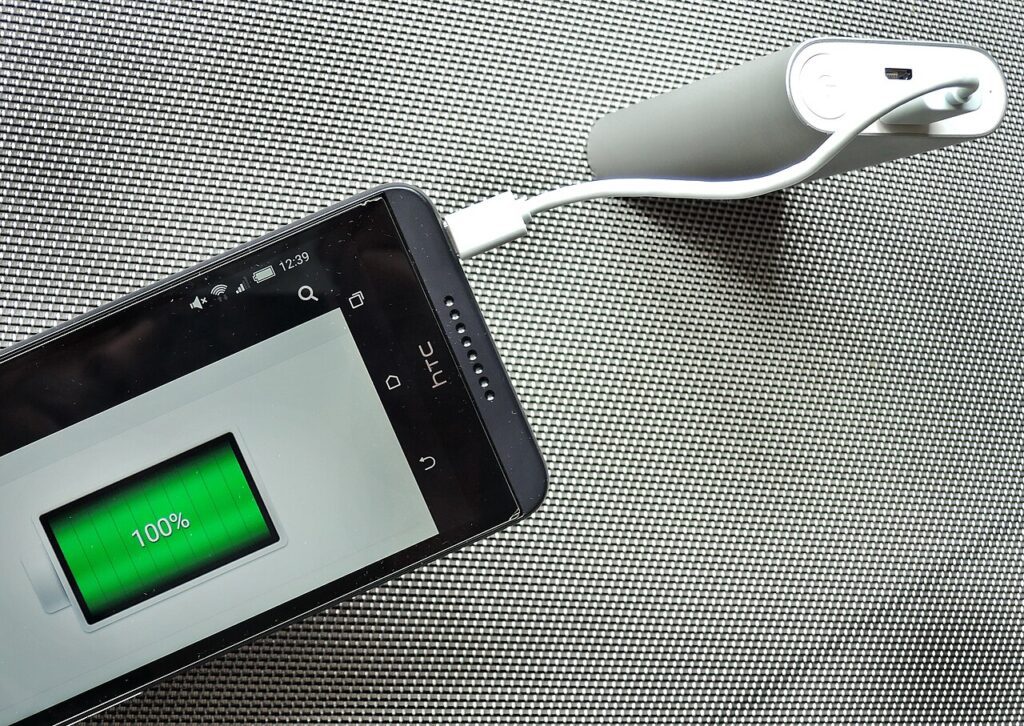
Why your battery actually degrades, the charge range that helps, and the heat habits worth fixing before your next charge.
Test one room at a time, read a channel scan and learn what extenders and mesh really change, so you only buy gear when your numbers prove you need it.

Wipe order, Family Link setup and the checks that stop an old handset handing over your accounts, photos and card details.
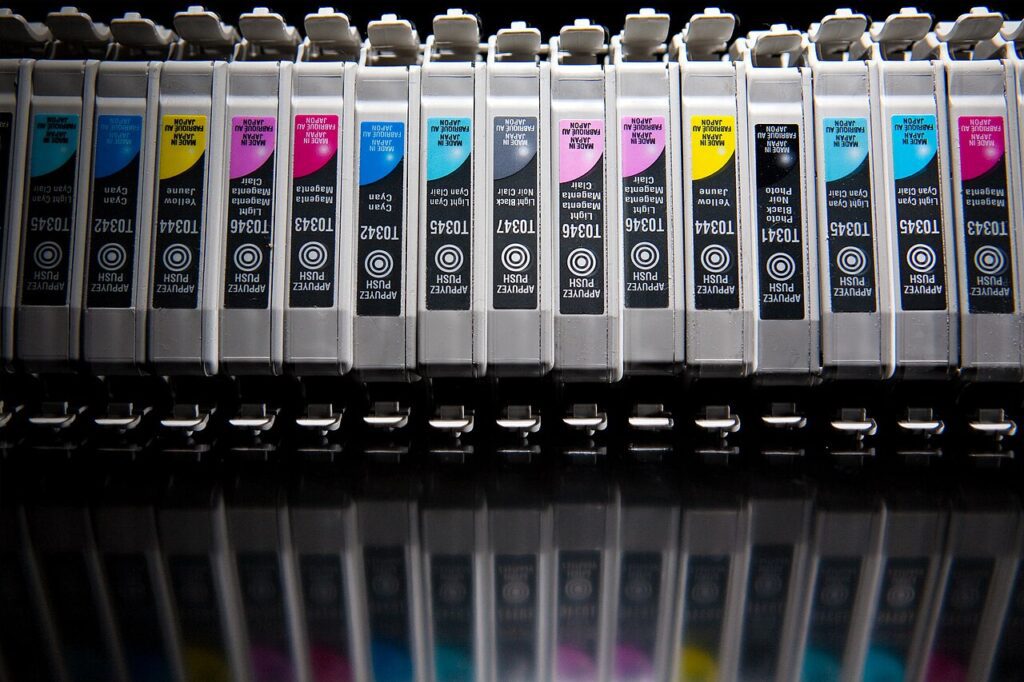
The settings that halve ink coverage without turning pages grey, why cleaning cycles drain cartridges, and when a mono laser is cheaper.
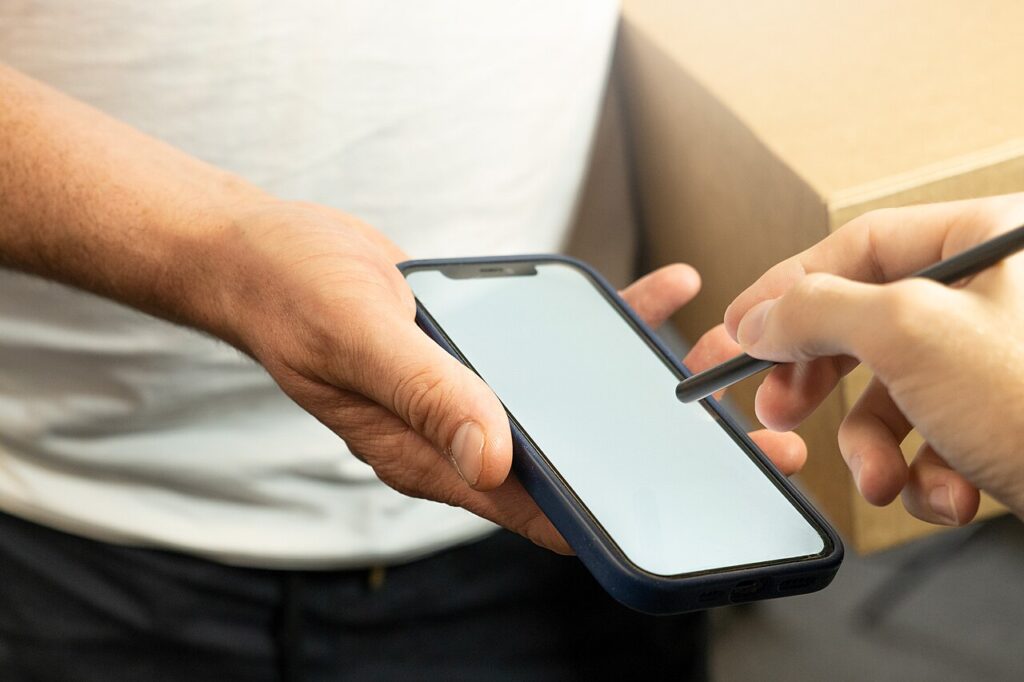
Four details expose a fake parcel text in under a minute, plus what to do in the first twenty minutes if you already tapped the link.

Ring light placement, mic distance, camera height and the noise-suppression settings in Zoom, Meet and Teams that fix bad home video calls.

A 30-minute Sunday pass over downloads, screenshots, inbox and apps, with the exact menu paths for Windows, macOS, iPhone and Android.

Passkeys stop phishing but not bad recovery. Create the first one safely, prove the fallback works, and know what happens when the phone disappears.