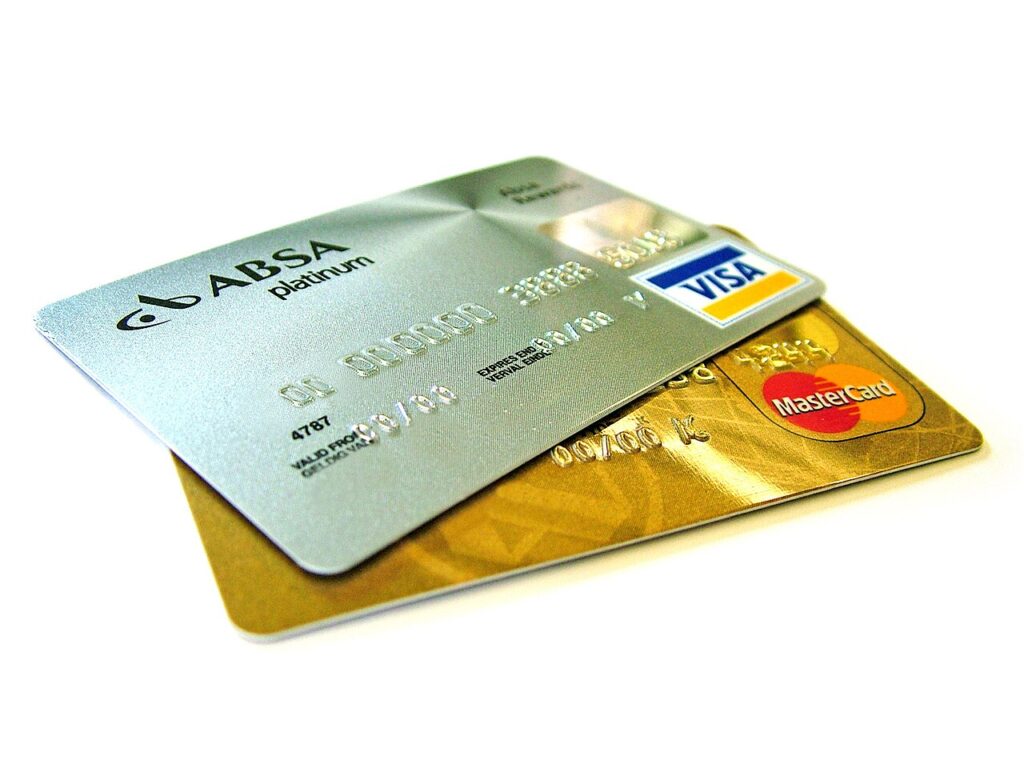
Seven subscriptions at 9.99 dollars each is 69.93 dollars a month, or about 840 dollars a year — roughly 100,000 taka, spent without a single deliberate decision. Nobody signs up for seven things at once. It happens one app at a time, each costing less than a sandwich, and the total only becomes visible when you add it up on purpose.
Four places hold every recurring charge you have
Do not rely on memory, and do not trust a single list. Charges live in four separate systems and each one is blind to the others.
- Apple. Settings – your name – Subscriptions. This shows App Store subscriptions only, not Netflix billed on the web.
- Google. Play Store – profile icon – Payments & subscriptions – Subscriptions, plus the Budget & history tab for one-off purchases that look recurring.
- PayPal. Settings – Payments – Automatic payments – Manage automatic payments. This is where the ones you signed up for on a laptop are hiding.
- Card statement. Search twelve months for descriptors rather than brand names: APPLE.COM/BILL, GOOGLE *YouTube, AMZN Digital, PADDLE, STRIPE, PAYPAL *.
Your inbox is the cheapest audit tool. In Gmail, search subject:(receipt OR invoice OR renewal) and then “your subscription will renew”; both queries surface the receipt mail you never opened, with the amount on it.
The three creep patterns that cost the most
Promo roll-off. Three months at 0.99 dollars, then the real price, announced in an email that arrives on a Tuesday and reads like a receipt. The gap between intro and standard price is usually ten times.
The annual-to-monthly flip. You signed up for a year, the renewal defaults to monthly, and the monthly rate is 40 per cent more expensive over twelve months. Annual billing normally discounts the equivalent of two months.
The silent price rise. Same product, higher price, no new features. Apple and Google both email before a subscription price change, but the mail is easy to miss; a fixed renewal calendar catches what your inbox does not.
There is a quieter fourth: storage tiers. A free 15 GB fills up, you buy 100 GB for 1.99 dollars, then 200 GB, and the upgrade is always framed as a small step from the current price rather than an annual figure.
Cancel inside the window or you pay again
Apple bills up to 24 hours before the period ends, as its own subscription cancellation guide confirms, so cancelling on the final day can still charge you for another month. Cancel at least two days early. Cancelling does not trigger a refund for the current period — it stops the next one — so if you were charged by mistake, use reportaproblem.apple.com within 90 days and pick “request a refund”.
Google Play cancels through the same subscriptions screen, and deleting the app does not cancel anything — Google’s Play subscription page spells out the difference. Play refunds requests filed within 48 hours are usually approved automatically; later than that and you are asking a human.
Direct merchants are the awkward ones. Many gyms and software vendors want 30 days’ notice, and some require a written cancellation rather than a button. Always keep the confirmation email or the reference number, and if the charge appears next month anyway, dispute it with your card issuer as a cancelled recurring payment rather than a fraudulent one.
Before you confirm a cancellation, read the screen. Most services offer a pause of one to three months or a discounted retention rate at that exact moment, and a 50 per cent discount for three months is often better than losing the service.
Make the next signup harder than the cancellation
Three habits do most of the work. Put every renewal date in a shared calendar with an alert three days before, so the decision happens before the charge instead of after it. Use a separate card or a virtual card for subscriptions, which gives you a single number to freeze when you lose track. And apply one in, one out: a new subscription requires cancelling an existing one in the same sitting, which turns a 9.99 dollar impulse into a trade.
Household accounts need one more step: turn on purchase approval in both stores, so a family member cannot add a subscription to your payment method without a prompt.
If the total is larger than you expected, the fix is a budget line rather than a purge. Nine ways to cut monthly subscription costs covers the family-plan and annual-billing maths, and building a simple budget in six steps gives the recurring-charge column somewhere to live. Cloud storage creep is worth a separate pass with the Google Drive cleanup list.