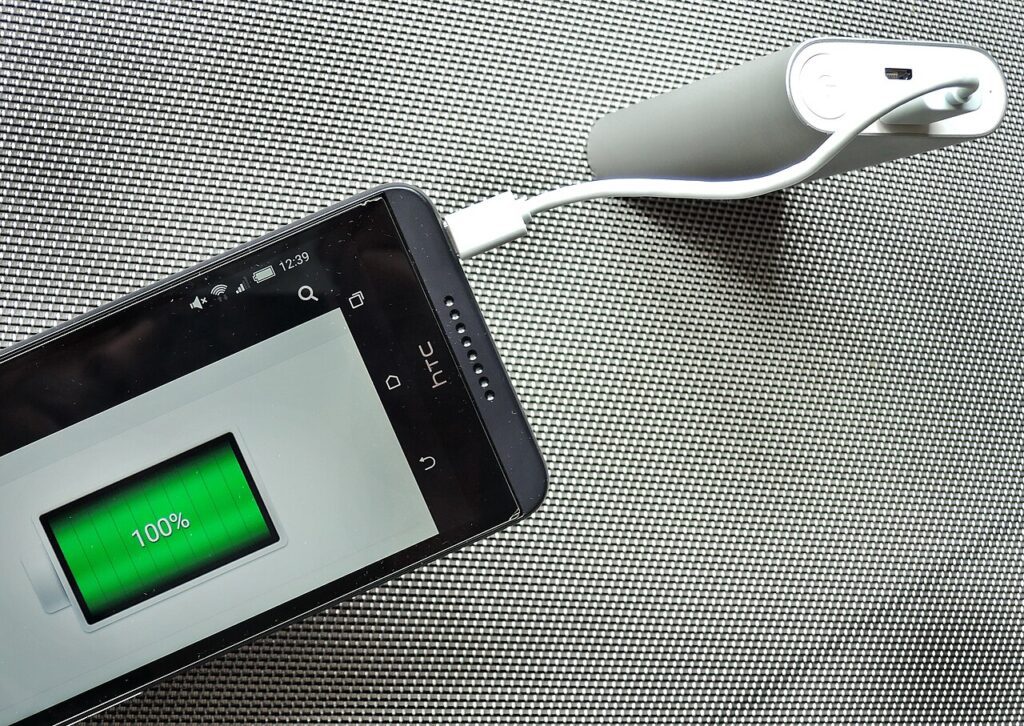
Most phones in Bangladesh die early for the same handful of reasons: they sit on a charger overnight every single night, they charge inside a tight case during a 38°C afternoon, and they get topped up with whatever cable was lying on the shop counter. None of that is dramatic, which is exactly why it goes unnoticed for a year or two until the battery that once lasted a full day starts needing a midday top-up. The fixes are small and mostly free — the hard part is knowing which habits actually matter and which ones are just folklore passed around in phone-repair shops.
What Actually Wears a Battery Down
Lithium-ion batteries degrade by charge cycles, not by calendar age alone. One full cycle equals 0% to 100%, but it doesn’t have to happen in one sitting — charging from 40% to 90% twice adds up to roughly one cycle. Most modern phone batteries are rated for 500 to 1,000 full cycles before capacity drops to around 80% of original. What accelerates that drop is less about how often you charge and more about the extremes: keeping a phone at 100% for hours, letting it sit near 0% for long stretches, and charging while the battery is hot. Battery University’s long-running research on lithium-ion chemistry is a good technical reference if you want the underlying numbers rather than marketing claims (batteryuniversity.com).
The Charging Window That Actually Helps
If you only change one habit, make it this: stop treating 100% as the daily target. Charging between roughly 20% and 80% keeps the battery in the voltage range where it experiences the least chemical stress. Many Android phones (Settings > Battery > Battery Protection or Charging Optimization, depending on brand) and recent iPhones (Settings > Battery > Battery Health > Optimized Battery Charging) now do this automatically overnight by learning your wake time and holding charge at 80% until shortly before your alarm. Turn that feature on if your phone has it — it’s one of the few “set once and forget” battery settings worth bothering with. If your phone doesn’t have it, a manual habit works nearly as well: unplug around 85-90% when you’re awake to do it, and reserve full 0-100% charges for days you actually need the extra hours.
Charging Speed vs. Heat
Fast charging isn’t inherently bad for the battery, but heat is, and fast charging generates more of it — especially in Dhaka or Chattogram during April to September when ambient temperature plus a thick case can push the back of the phone past 40°C while charging. That combination of heat and high charge level is the single worst condition for long-term battery health. Take the case off while charging if it’s a thick or rubberized one, charge on a hard flat surface rather than a mattress or pillow where heat can’t escape, and avoid charging right after the phone has been in direct sun or used heavily for gaming or navigation. If your phone regularly runs warm, the habits in Keep Your Phone Cool in Hot Weather: 10 Real Fixes cover the rest of the picture, since heat damage isn’t limited to charging moments alone.
What to Change Tonight
A few concrete changes make more difference than any app claiming to “optimize” your battery:
- Switch on Optimized Battery Charging or Battery Protection in your phone’s settings if it exists.
- Stop leaving the phone on the charger from bedtime (around 11pm) until morning (around 7am) every night — that’s 8 hours at or near 100% for no benefit.
- Use the charging brick that came with the phone, or a cable and adapter from a known brand, rather than the cheapest loose cable from a local market stall. Mismatched or counterfeit cables are a common cause of slow, hot, or inconsistent charging in Bangladesh, and voltage fluctuation during load-shedding periods makes a poor-quality adapter riskier, not safer.
- Remove the case during charging on hot days, and never charge the phone under a pillow or inside a closed bag.
- If you keep a drawer of old cables and bricks, sort out which ones are actually safe to use — Organize Cables and Chargers So You Stop Hunting walks through labeling and testing them so you’re not grabbing a damaged one in the dark during a power cut.
Habits Worth Ignoring
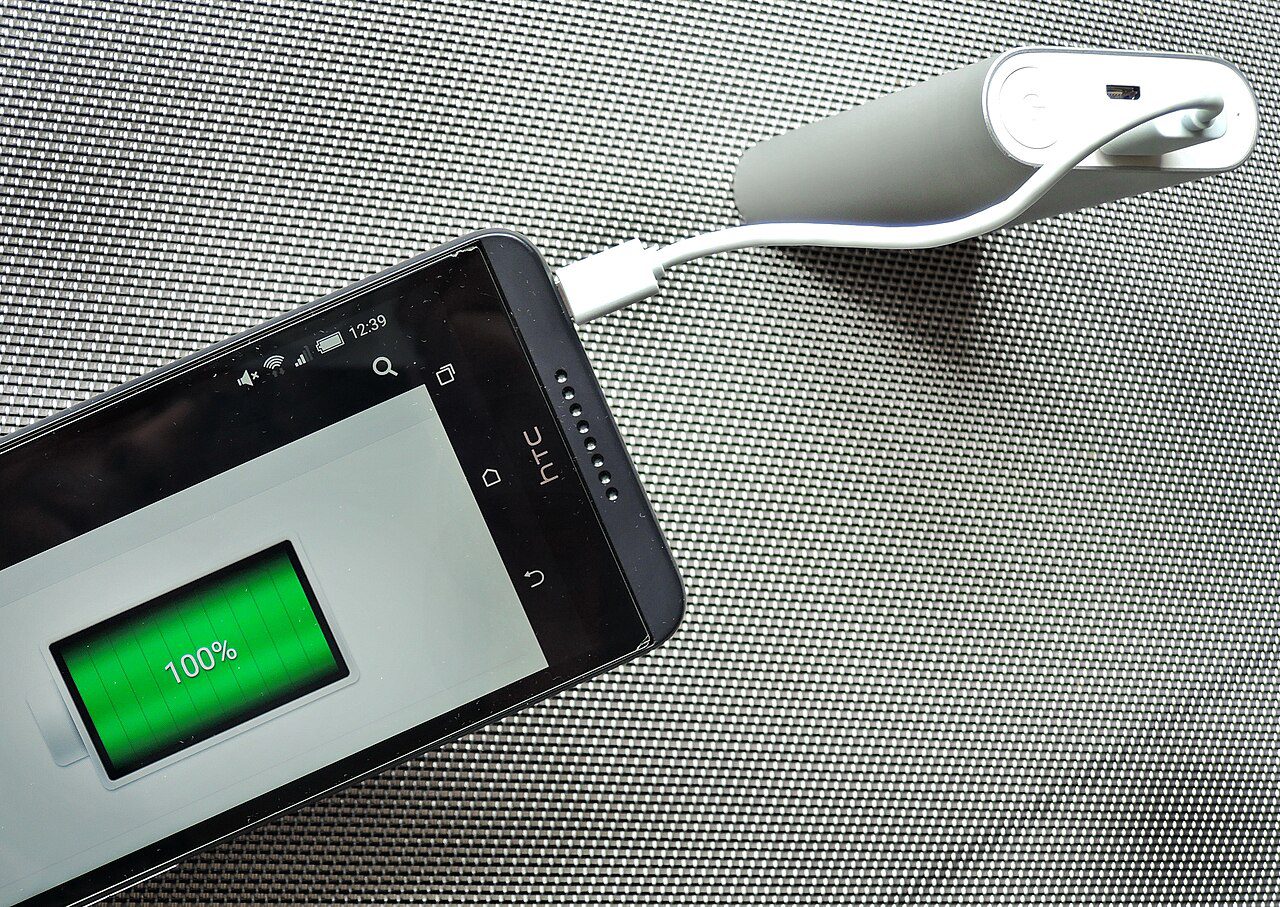
A few widely repeated claims don’t hold up. Charging overnight occasionally will not “ruin” the battery in one night — modern phones cut off current once they hit 100% and only trickle-charge to maintain that level, so the real damage comes from doing it as a nightly routine for years, not from one late night. Closing background apps to “save the battery” generally does nothing useful and can even cost more power, since reopening an app from scratch uses more energy than resuming it from memory. And using a power bank or wall charger with a higher wattage rating than your phone needs is not dangerous on its own — modern phones negotiate the charging speed they actually want, so a 65W charger won’t force-feed a phone rated for 20W. The exception is counterfeit or uncertified adapters, which may not negotiate correctly at all, regardless of the wattage printed on the box.
None of these changes require buying anything new. A phone charged mostly between 20% and 80%, kept cool during the hottest hours, and fed through a cable you trust will hold onto noticeably more of its original capacity two years from now than one left plugged in overnight on a cheap charger every day of the week.