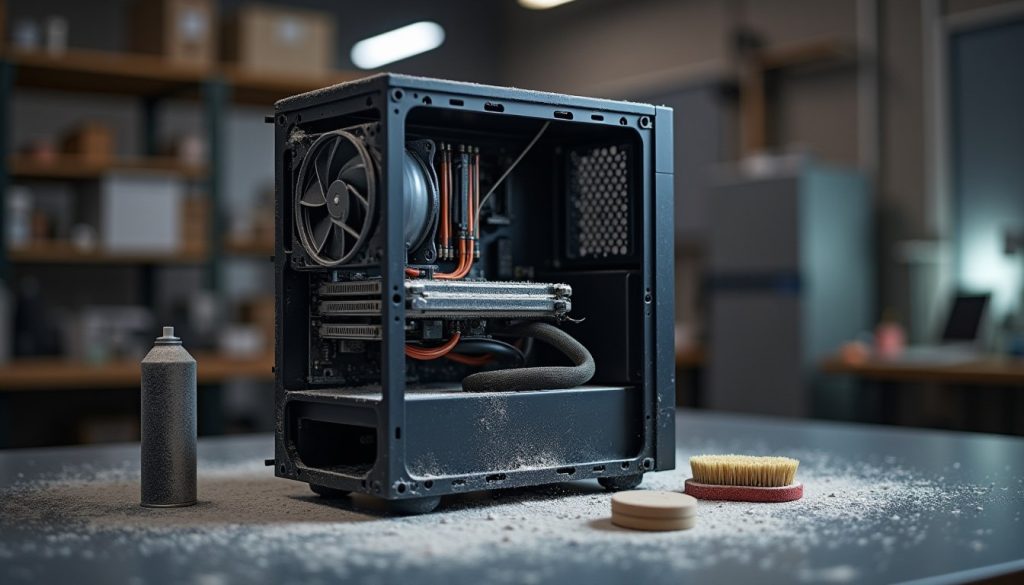
Clean the Dust Out of a Desktop PC Safely
Dust on heatsink fins makes a desktop louder and slower. How to clear it out without damaging the board, the fans or your data.
Dust on heatsink fins makes a desktop louder and slower. How to clear it out without damaging the board, the fans or your data.
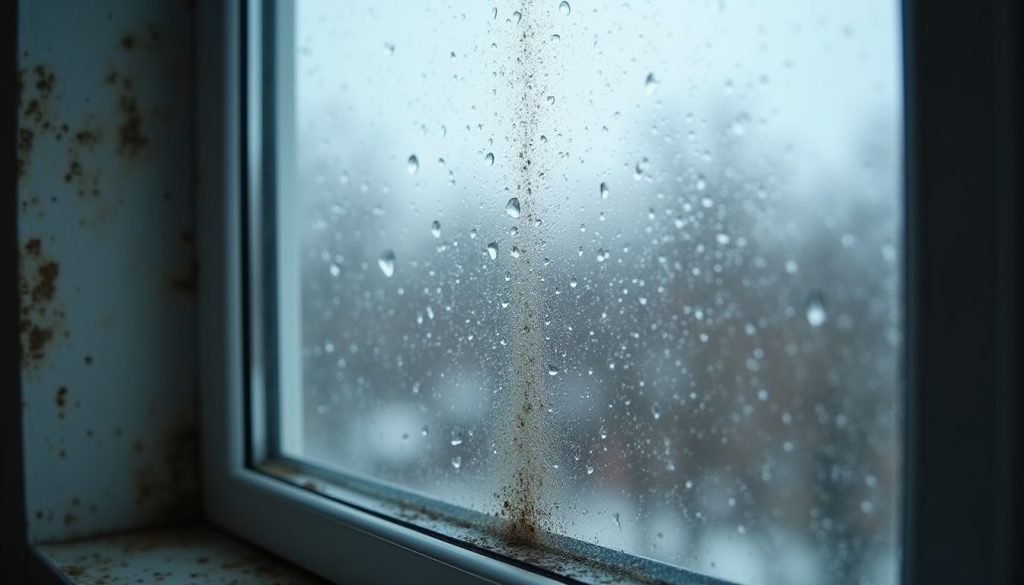
Condensation on windows is moisture meeting a cold surface. Ventilate at the source, keep surfaces warm and stop mould before it starts.

Spacing beats rereading. Three passes, active recall and longer intervals give you a study schedule that survives a busy week.
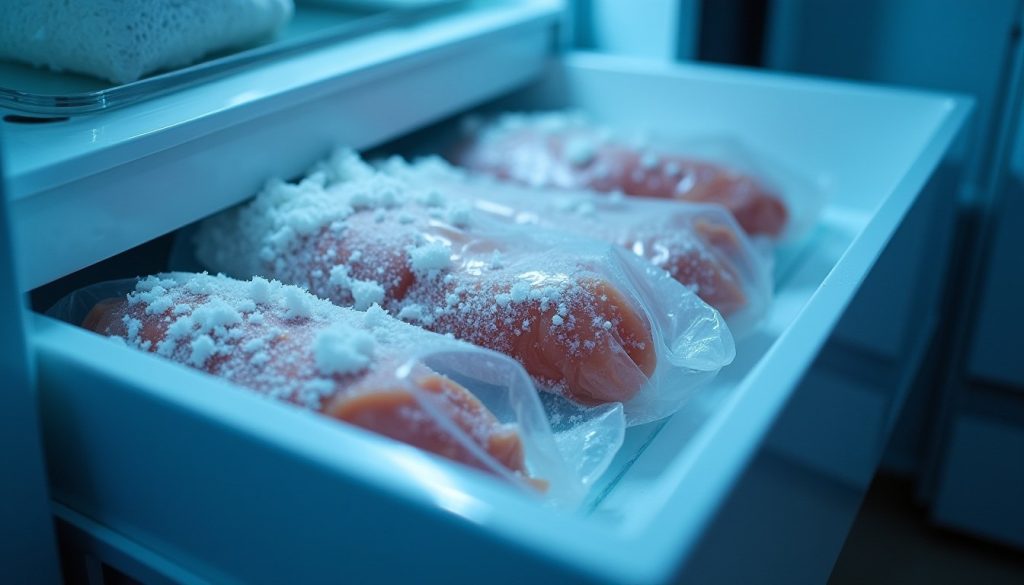
Freezer burn is dehydrated food, not spoiled food. Pack flat, squeeze the air out and rotate by date to stop it happening.

Every line on a payslip should map to something you agreed to or the law requires. How to read deductions and spot the five common errors.
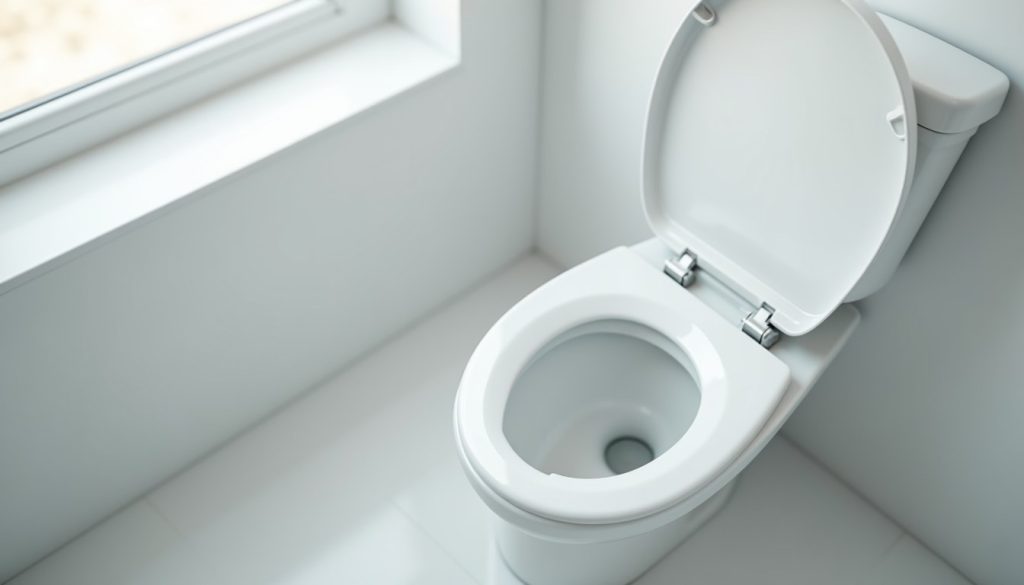
A running toilet wastes hundreds of litres a day. Find the flapper, check the fill valve and fix it with one cheap part in twenty minutes.
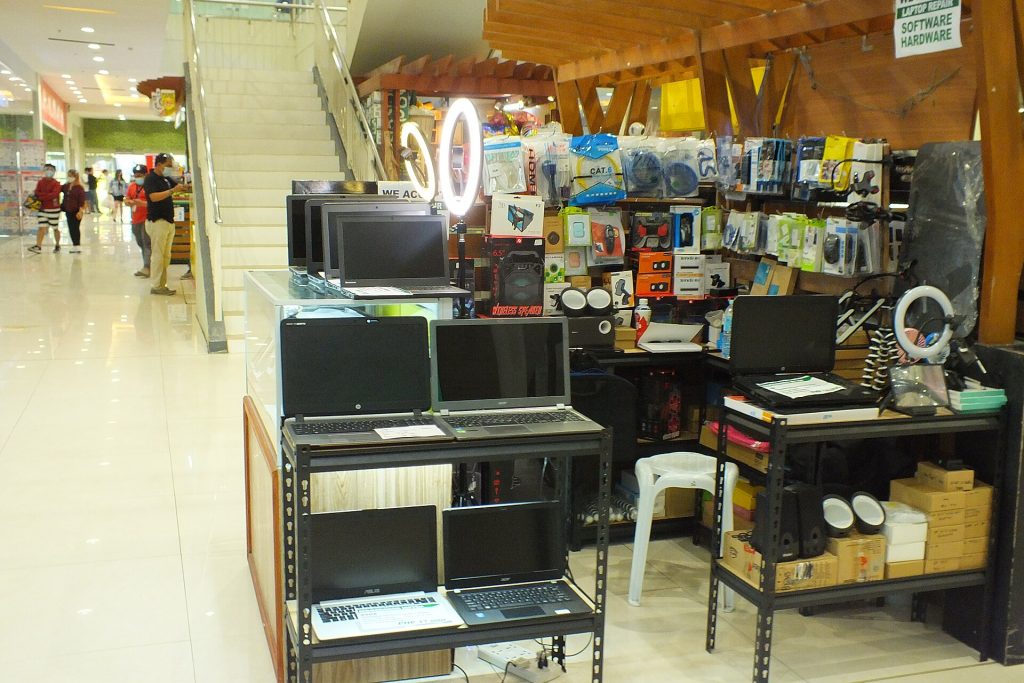
Refurbished, renewed, open box, grade A: what those labels mean, the battery number to ask for and the checks to run before you pay.
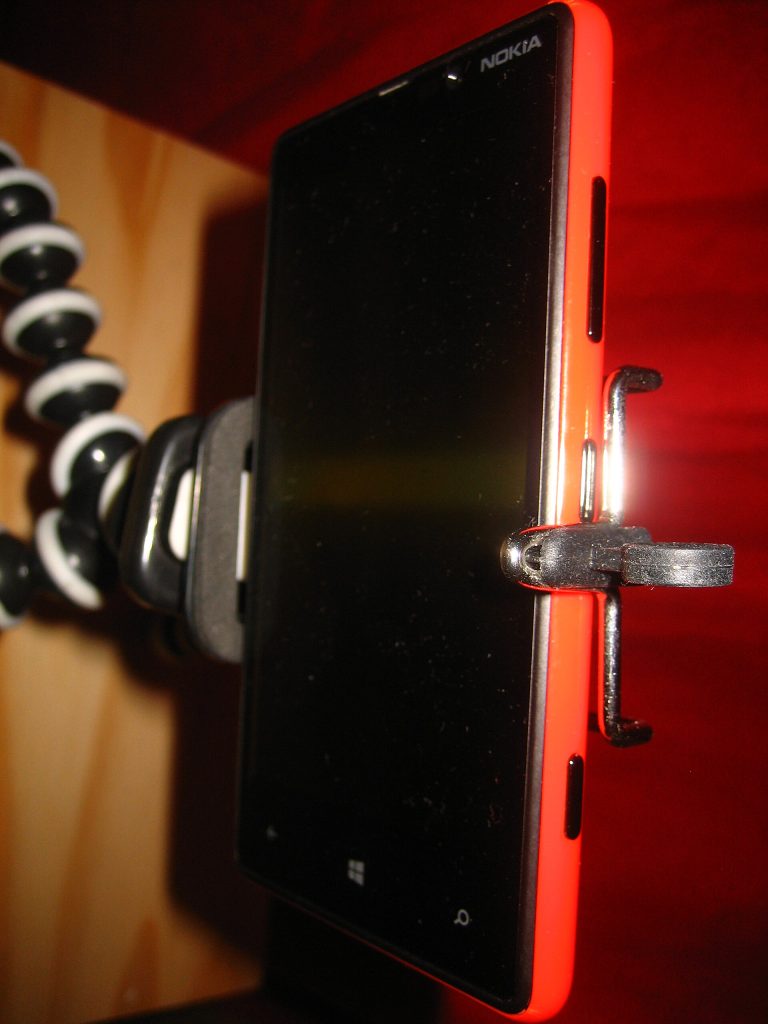
Use your phone as a webcam properly: mount at eye level, go wired instead of Wi-Fi, pick the rear camera and stop it sleeping mid-call.
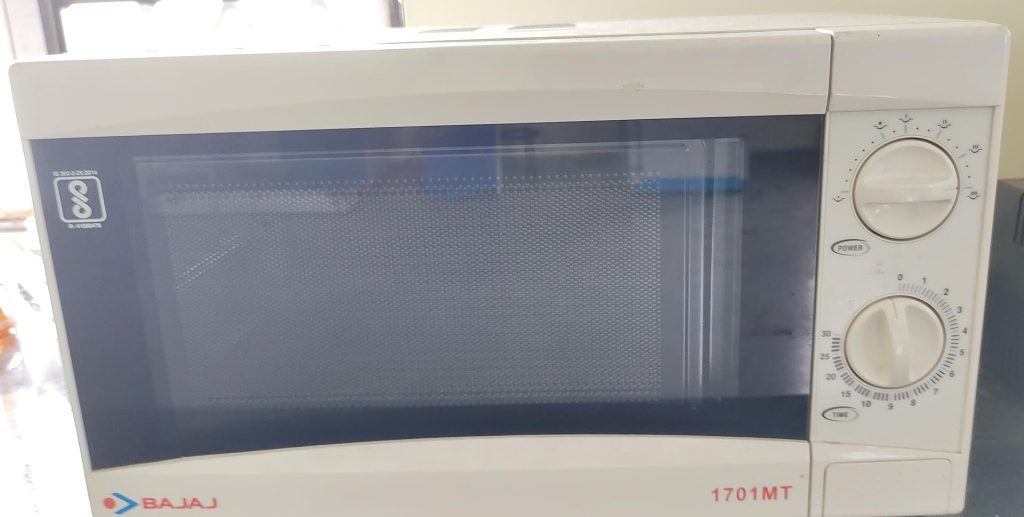
Clean a microwave without wrecking the waveguide cover: steam the grease loose, wash the turntable and rollers, degrease safely and kill odours.
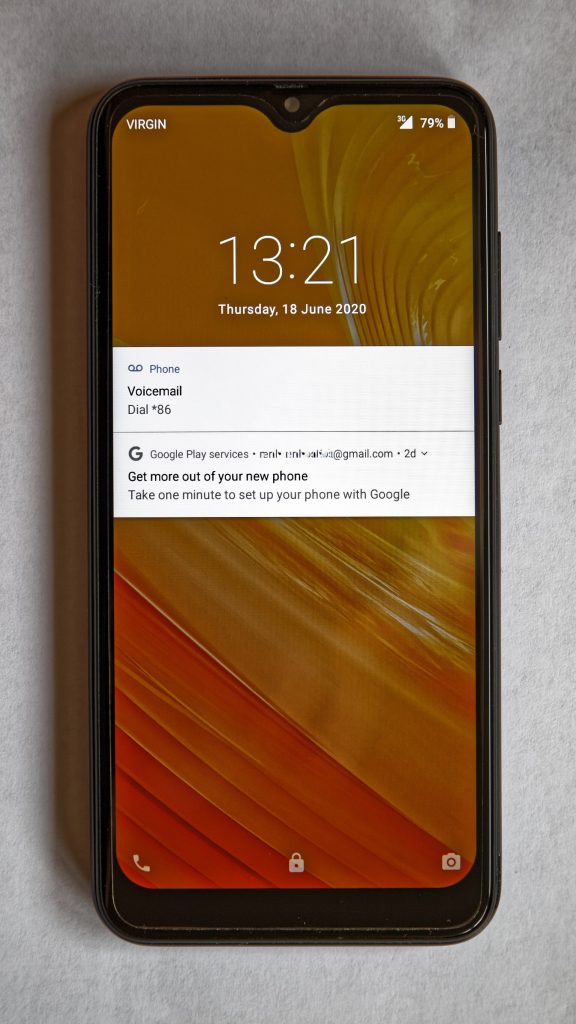
Fix account recovery details before you need them: audit the backup email and phone, store codes offline, review sessions and test yearly.