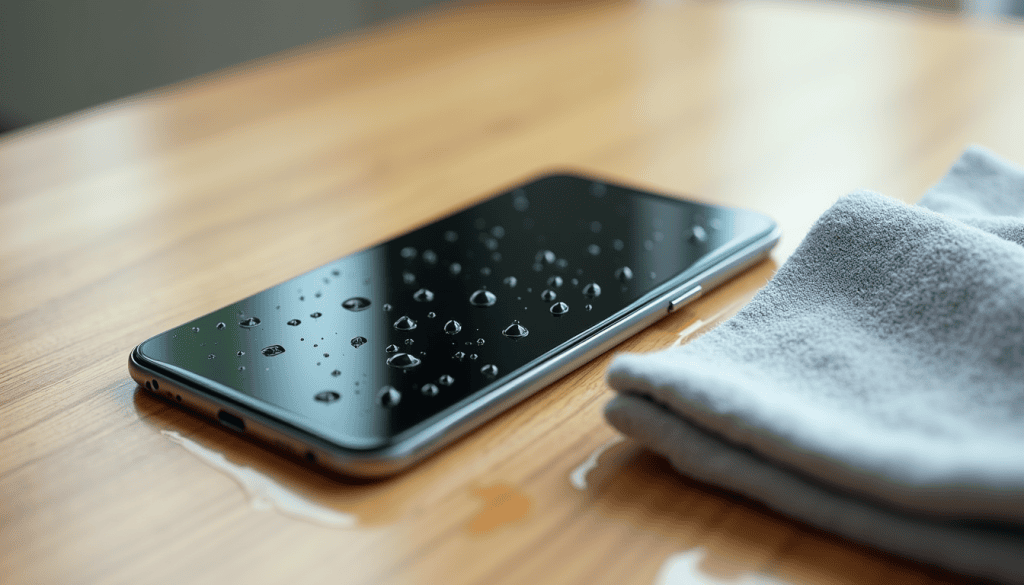
What to Do When Your Phone Gets Wet: Safe First Steps
Your phone took a splash? Power it off, dry the ports, and skip the rice. The first-ten-minutes steps and how to tell if it survived.
Your phone took a splash? Power it off, dry the ports, and skip the rice. The first-ten-minutes steps and how to tell if it survived.
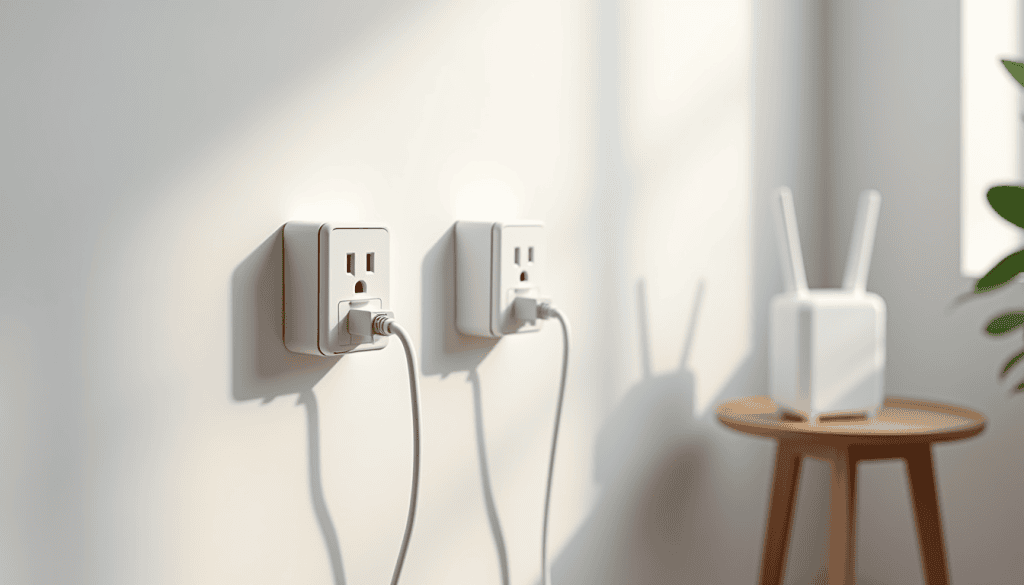
Powerline adapters push your network over mains wiring to reach an upstairs room. Real speeds, setup order, and the mistakes that ruin the result.

The space is not in your inbox. Find huge attachments with one search, bulk-clear them safely, and stop Photos and Drive refilling the 15 GB.
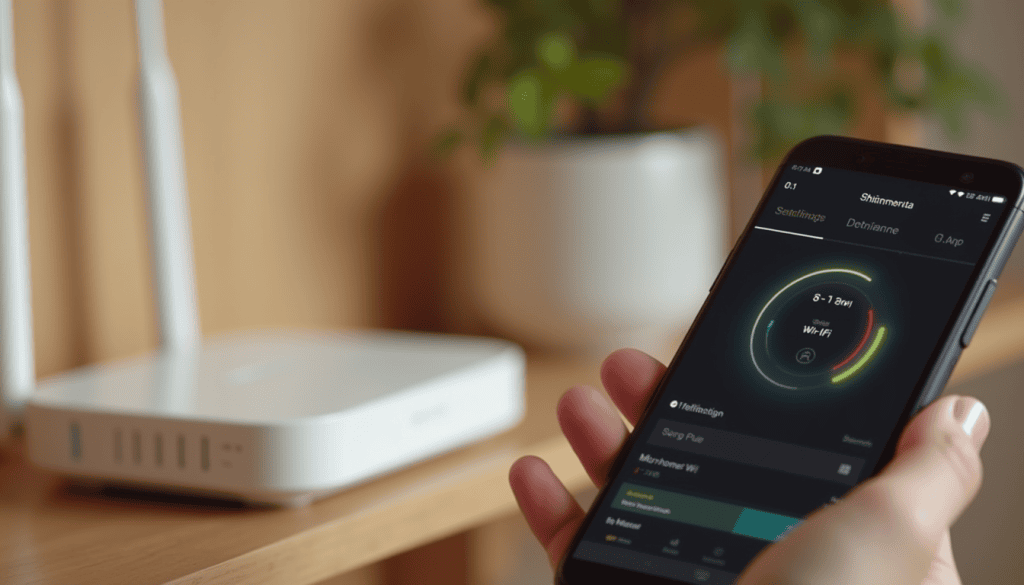
Phone refusing to join Wi-Fi? Restart in the right order, forget the saved profile, and fix the settings that silently block connections.

See if your email leaked, read the report, then fix the accounts that matter. A five-minute check plus the password and 2FA steps that block takeovers.
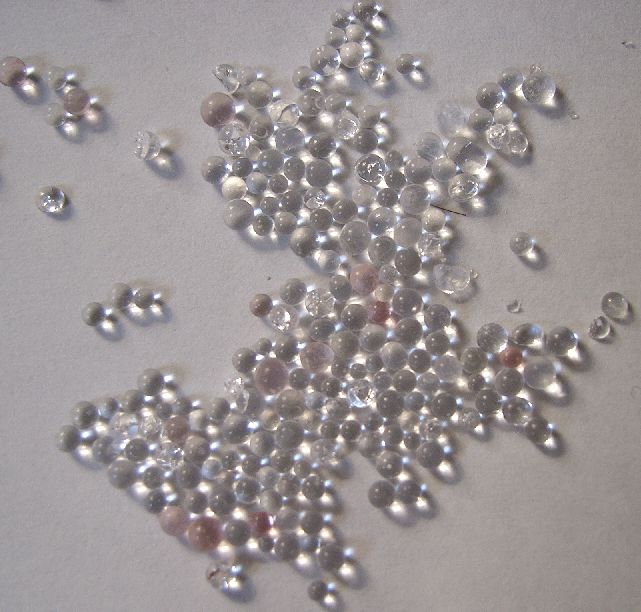
Protect electronics from humidity with airflow, gasket boxes, recharged silica gel and the early warning signs of moisture damage.
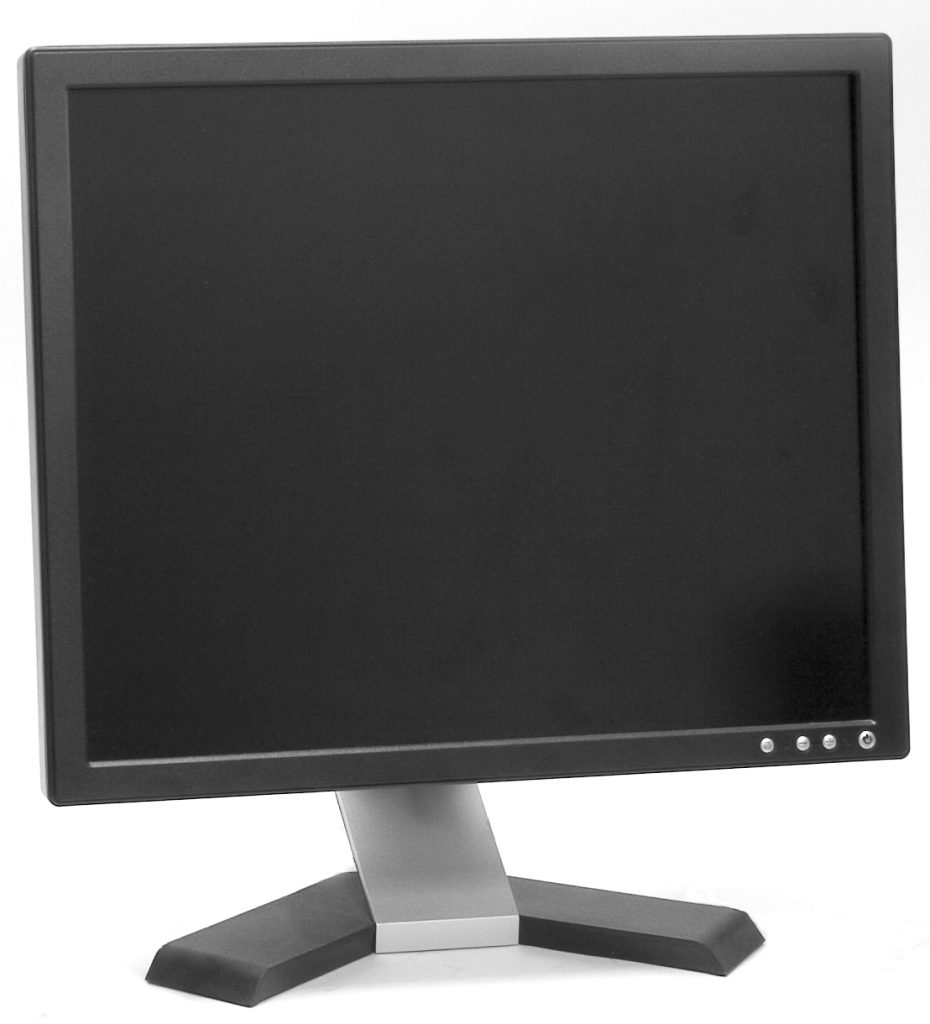
Set up a second monitor at home by checking ports, choosing the right cable and size, then arranging the screens for comfortable work.
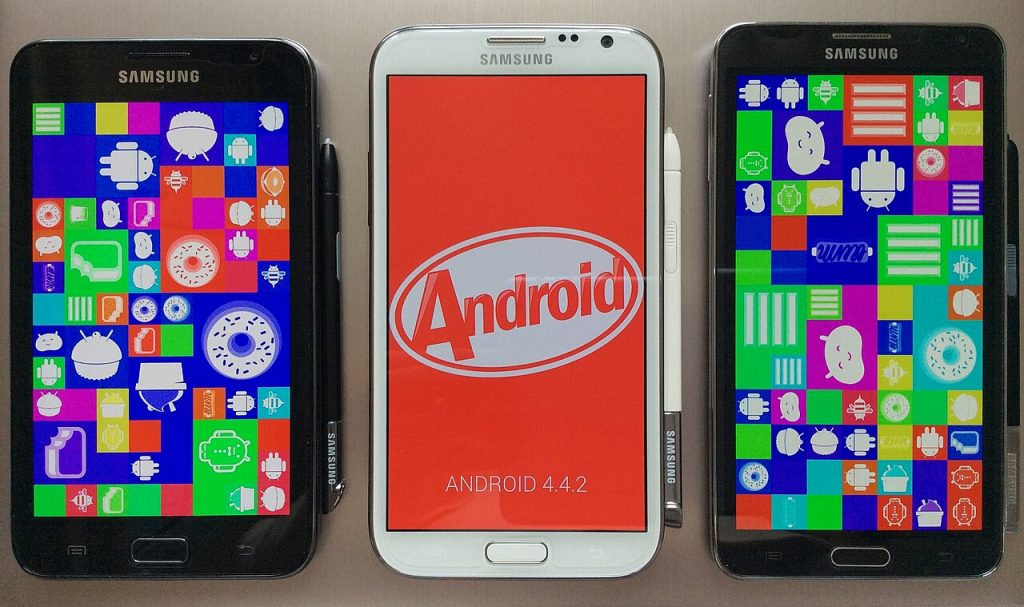
Clean phone screen glass and charging port lint safely using a microfiber cloth and a wooden pick, with no harsh sprays or metal tools.
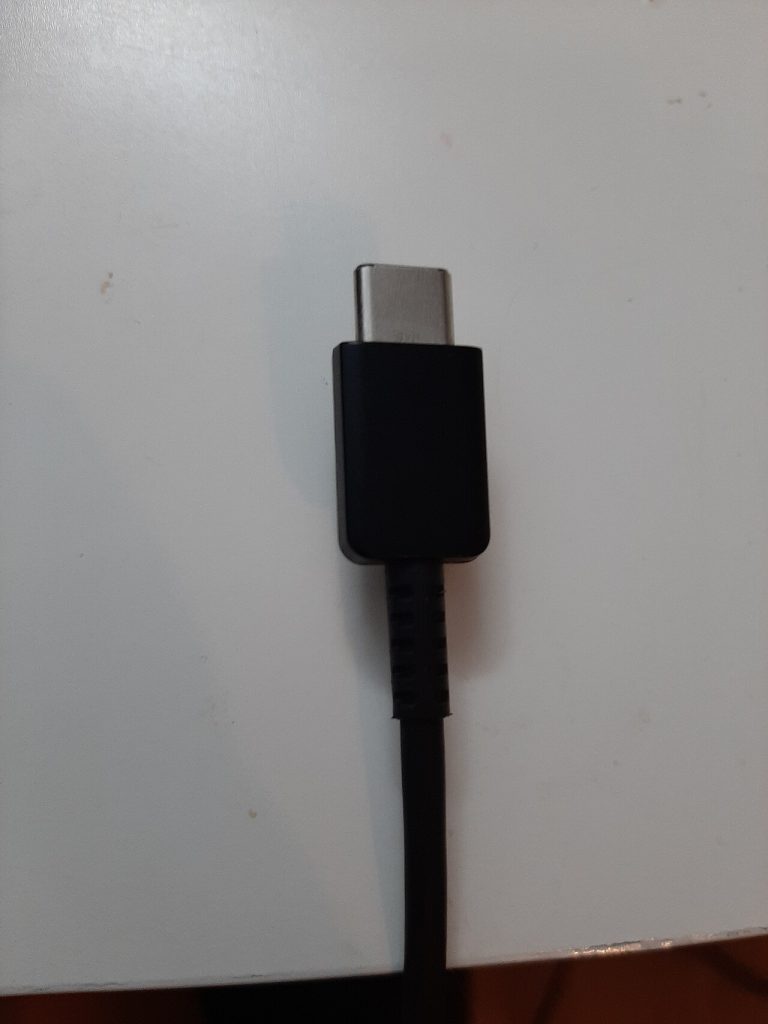
Pick the right USB-C cable by matching wattage, data speed and video support to your device, then test it before the receipt expires.

Stop laptop overheating with clear vents, safe dust cleaning and a calmer power plan, plus the warning signs that mean real damage.