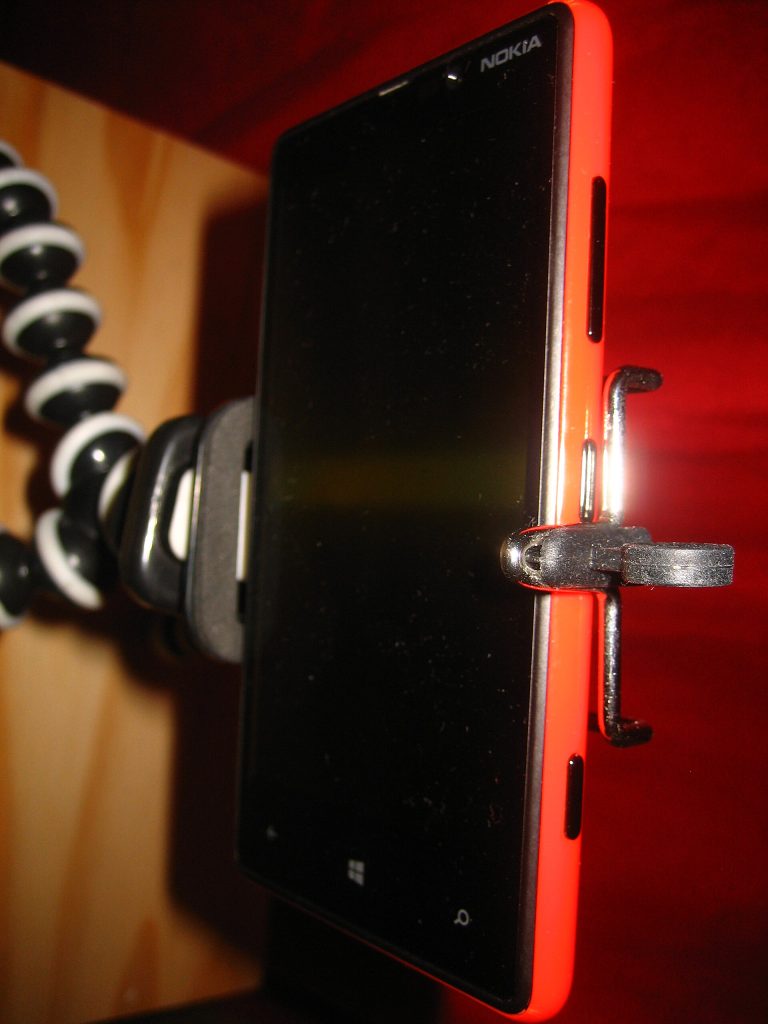
Use Your Phone as a Webcam Without the Lag
Use your phone as a webcam properly: mount at eye level, go wired instead of Wi-Fi, pick the rear camera and stop it sleeping mid-call.
Use your phone as a webcam properly: mount at eye level, go wired instead of Wi-Fi, pick the rear camera and stop it sleeping mid-call.
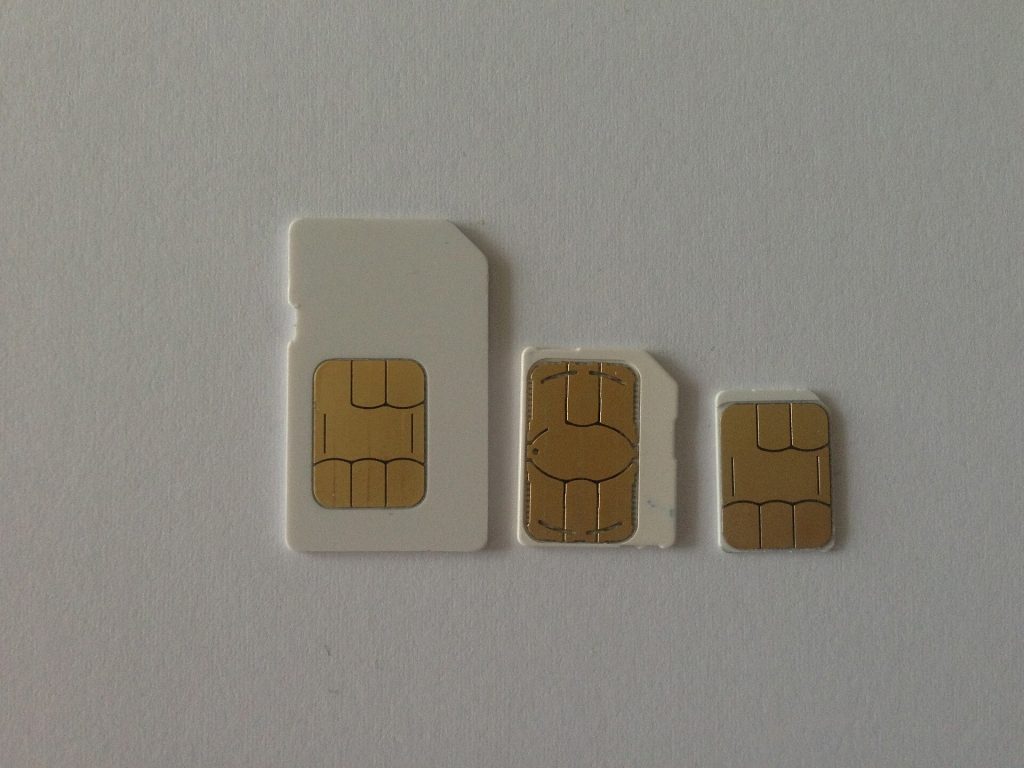
Set up an eSIM for travel before you fly: check support, install at home, name your lines and keep your home number for one-time codes.
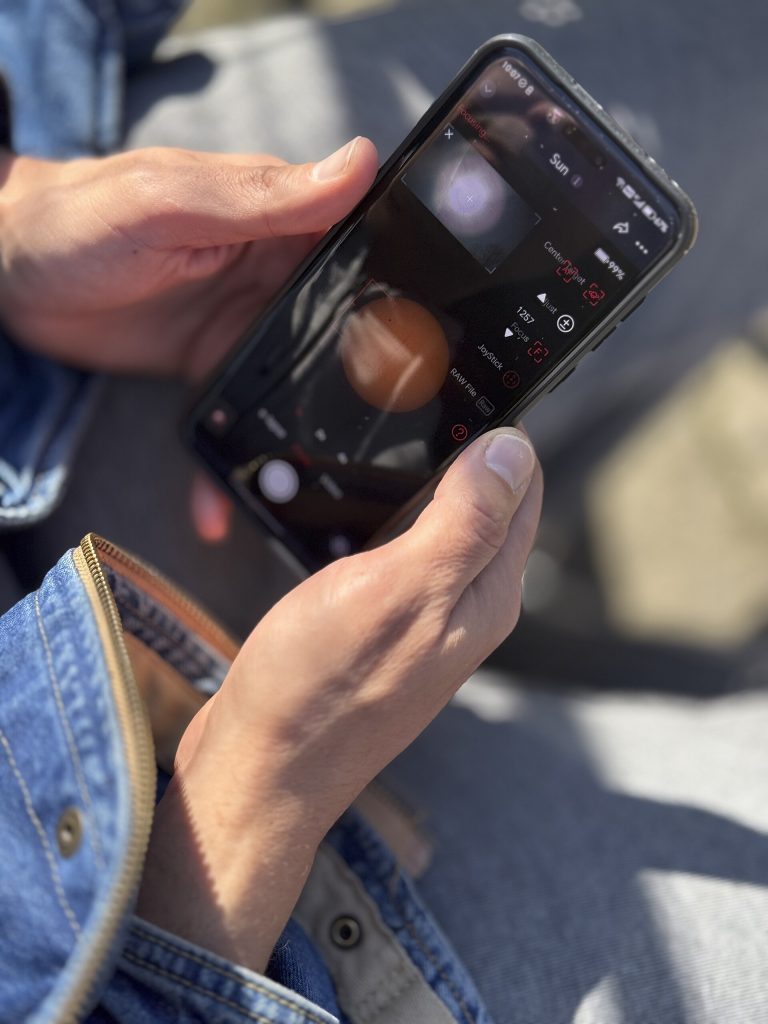
Five phone camera settings that fix blurry, dark and grainy photos: tap to focus, drag exposure, stop digital zoom, brace for night mode.
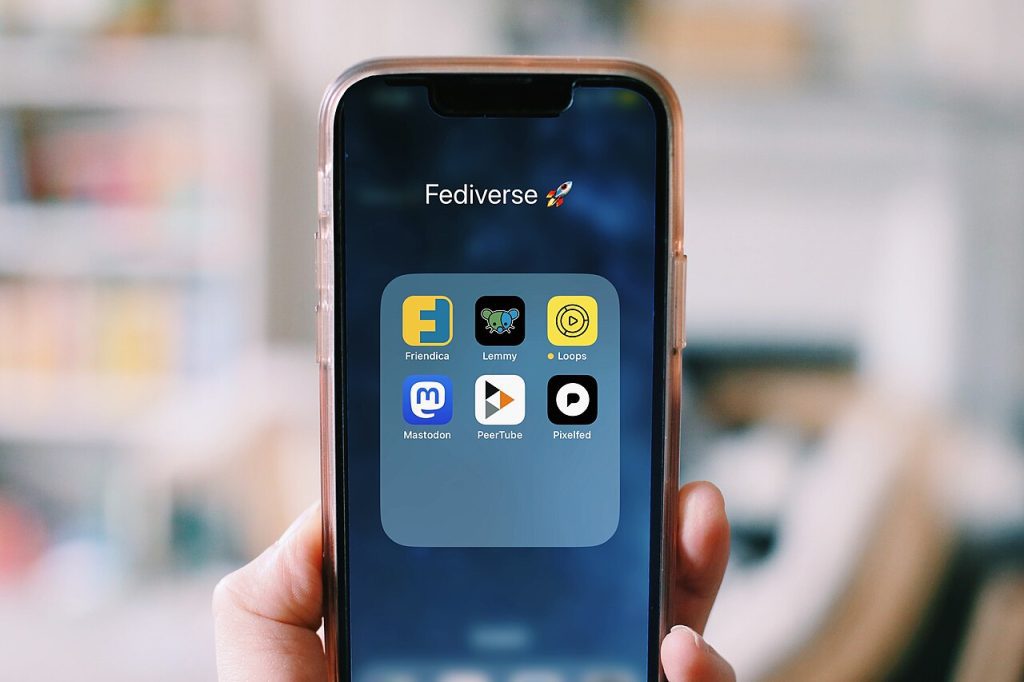
Learn how to organize your phone home screen with a 90-day app audit, a one-page daily layout, task-named folders and a 10-minute weekly reset.
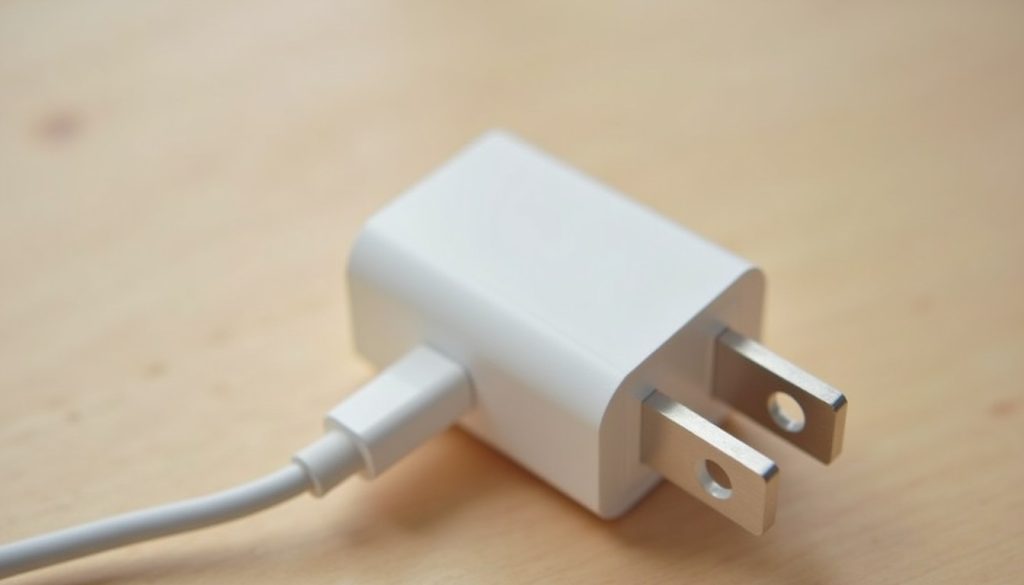
Decode the charger label watts volts amps line: input vs output, USB-C PD steps, cable limits and the signs of a fake charger.
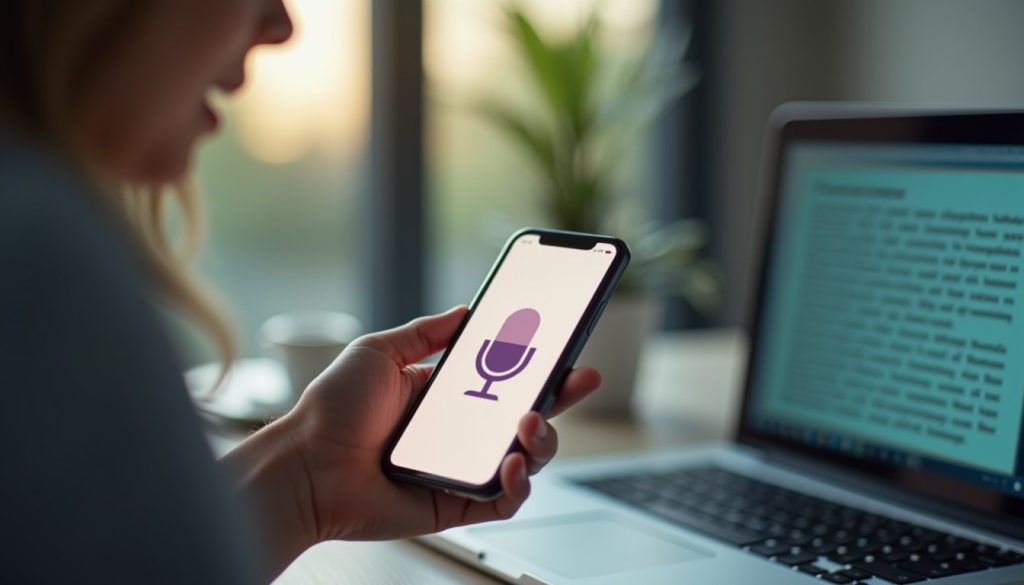
Voice typing is built into your phone and PC. Here’s how to start it, speak punctuation, handle mixed languages and get cleaner first drafts.
SIM swap protection explained: how criminals hijack your number, warning signs, carrier locks to ask for, and what to do in the first hour.
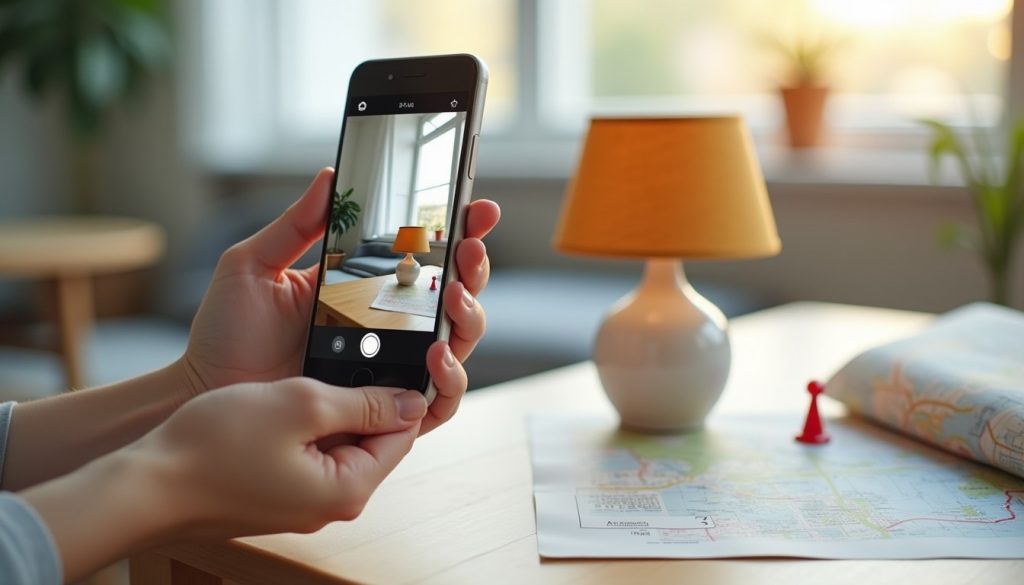
Selling online or sending pictures to strangers? Here is how to remove location data from photos on iPhone, Android, Windows and Mac.

Work out whether a cracked phone screen is worth fixing: which layer broke, the shop questions that change the price, and the used-phone maths.

Why HEIC photos fail to open on Windows and Android, and the fastest way to convert one file or a whole folder on iPhone, Mac or PC.