fix slow Wi-Fi does not have to mean buying a new gadget or signing up for another service. Start with the small checks that remove daily friction, then upgrade only when the evidence says it is worth it.
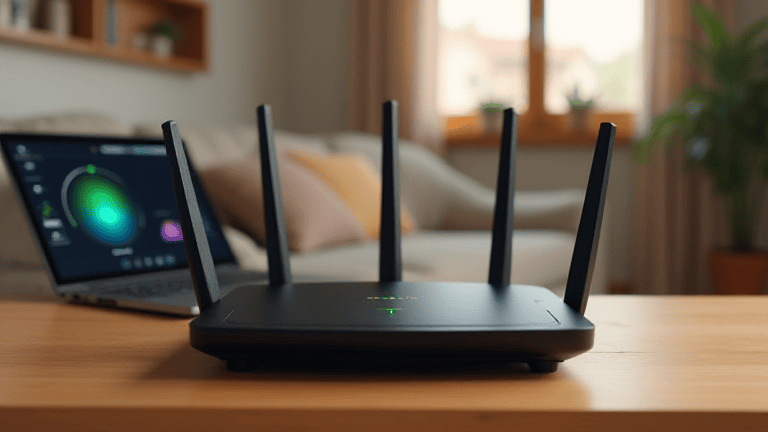
Move the router before changing plans
Place the router high, central, and away from metal shelves, thick walls, microwaves, cordless phones, and Bluetooth speaker clusters. If the router sits behind a TV cabinet, even an expensive internet plan can feel broken. A two meter move often improves speed more than a new package.
Test with one cable and one room
Run one speed test beside the router, then another from the slow room. If the close test is fast and the far test is poor, the problem is coverage, not your provider. If both are slow, restart the modem and router, then test with an Ethernet cable to separate Wi-Fi trouble from line trouble.
Change the crowded band
Use 5 GHz when you are near the router and 2.4 GHz when you need range through walls. In busy apartments, pick a less crowded channel in the router app. Keep the network name simple, update firmware, and remove old unknown devices that may still be connected.
Use the cheapest upgrade only when needed
If one room remains weak, add a wired access point or a mesh node placed halfway between the router and the dead zone. Do not hide the mesh node inside the same dead zone; it needs a strong signal to repeat. This keeps the fix slow Wi-Fi plan cheap and measurable.
Quick checklist
Set a fifteen minute timer, apply the first two steps, and write down what changed. If the result is better, keep the fix. If nothing changes, move to the next section instead of guessing. For more practical ideas, visit the Tips & Tricks homepage and save guides that match your routine.