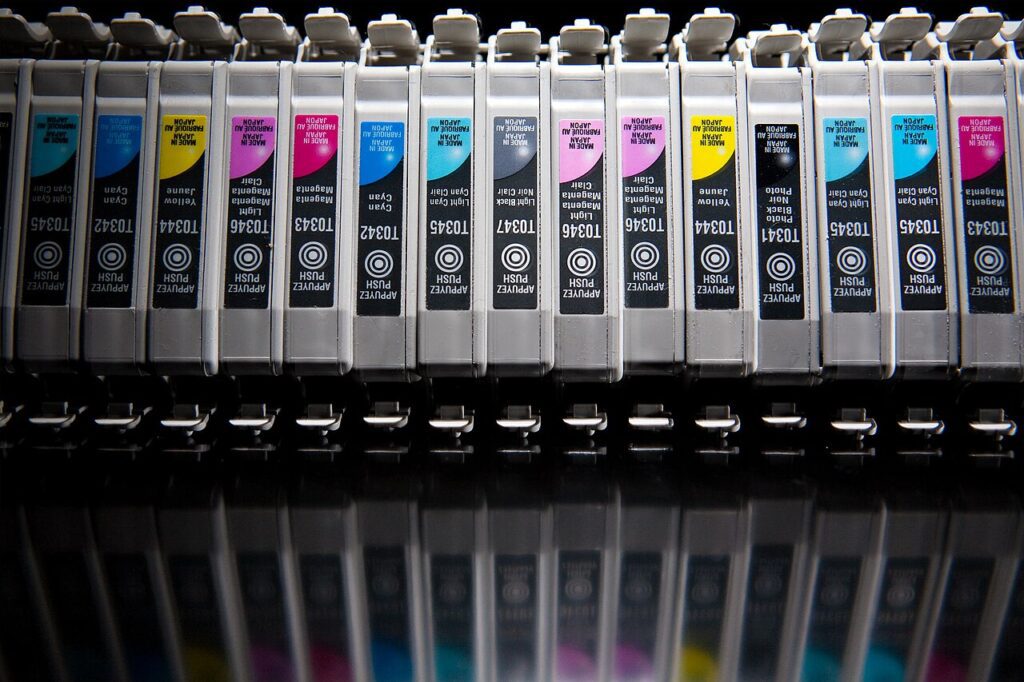
Ink is the most expensive liquid most households buy by volume, and a printer spends a good share of it where you cannot see: priming at power-on, purging after a fortnight of silence, and “best” quality defaults that lay down four times the ink a text page needs. Everything below cuts cost per page by changing coverage rather than simply turning quality down, which is why the output stays readable.
Where the ink actually goes
Cartridge yields are measured on a standard test page at 5 per cent coverage, roughly a short letter with a small logo. A full-page photo is 60 to 100 per cent. That is why the number on the box bears almost no relation to your printing: an XL cartridge rated 600 pages at 5 per cent delivers about 30 pages of photographs. HP’s printer support documentation publishes yields tested to ISO/IEC 24711 for inkjet and ISO/IEC 19752 for mono laser, and the comparison is only honest if you hold coverage constant.
Do a rough audit before changing anything. If 80 per cent of your pages are text, your real cost per page is close to the box figure and cartridge choice matters more than settings. If you print school projects and photos, settings matter more than the cartridge.
Three settings that halve ink coverage
- Draft or EconoMode. Windows: Settings – Bluetooth & devices – Printers & scanners – your printer – Printing preferences – Advanced, then choose Draft on Canon and Epson, EconoMode on HP LaserJet, Toner Save on Brother. macOS: in the print dialog open Quality & Media, pick Draft, then save it as a preset so you stop making the trip every time.
- Paper type. Leave the driver set to Photo Paper while feeding plain 80 gsm sheets and it compensates with extra ink for a glossy surface that is not there. Set Plain Paper and the same page often looks sharper with noticeably less ink.
- Grayscale and duplex. Print in grayscale stops the colour cartridge firing on black text. Two-sided printing halves the sheets, and since ink is consumed per page, it halves the ink for the same document.
Printing from a browser needs one more click: open More settings and switch Background graphics off. That single checkbox removes the coloured panels and hero images that turn a three-page article into nine pages of ink.
Stop paying for cleaning cycles
Every inkjet runs a priming cycle at power-on and a purge after long idle stretches. A deep clean can push one to two millilitres of ink into the waste pad, which is a visible slice of a four-millilitre cartridge. Three rules cover most of it. Never cut power at the wall while the printer is mid-shutdown, because the head has to park under its cap or the nozzles dry out and the next start triggers the heaviest clean of all. Print one colour page at least every ten to fourteen days if you own an inkjet. If a nozzle check shows gaps, run two cleaning cycles, print a test, then wait half an hour before trying again; six cleans back to back usually empties the cartridge and fixes nothing.
Storage counts too. Keep spare cartridges sealed and upright, fit them within about six months of the date on the box, and never peel the protective tape until the moment you slide the cartridge in.
Do the per-page maths before you buy a cartridge
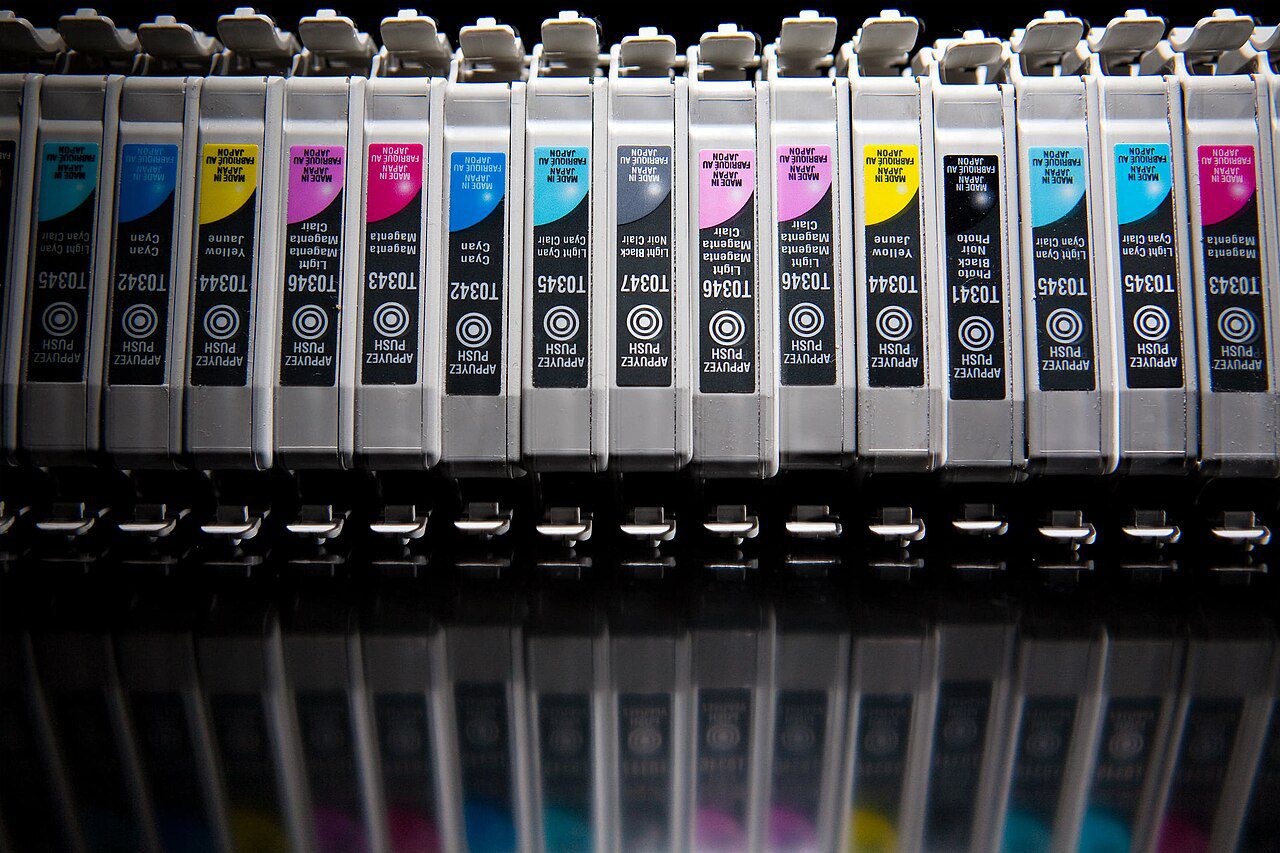
Divide the price by the ISO yield on the box and compare like with like. A standard tri-colour cartridge at 28 dollars for 200 pages costs 14 cents a page; the XL version at 42 dollars for 500 pages costs 8.4 cents. The expensive box is the cheap ink. Remanufactured cartridges and refill kits can reach 3 cents a page, but on chipped HP and Epson carts they frequently report the wrong level, and a leaking refill can destroy a printhead that costs more than a year of ink. That trade only makes sense on a cheap printer you would happily replace.
When a mono laser is the cheaper answer
If more than 70 per cent of your printing is text, an entry-level mono laser changes the arithmetic completely. A Brother HL-L2350DW class machine uses toner rated 1,200 pages to ISO/IEC 19752, does not clog after two idle months, and lands near 2.5 to 3 cents a page on high-yield toner. Keep the inkjet for photos and colour schoolwork, and put the laser on a timer plug so it is not drawing power all night. Paper follows the same logic: 75 gsm is fine for drafts, and a 500-sheet ream usually halves the per-sheet price of 100-sheet packs.
Before you blame the ink, rule out the connection. The wireless printer offline checks cover the driver and DHCP faults behind half-printed jobs, and printing from your phone without a computer explains the app defaults that quietly push every job to best quality. For cartridge sourcing, twelve changes that halve ink cost goes deeper into compatible versus genuine supplies.