Money-Saving Tech Habits That Trim Bills
Find where tech money quietly leaks, from standby power and upgrade timing to refurbished buys, warranties, overages and charger choices.
Find where tech money quietly leaks, from standby power and upgrade timing to refurbished buys, warranties, overages and charger choices.
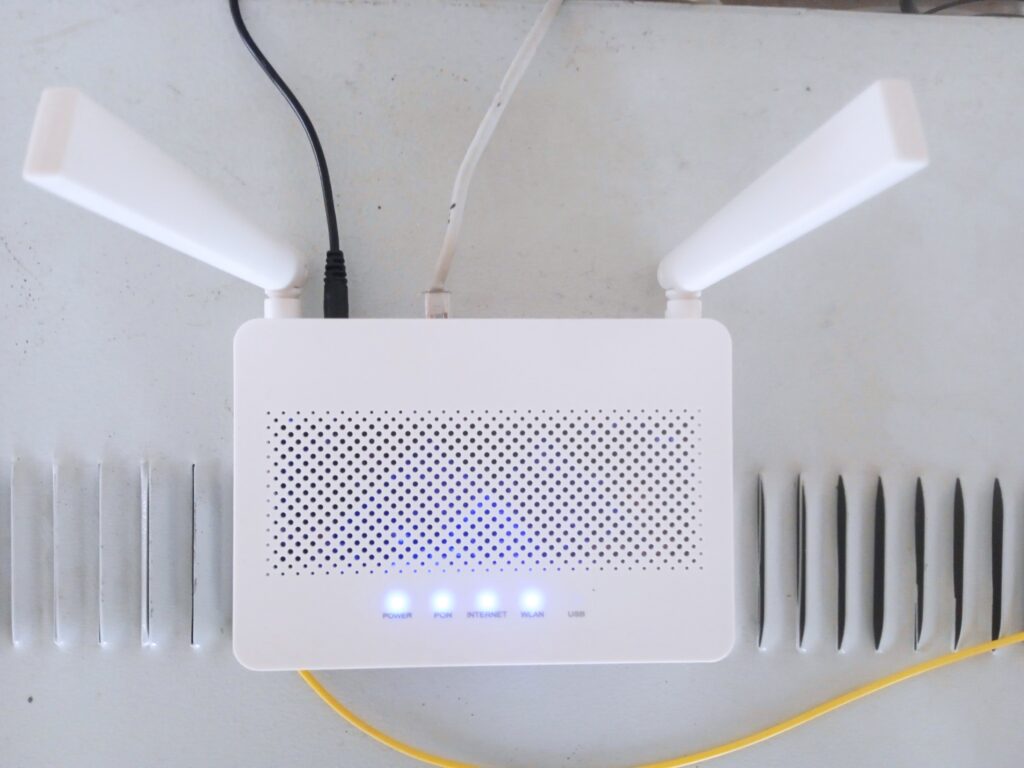
Fix slow Wi-Fi from the settings page: firmware, channel width, DHCP, DNS, QoS, UPnP, WPA3 and guest network tweaks that steady your connection.

A 20-minute routine for iPhone and Android: ad tracking, background refresh, notifications, permissions, camera and mic indicators, and privacy reports.
Find what really fills your Linux disk with df and du, then trim package caches, journals, old kernels, and Flatpak or Snap leftovers safely.
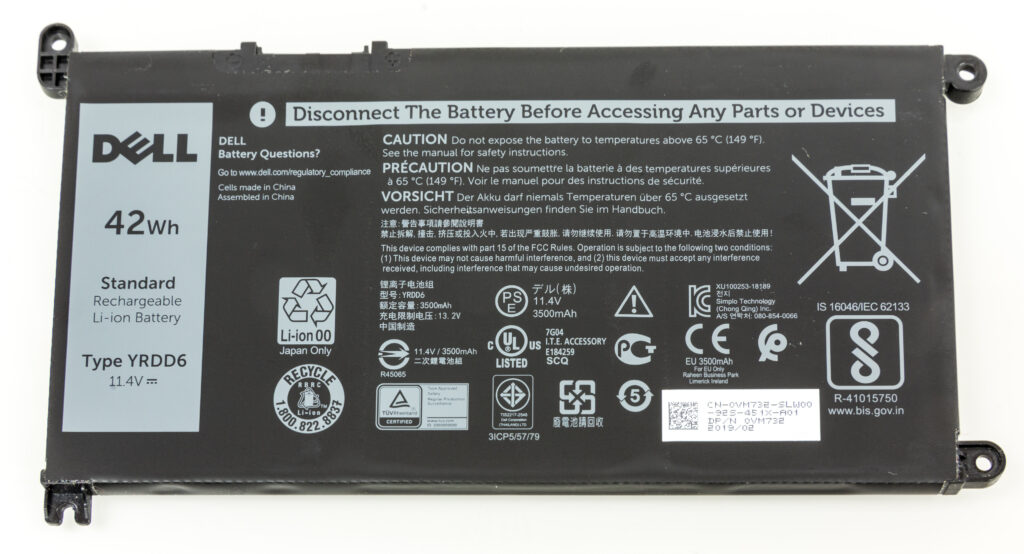
Use Low Power Mode, Optimised Charging, Activity Monitor and Login Items to find what drains your MacBook and make each charge last longer.
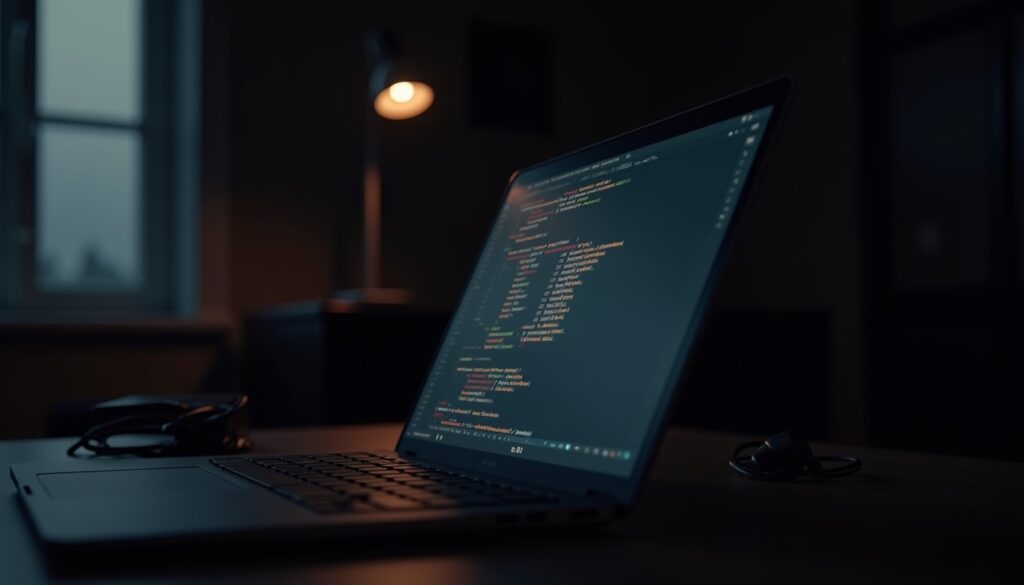
Choose TLP or power-profiles-daemon, audit wakeups with powertop, tame hybrid GPUs and browser video, and pick suspend or hibernate wisely.

Sell your old phone safely with this checklist for backups, account sign-out, factory reset, and simple steps that protect your photos and logins.
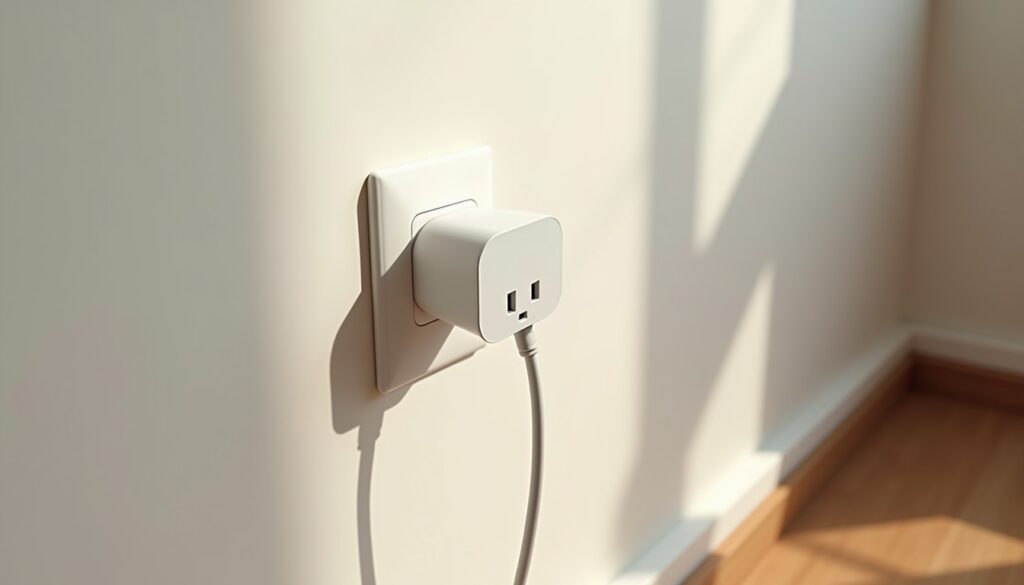
Smart plug energy savings are real when you use them on the right devices. Cut standby waste with schedules, timers, and a simple room-by-room check.

These android scam call settings help reduce spam, silence obvious junk calls, and make it easier to spot the calls that deserve your attention.
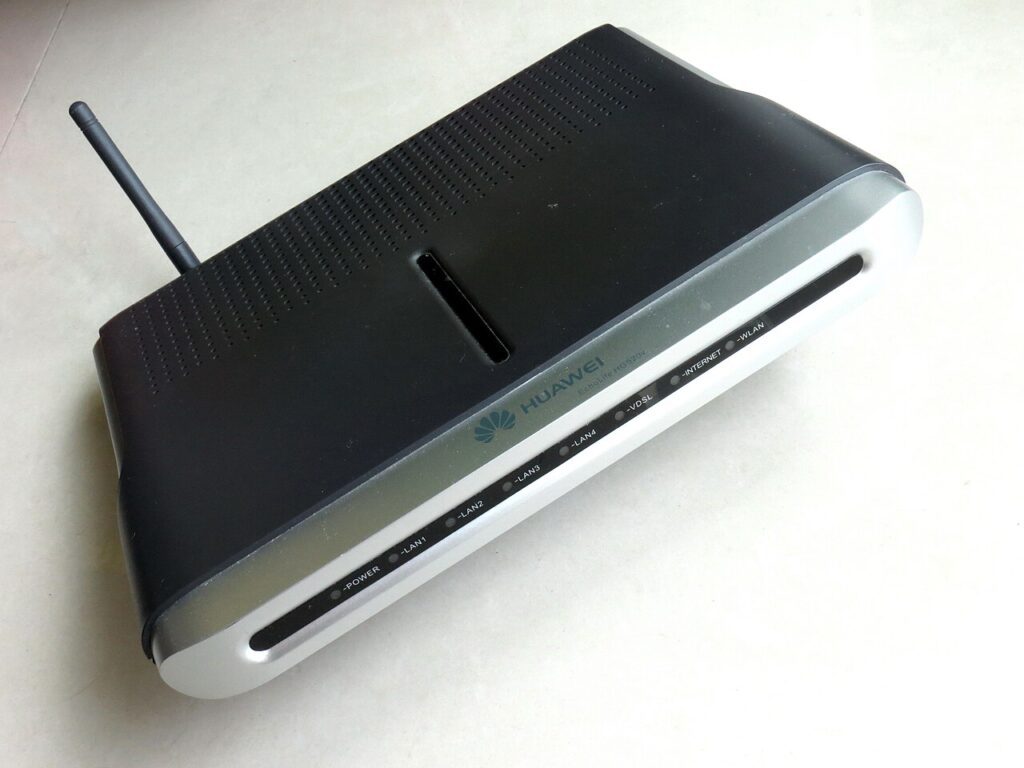
Better wifi router placement can improve speed and stability fast. Use these room-by-room rules before paying for a more expensive internet plan.