
Set Up Two-Factor Authentication Without Headaches
Pick the right second factor, save the backup codes properly, and move to a new phone without locking yourself out of your own accounts.
Pick the right second factor, save the backup codes properly, and move to a new phone without locking yourself out of your own accounts.
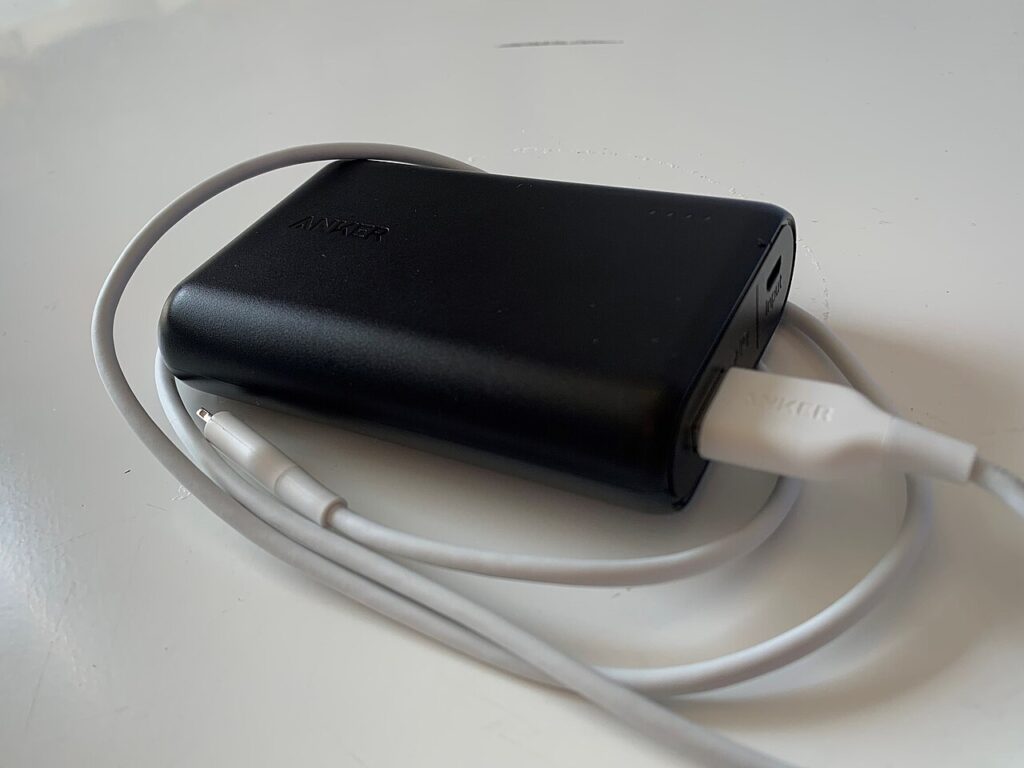
Size the power bank to your router’s wattage, print the recovery codes nobody prints, and set up emergency access before the outage, not during it.

A child profile, a dead advertising ID, purchases locked at the source and a hand audit of mic and location permissions on a kids tablet.
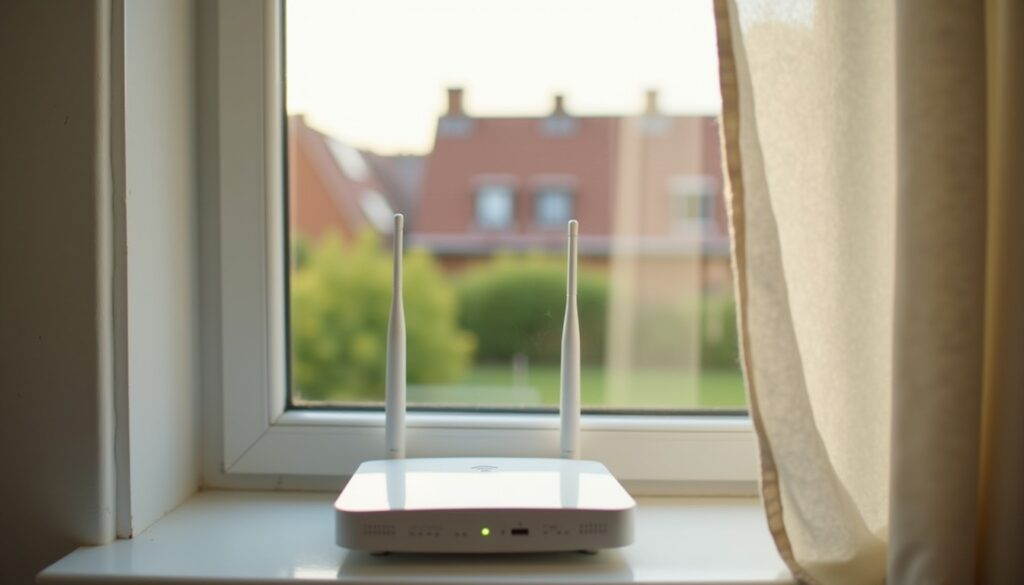
Change the admin password, switch WPS off, close remote access, and learn to tell a bandwidth thief from a congested 2.4 GHz channel.
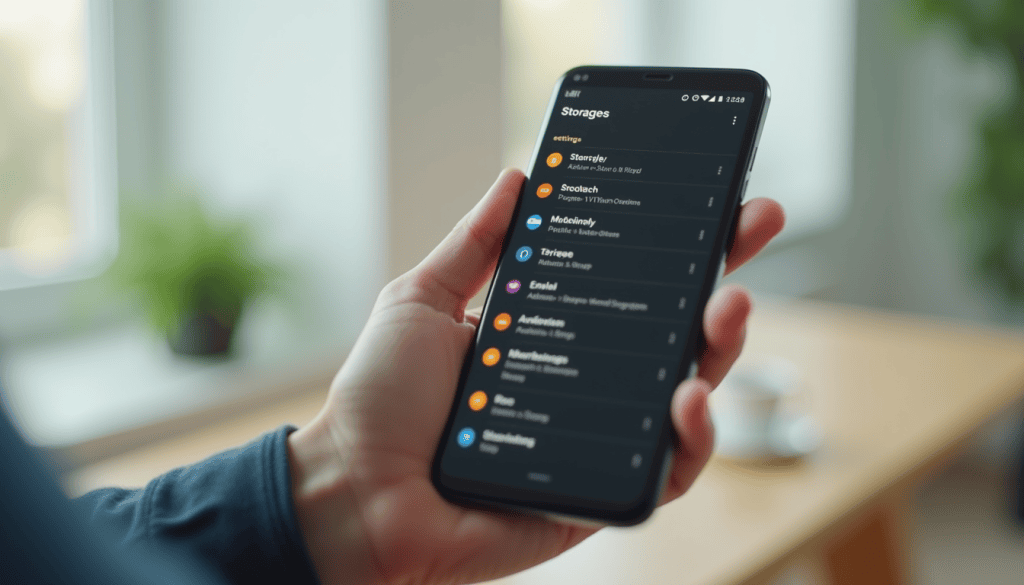
Find what is really slowing the phone, reclaim 10-15% of storage, restrict background apps and halve the animations, plus when hardware is the limit.

Scan at the right dpi, store the prints in acid-free boxes, and keep three copies of the archive including one in another building.

A 2018 ThinkPad with a known fault list beats a mystery spec sheet. Pick the model first, then test it with five free tools.
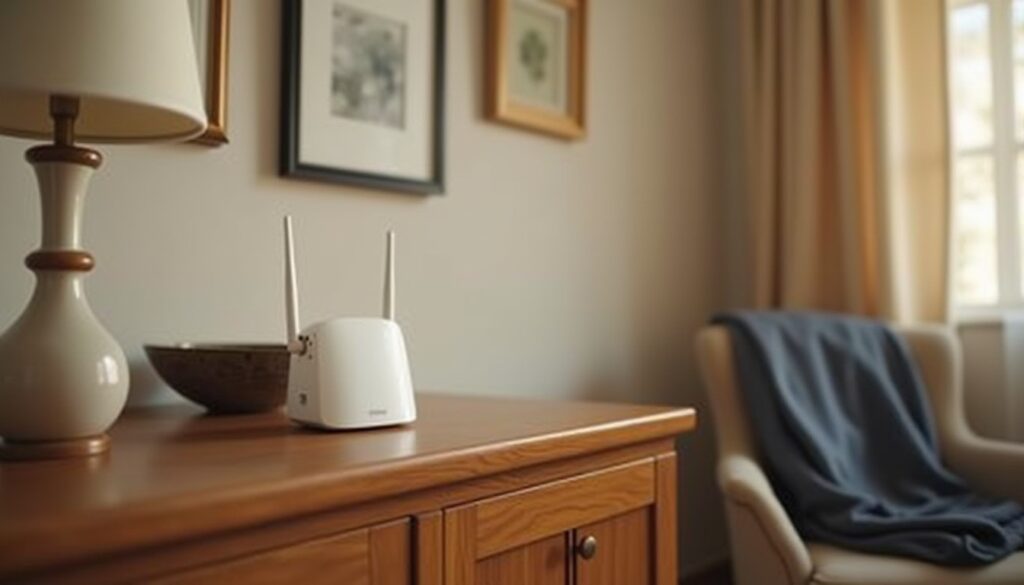
Guests get the password, not the network. A guest SSID that cannot reach your printer, NAS or admin page is the whole trick.

Pick a family plan that fits your household, split shared from private vaults, and lock the master password down before the first invite.
One cloud folder, a fixed filename pattern and two email filters that keep every receipt findable when a refund or warranty claim needs it.