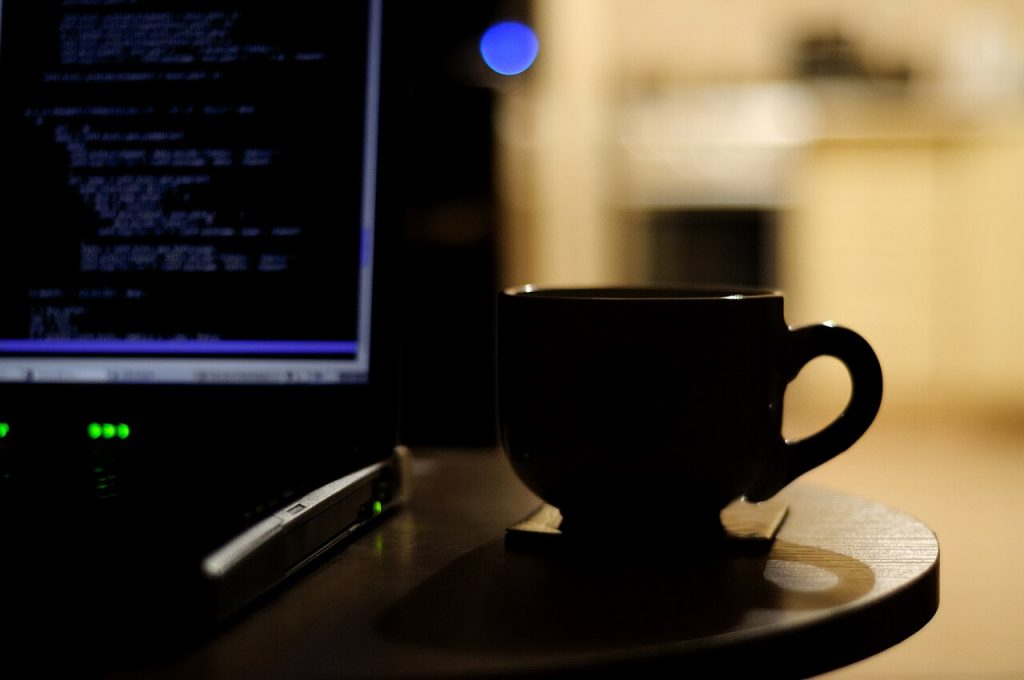
If your eyes feel gritty and your head aches by the end of a workday, the screen is usually part of the problem — and the evening hours are the worst of it. Learning to reduce screen eye strain at night is mostly about light, distance, and breaks, and it costs nothing to start tonight.
This guide explains what actually causes the discomfort, the changes that help within a day, the settings worth adjusting, and when the problem is not the screen at all.
Why screens strain your eyes more at night
Three things happen when you stare at a screen after dark:
- You blink less. Average blink rate drops by roughly half during focused screen work, so the tear film dries out and the surface of the eye gets irritated.
- The contrast is wrong for the room. A bright screen in a dim room forces your pupil to stay constricted while the surroundings are dark, which is tiring over hours.
- Your eyes hold one distance. The focusing muscle stays locked at roughly arm’s length and never relaxes, which is what produces the ache behind the eyes.
None of that damages your eyesight permanently, but it does make the last two hours of work miserable and it interferes with sleep. The fix is a set of small changes, not a single setting.
Simple ways to reduce screen eye strain at night
1. Match screen brightness to the room
Your screen should look about as bright as a white sheet of paper in the same room — not brighter. Auto-brightness usually gets this right on phones; on laptops it is often disabled. Turn it on, or set brightness manually to around 40–50% in a dark room.
2. Add light behind the screen
A bias light — a small lamp behind the monitor, aimed at the wall — removes the harsh contrast between screen and room. It is the single most effective change for evening work, and a cheap desk lamp does the job.
3. Increase text size instead of leaning in
If you find yourself moving closer to read, the text is too small. Raise the zoom level to 110–125% and keep the screen at least 50–60 cm away. Distance reduces the focusing effort far more than most people expect.
4. Follow the 20-20-20 habit
Every 20 minutes, look at something about 20 feet away for 20 seconds. It sounds trivial and it works: it releases the focusing muscle. A timer or a break reminder app helps until it becomes automatic.
5. Use night mode, but do not rely on it alone
Warm colour temperature in the evening reduces the blue-heavy look of the screen and feels gentler. It does not fix dryness or focus fatigue, so treat it as one layer rather than the solution. On Windows it is Settings → System → Display → Night light; on iPhone, Settings → Display & Brightness → Night Shift; on Android, Settings → Display → Night Light.
6. Blink deliberately and use drops if needed
A sticky note on the monitor edge reading “blink” is a surprisingly effective reminder. If your eyes still feel dry by evening, preservative-free lubricating drops help — but check with a pharmacist, and do not use redness-removal drops for this.
Settings worth changing on every device
- Dark mode for apps you use at night, especially chat and reading apps.
- Larger system font size rather than higher resolution scaling that makes everything small.
- Reduce blue-heavy whites with a warm profile after sunset.
- Turn off flicker-prone settings such as aggressive dynamic contrast or “eye care” modes that pulse brightness.
- Enable grayscale after a set hour on your phone — it makes the screen less compelling and shortens evening use almost by accident.
Set up your desk so your eyes do not have to work
Position matters as much as settings:
- The top of the screen should be at or just below eye level, so you look slightly down.
- The screen should be about an arm’s length away, roughly 50–60 cm.
- Do not sit with a window or a bright lamp directly behind the screen, and do not sit facing a window at night — both create glare.
- Keep the screen clean. A smudged screen forces your eyes to work harder to resolve text.
- Avoid using a laptop on your lap for long sessions; the screen ends up too close and too low.
When it is not the screen
Screen habits explain a lot of evening eye discomfort, but not all of it. See an eye care professional if you notice:
- Blurred vision that persists after you look away from the screen
- Double vision, or a headache that starts in one spot
- Eye pain, redness that does not settle, or light sensitivity
- Discomfort that continues even on days without screen work
An outdated prescription is a very common cause of evening strain — people blame the monitor when their glasses are simply two years old. A routine eye test is cheap insurance. Background on computer vision syndrome is summarised on Wikipedia’s overview, and it is worth a read before you buy any “eye care” gadget.