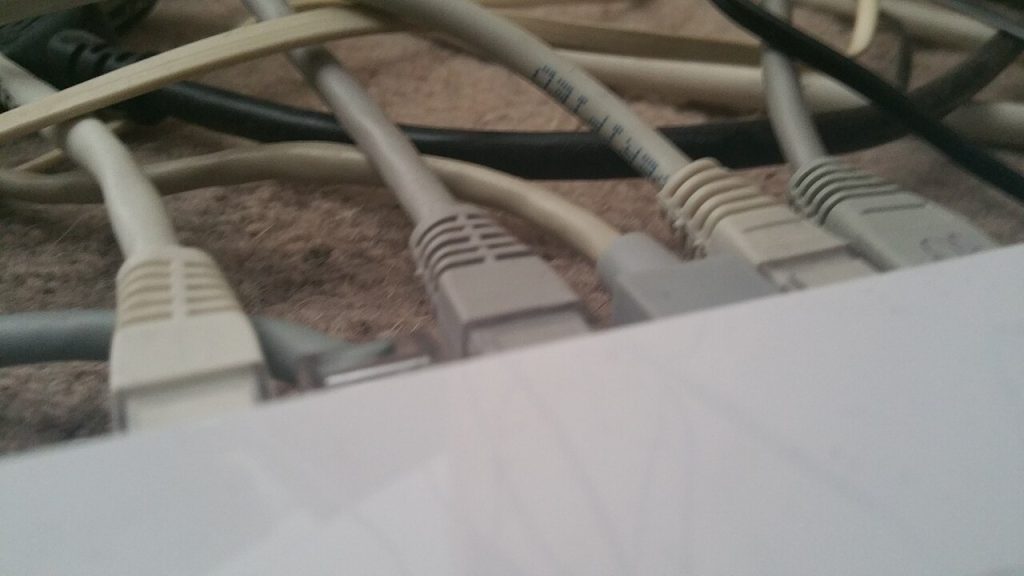
Wi-Fi is convenient and shared. A cable is private, stable and fast, and it costs less than most people expect. If your video calls stutter in the same room as the router, a wired ethernet connection removes the guesswork: no channel congestion, no interference from a microwave, no mystery dropouts at 21:00 when the whole street starts streaming.
Why a wired ethernet connection still wins
Three practical reasons. Latency is lower and far more consistent, which matters more for calls and games than raw download speed. Throughput is not shared with every other device on the airwaves, so a large backup does not degrade the laptop next to you. And a cable does not care how many walls or how much concrete sits between the router and the desk.
Wi-Fi is still the right choice for phones and tablets. The best home network is a mix: cable the things that never move, and leave wireless for everything else.
Plan the run before you buy cable
Measure the actual path, not the straight line. Cables run along skirting boards and around door frames, and a 10-metre cable reaches far less far than people assume. Buy Cat 6 for new runs: it handles gigabit speed with headroom and costs only slightly more than Cat 5e.
- Count the devices you want to wire: a desktop, a television, a console, a work laptop dock.
- Check how many LAN ports your router has. Four is typical, and one may already feed a mesh node.
- If you need more ports, add a small unmanaged gigabit switch near the desk rather than running extra cables back to the router.
- Buy pre-made cables with moulded plugs unless you already own a crimping tool; hand-crimped ends are the most common cause of a flaky link.
Connect the router, jack and device
Plug one end into a LAN port on the router, not the WAN or internet port. On most routers the LAN ports are grouped and labelled, and using the wrong one is the single most common reason a new cable “does not work”. Push the plug in until it clicks; a partially seated RJ45 plug can look connected and still fail.
At the device end, connect and wait for the link light next to the port. No light means no electrical link, so check both ends before touching any software settings. On a laptop, you may need a USB-C to ethernet adapter, and cheap adapters sometimes negotiate only 100 Mbps, which caps your speed regardless of the cable.
Test speed and fix the usual faults
Run a speed test once on Wi-Fi and once on the cable, from the same device and the same server, and write both numbers down. A wired result that matches your plan speed confirms the cable and the port are fine. If the wired result is much lower than expected, work through this list:
- Swap the cable for a known-good one to rule out a broken pair.
- Move to a different LAN port on the router.
- Check the adapter or network card is negotiating at 1 Gbps rather than 100 Mbps.
- Look for a kinked cable where it passes a door or a chair wheel.
Intermittent dropouts on a wired link are almost always mechanical: a strained connector, a cable crushed under furniture, or a plug that has been pulled sideways too many times.
Tuck the cable away so it survives
A cable that survives installation but dies in six months was installed badly. Run it along skirting with adhesive cable clips rather than stretching it across a walkway. Leave a service loop of slack at both ends so nothing pulls on the plug. Keep data cables away from mains leads where you can, and never staple through a network cable.
Label both ends with tape if you are running more than one. Future you, unplugging a router in a hurry, will be grateful.
Do this once and the wired ethernet connection quietly becomes the most reliable part of your home network, with no settings to revisit and nothing to troubleshoot when the house fills up with devices.
The short version
Buy Cat 6, use a LAN port and not the WAN port, and confirm the link light before you change any setting. A wired ethernet connection that shows a light but slow speeds is almost always a 100 Mbps adapter or a damaged pair, not a router problem.
Once a wired ethernet connection is in place for the desktop and the television, the wireless network has fewer devices competing for airtime, so everything else gets faster too.
Fifteen minutes of work buys years of stability. A wired ethernet connection removes the most common cause of a bad call, and once one wired ethernet connection is in place, every wireless device in the house gets a share of the freed airtime.
Related reads
Background on cable categories and pinouts: Ethernet.