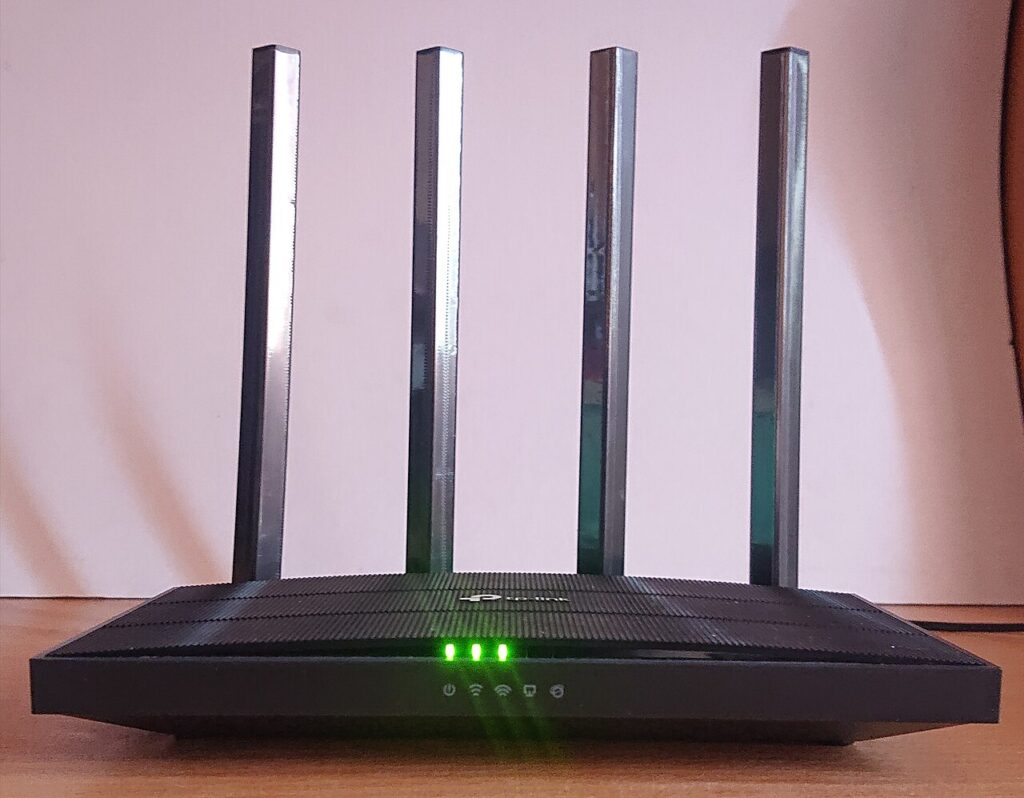
Update Router Firmware Safely does not need to be complicated. Router firmware updates close security holes and fix bugs, but the update should not be rushed during a work call or online class. To update router firmware safely, choose a quiet time and make sure nobody needs the internet for the next few minutes.
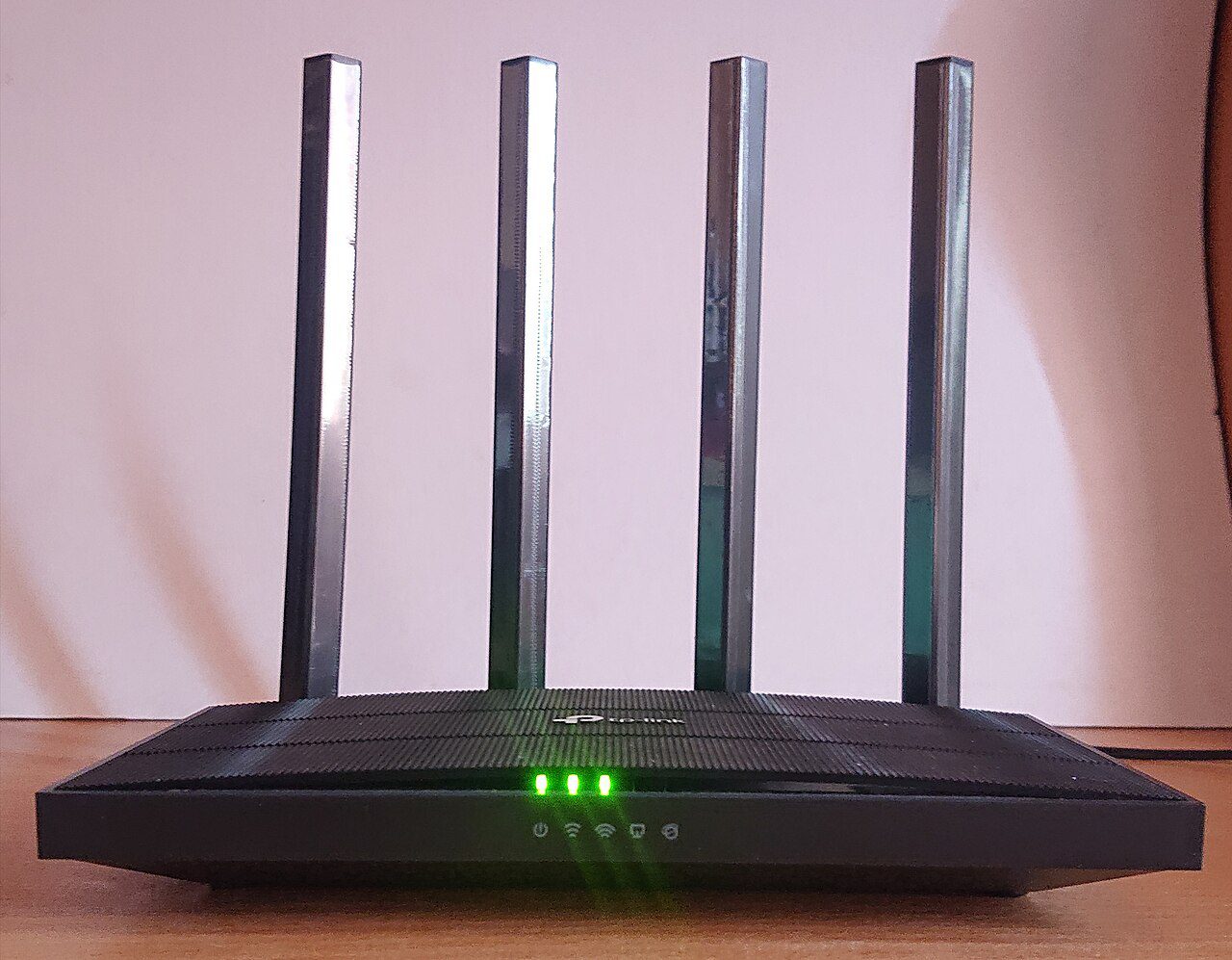
Update router firmware safely before problems start
Log in using the router address printed on the label or the official app from the router maker. Avoid links from random search ads, because fake support pages are common around router problems.
Back up settings first
Before updating, look for a backup or export settings option. Save the file somewhere you can find it, then note your Wi-Fi name, admin username, and any custom DNS, port forwarding, or parental-control settings.
If the router offers automatic updates, turn them on after this manual check. Automatic security patches are usually safer than forgetting updates for years.
Keep power stable during the update
Do not unplug the router while firmware is installing. If you have a UPS, plug the router into it before starting. Use a wired connection from a laptop if the router maker recommends it, because Wi-Fi can drop while the router restarts.
After the update, wait a few minutes before judging success. Many routers reboot twice or rebuild settings in the background.
Check security after reboot
Confirm the firmware version changed, the Wi-Fi password still works, and remote administration is off unless you truly need it. Then restart one phone and one laptop to make sure normal devices reconnect cleanly.