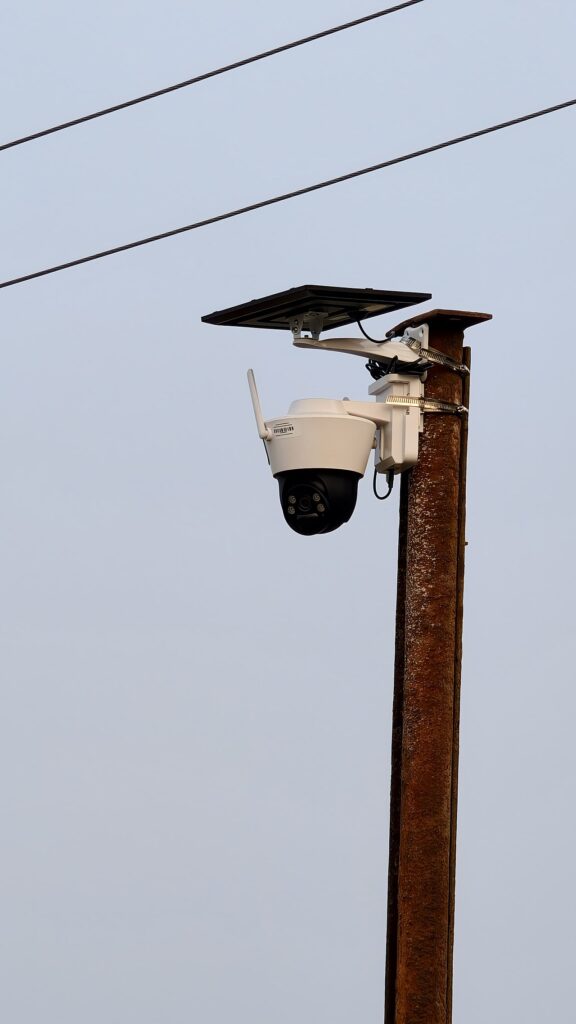
A doorbell camera is a small computer with a lens, a permanent internet connection and a login. Most buyers spend an hour working out the mounting bracket and about five minutes on the account, which is exactly backwards: the bracket decides how the video looks, the account decides who else can watch it.
What follows is the order that matters. Each step is a single screen in the camera app or its web interface, and the whole list takes under half an hour on a typical two-camera setup.
The camera password and the app password are separate jobs
Budget cameras often ship with a fixed local login such as admin / admin or admin / 12345, printed on the underside sticker. That sticker is also photographed in every unboxing video on the internet, so treat it as public information. Open the camera’s own settings page (usually an address like 192.168.1.108 on your network, found in the app under device information) and change that local password to something long and unique — fourteen characters or more, not reused from anything else.
Then check the cloud account separately. Many brands let the app account and the camera’s local account have different credentials, and both need attention. If the firmware offers a default user named admin, rename it where possible, and disable any guest or demo account you find switched on.
Two-factor, and one login per person
Turn on two-factor authentication inside the vendor’s app; an authenticator app is preferable to SMS, which can be intercepted by a SIM swap. Then look for a “logged-in devices” or “active sessions” list in the account settings and sign out everything you do not recognise — old phones, a tablet you sold, the account an installer used.
Shared logins are how a camera stays visible to somebody you have forgotten about. If those logins are also reused elsewhere, a breach on one site hands an attacker the camera password too, which is the problem a password manager exists to solve. Most apps now support adding household members individually, which lets you revoke one person without changing the password everyone else uses.
Decide where the footage lives before you trust it
There are two storage models and they fail in different ways. Local recording writes to a microSD card or an NVR inside your house: nothing leaves the network, and a 128 GB card typically holds one to two weeks of continuous 1080p, or considerably longer if you record events only. Cloud recording uploads clips to the vendor: convenient after a break-in, but it means the footage is somebody else’s data to protect, and plans commonly run from roughly $3 to $10 per camera per month.
Whichever you pick, confirm it. Look for a cloud or “AI” toggle in the recording settings and switch it off if you only want local storage; then check your router’s client list to see whether the camera is still opening outbound connections. Brands aimed at installers — Reolink, Amcrest, Hikvision — generally allow a fully local setup through ONVIF or their own NVR, and that is the configuration to choose if privacy is the priority rather than convenience.
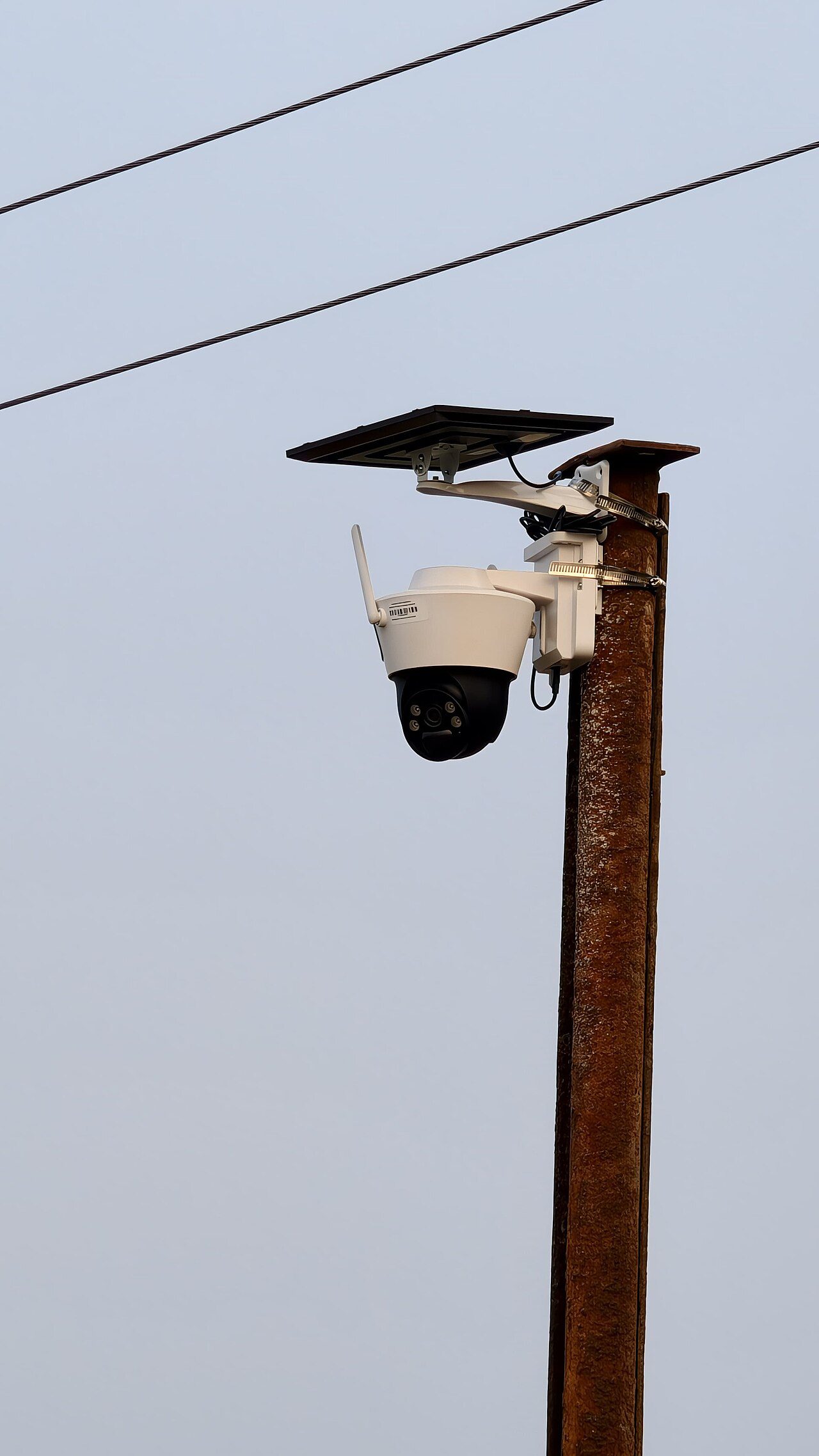
Point the lens at your own property
Field of view is a privacy setting, and it is the one owners forget. Use the app’s privacy mask to black out any rectangle covering a neighbour’s window, a shared alley or a public pavement, and draw motion zones around your path and driveway so the camera stops logging every passing car.
Mounting height helps too. A lens at 2.2–2.4 m angled down at the threshold records faces at your door without sweeping the street; a camera at eye level pointed outward records the whole road. In the UK, domestic CCTV falls outside most of UK GDPR, but the Information Commissioner’s Office still expects householders to film only their own boundary and to talk to neighbours first — a polite conversation is cheaper than a complaint.
Firmware, network and the quarterly check
Enable automatic firmware updates, then verify the version once a month; a camera that has not had an update in two years is a known-vulnerable camera. If the app has no update button at all, the UK National Cyber Security Centre’s guidance on smart devices in the home lists what a modern device should support, and what to do when it does not. Put it on a separate guest Wi-Fi network rather than the one your laptop uses — a hacked camera should not be able to reach your file shares. For the same reason, turn off UPnP on the router and remove any port forwarding rule that exposes the camera to the internet on ports like 8080 or 554.
Finally, run the check on the first Sunday of each quarter: firmware date, logged-in devices, cloud storage toggle, and where the lens is actually aimed. It takes four minutes and catches the two things that drift — new app logins and a camera nudged by wind or a football.