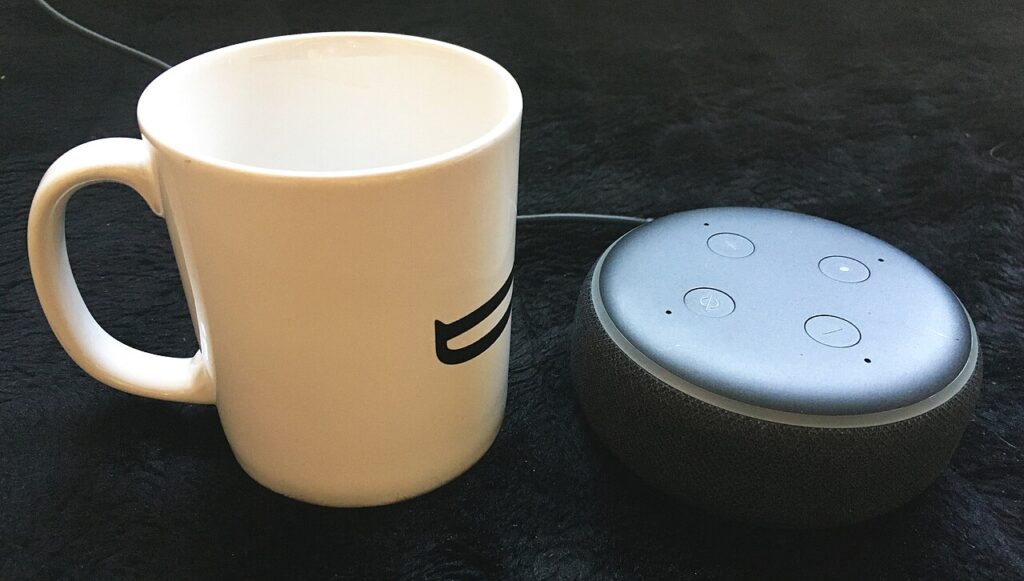
Smart speakers are convenient, but they also sit in busy rooms listening for a wake word all day. The goal is not to make them useless; it is to adjust smart speaker privacy settings so recordings, purchases, and personal answers are under your control.
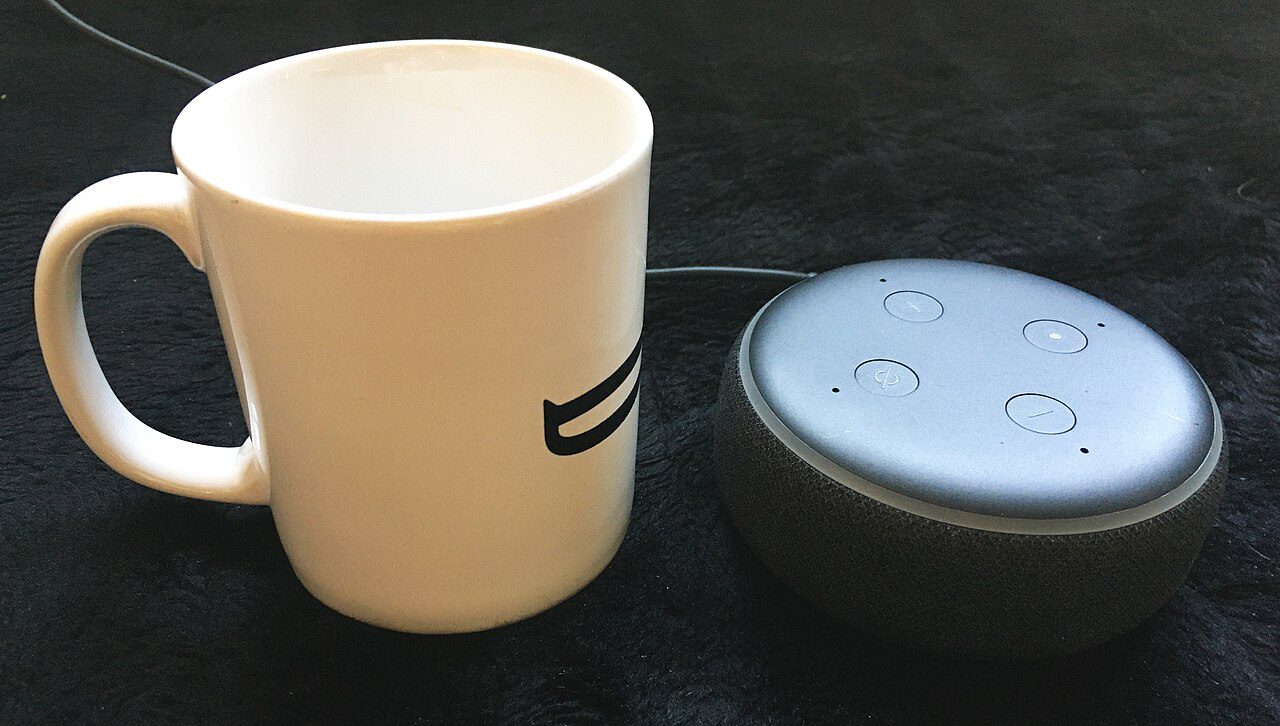
Smart speaker privacy settings for voice history
Open the speaker app and find voice history or activity controls. Delete old recordings you do not need and change the retention setting to the shortest option available, such as auto-delete after a few months.
Turn off manual review or improvement programs if the option exists. These programs may help voice recognition, but most households do not need human review of accidental recordings.
Lock down purchases and personal results
Require a voice PIN or disable voice purchasing completely. This prevents a guest, child, or TV commercial from ordering something with a phrase that sounds close enough to your wake command.
Limit personal results in shared rooms. Calendar entries, commute details, reminders, and contact information should not be spoken aloud in a kitchen or living room unless everyone there is trusted.
Use mute and placement deliberately
Place the speaker where the mute button is easy to reach. If you are discussing passwords, finances, health, or work calls, tapping mute should be a normal habit rather than a dramatic privacy move.
Keep smart speakers away from windows and guest sleeping areas. Good placement improves sound quality and reduces the chance that private conversations or outside voices trigger the device.
Quick checklist before you stop
Review these smart speaker privacy settings every few months, especially after app updates. Companies move menus around, but the core goals stay the same: less stored audio, safer purchases, and fewer personal details spoken in public rooms.
For more practical guides, visit the Tips & Tricks homepage and keep a short note of any setting you changed so it is easy to reverse later.