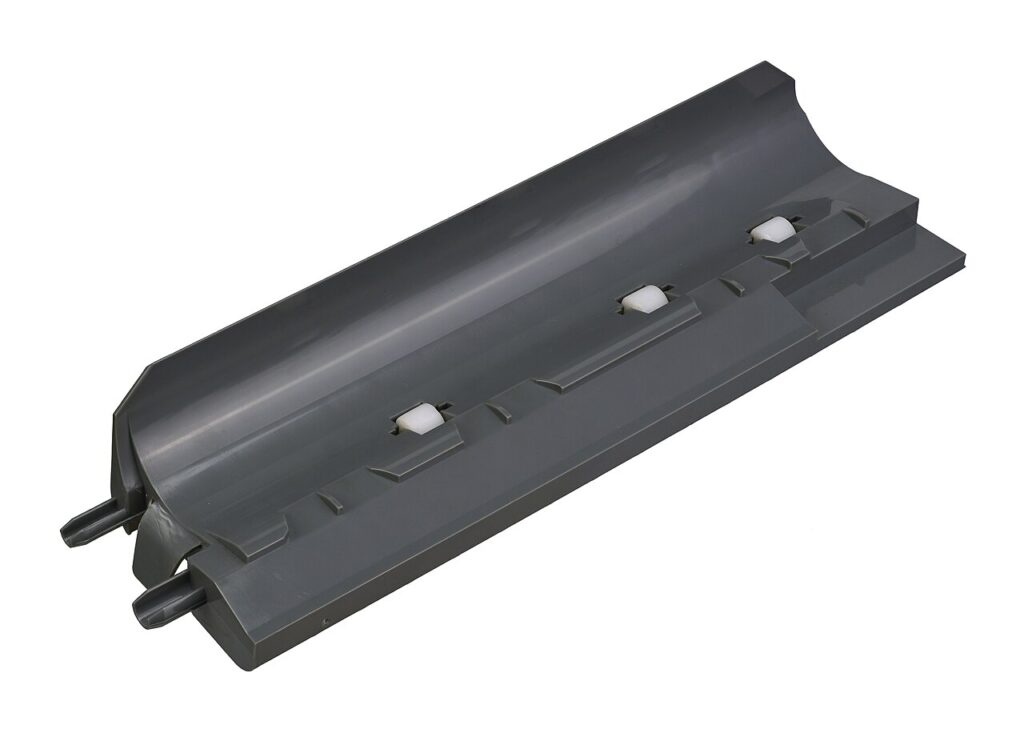
Fix A Printer Paper Jam does not need to be complicated. The worst paper jams happen when someone yanks a sheet at an angle and leaves a torn strip inside. To fix a printer paper jam without making it worse, slow down, turn the printer off, and work from the access door the printer manual recommends.
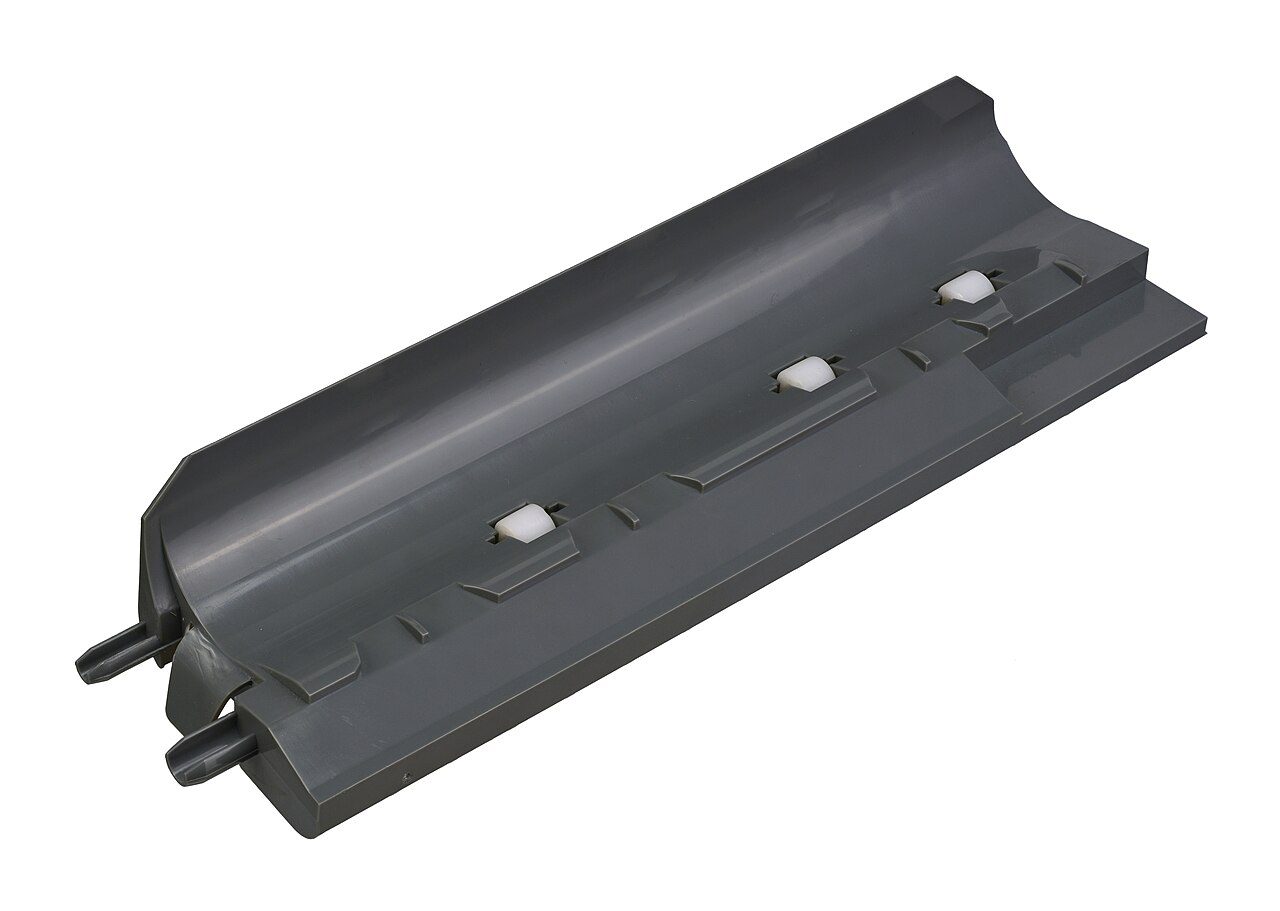
Fix a printer paper jam the calm way
Unplug the printer if your model has exposed moving parts. Open the rear or front access panel, then pull the paper in the direction it normally feeds. Use steady pressure, not jerks.
Look for small torn pieces
After the main sheet comes out, inspect the rollers, tray path, and rear door with a flashlight. A tiny scrap can trigger another jam immediately. If you see a piece you cannot reach, use tweezers gently and avoid scratching rubber rollers.
Do not use knives, screwdrivers, or hard tools inside the paper path. Damaged rollers can turn a simple jam into repeated misfeeds.
Reload paper correctly
Fan the paper stack, remove curled sheets, and do not overfill the tray. Slide the guides until they touch the paper without bending it. Mixed paper sizes are another common reason a home printer jams repeatedly.
If the paper feels damp or wavy, replace it. Humidity makes sheets cling together, especially in inkjet printers.
Run one test page
Close every panel firmly, power the printer on, and print one test page. If the same spot jams again, check for a stuck sensor flag or dirty pickup roller. A careful first fix saves time, paper, and the printer itself.