Make a Windows Laptop Faster Without Buying Upgrades
Make a Windows laptop faster with safe cleanup steps: startup apps, storage, updates, browser tabs, and power settings before paying for hardware.
Make a Windows laptop faster with safe cleanup steps: startup apps, storage, updates, browser tabs, and power settings before paying for hardware.
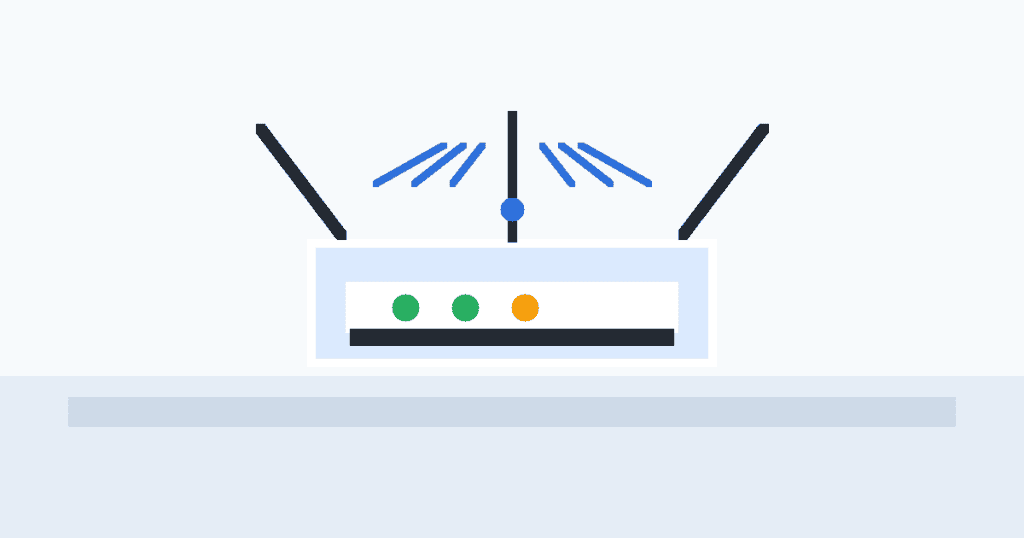
Use simple router placement tips to reduce dead zones, improve Wi-Fi speed, and make your home network more reliable without buying new gear.
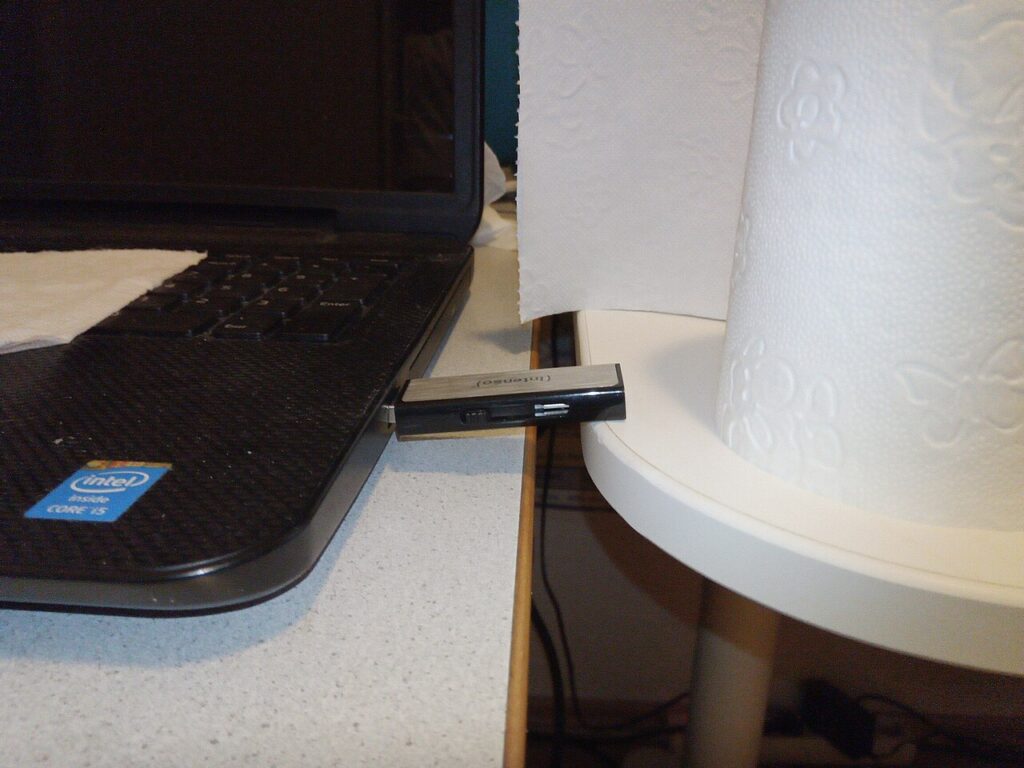
USB drives are convenient, but they are also easy to lose, damage, or infect with unsafe files. Treat them like temporary transport, not your only copy.
Battery life drops when a laptop is juggling bright screens, background apps, and power-hungry settings. You can usually gain extra time without install
A stronger connection often starts with where the router sits, not with buying a new plan. Small placement changes can remove dead zones and make video
Create a password manager emergency kit so trusted family members can access essential accounts without weakening your everyday security.
Build a simple Windows file backup routine using cloud folders, an external drive, and a monthly restore check so important files survive surprises.
These home printer troubleshooting steps fix offline errors, weak Wi-Fi, paper jams, and driver confusion before you waste money replacing hardware.
Use these Bluetooth headphones pairing fixes to reconnect earbuds, clear old devices, reduce dropouts, and avoid buying replacements too soon.
A beginner-friendly password manager setup guide: choose a vault, import passwords, turn on 2FA, and fix weak logins safely.