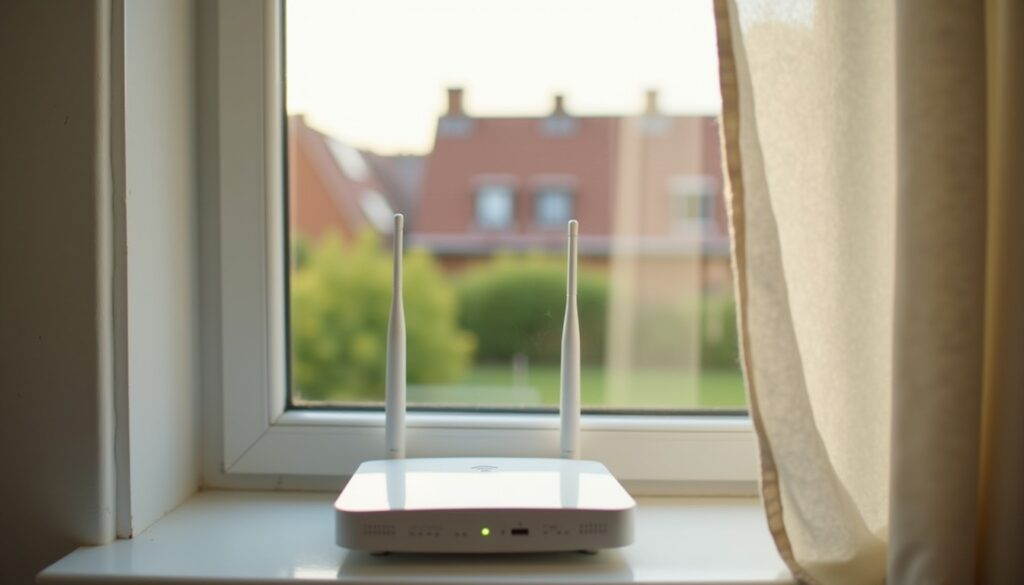
Protect Your Home Wi-Fi From Neighbors
Change the admin password, switch WPS off, close remote access, and learn to tell a bandwidth thief from a congested 2.4 GHz channel.
Change the admin password, switch WPS off, close remote access, and learn to tell a bandwidth thief from a congested 2.4 GHz channel.
Guests get the password, not the network. A guest SSID that cannot reach your printer, NAS or admin page is the whole trick.

Pick a family plan that fits your household, split shared from private vaults, and lock the master password down before the first invite.
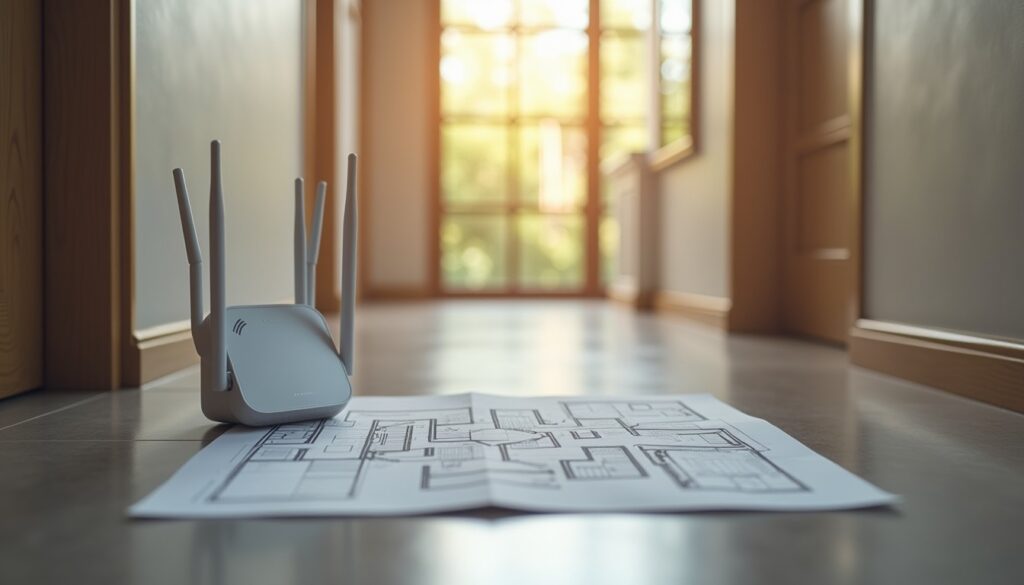
Measure the signal in dBm, fix the channel plan and a few router settings, and most dead zones disappear without a mesh kit.
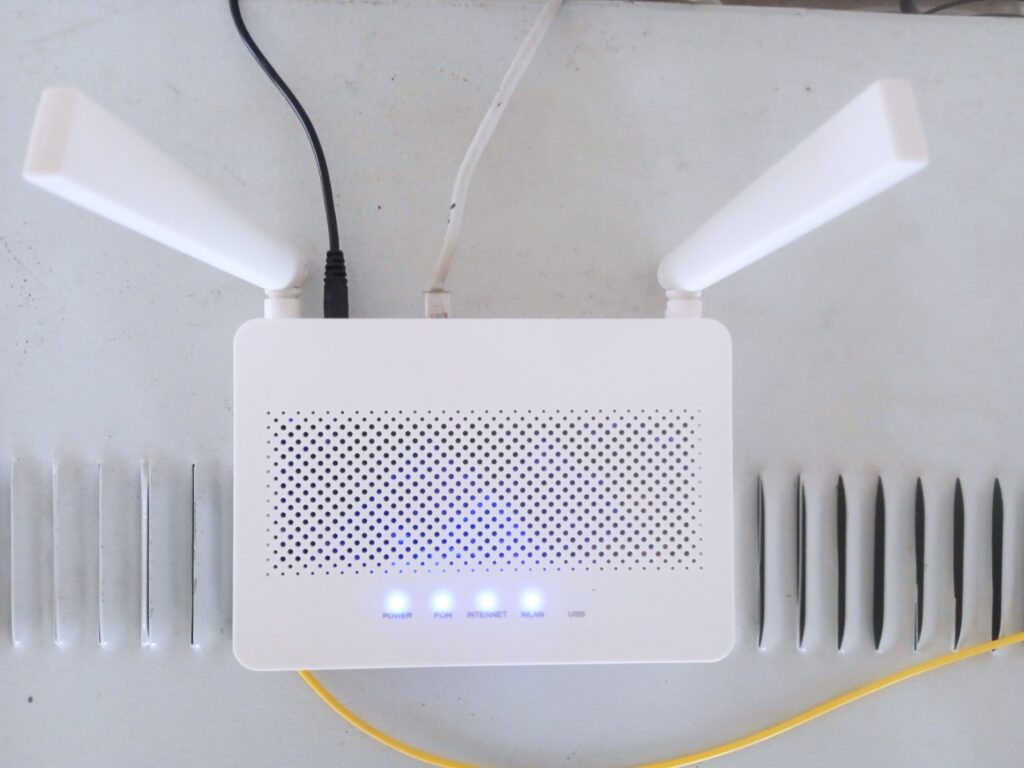
Fix slow Wi-Fi from the settings page: firmware, channel width, DHCP, DNS, QoS, UPnP, WPA3 and guest network tweaks that steady your connection.
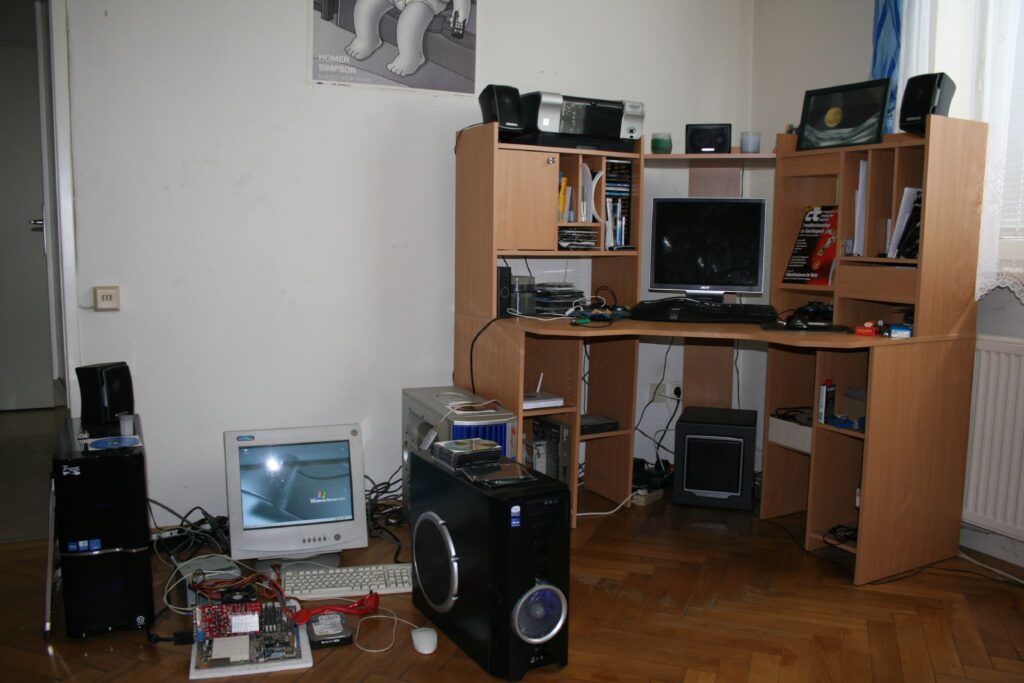
Find what really fills your Linux disk with df and du, then trim package caches, journals, old kernels, and Flatpak or Snap leftovers safely.
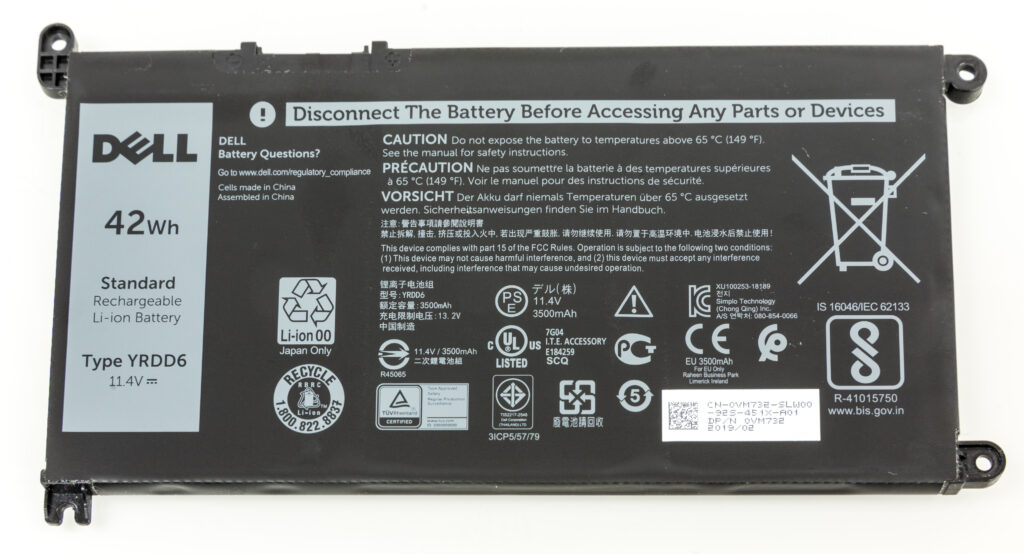
Use Low Power Mode, Optimised Charging, Activity Monitor and Login Items to find what drains your MacBook and make each charge last longer.
Choose TLP or power-profiles-daemon, audit wakeups with powertop, tame hybrid GPUs and browser video, and pick suspend or hibernate wisely.
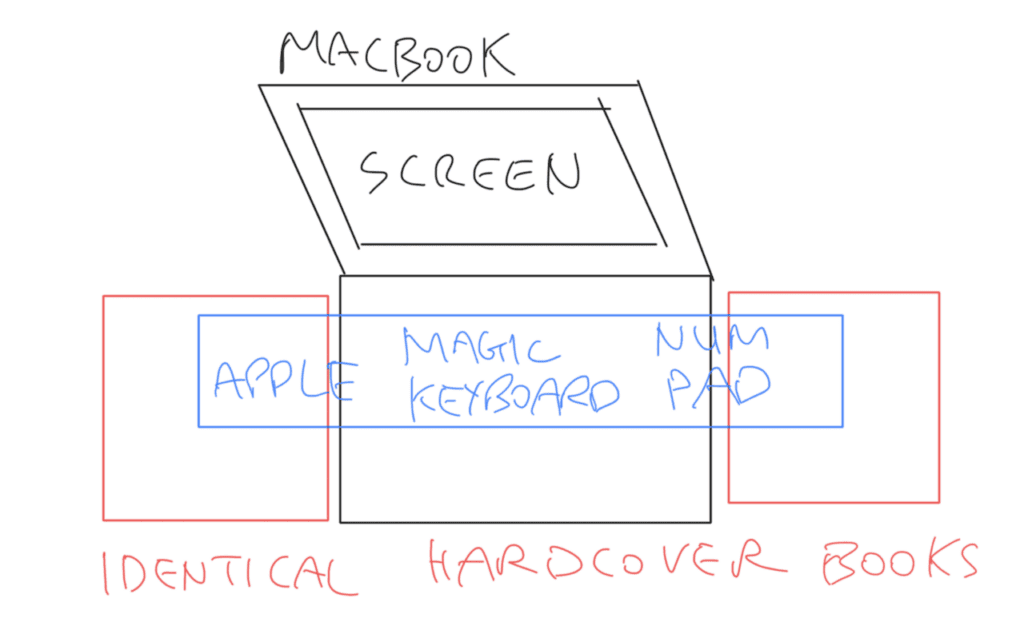
Use this mac startup apps cleanup routine to trim background clutter, speed up sign-in, and stop hidden apps from draining memory.

Time blocking for beginners works best when your plan has buffers, realistic tasks, and room for the day to go slightly wrong.