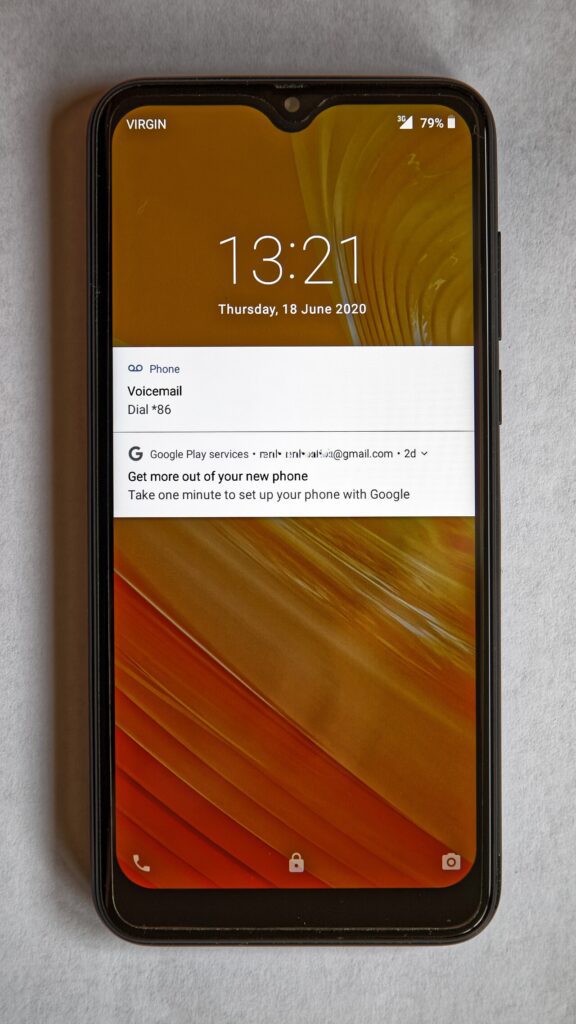
Emergency Contacts On Your Phone does not need to be complicated. An accident, lost phone, or sudden illness is exactly when nobody wants to hunt through locked apps. Setting emergency contacts on your phone gives helpers a clear, limited way to reach someone you trust while keeping the rest of your data protected.
Emergency contacts on your phone are worth five minutes
Start with two people who usually answer calls: a family member, close friend, or coworker. Add their relationship in the contact name if your phone allows it, because a rescuer should not have to guess who “Sam” is.
Add medical and practical notes
Most modern phones let you add emergency information such as allergies, medicines, blood type, and a short note. Keep it practical rather than detailed: “allergic to penicillin” is useful; a long medical history is hard to read under stress.
If you travel often, include an international contact format with country code. If you care for children or older relatives, add a note about who should be called first.
Test the lock-screen access
After saving the details, lock the phone and check the emergency screen yourself. You are verifying two things: the contacts appear without unlocking the phone, and private apps remain protected.
Ask your chosen contacts whether the number is correct and whether they are comfortable being listed. A contact who ignores unknown calls may not be the best first choice.
Review it twice a year
Emergency information gets stale. Put a calendar reminder every six months to confirm phone numbers, medicines, and relationships. The setup is small, but when it matters, it can save precious minutes.