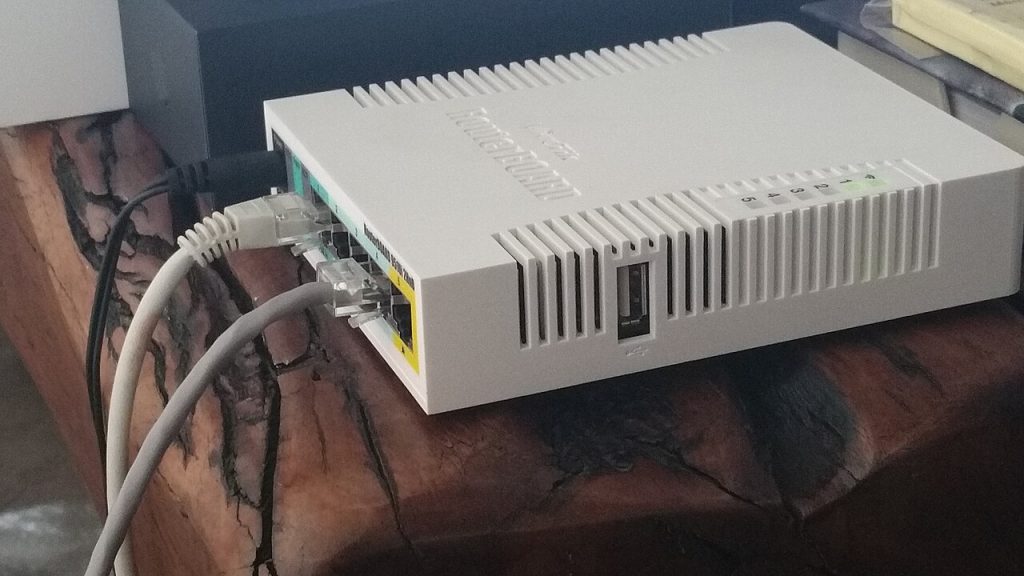
A power cut in Dhaka rarely lasts long, but it always seems to happen during a call, a payment, or an upload. Keeping your internet alive through those minutes is not complicated: it needs a small battery between the wall and your router, and a fallback you can switch to quickly when the outage runs longer.
Put the router and ONT on a small UPS
Your fibre or cable internet does not stop when the electricity does. The provider’s equipment usually stays powered, and the line keeps working. What dies is your router, plus the optical network terminal (ONT) or cable modem sitting next to it. Both draw very little power, often 10 to 25 watts together, so a modest UPS can keep them running for hours.
- Plug the router and the ONT into the UPS battery outlets, not the surge-only ones.
- Do not add a desktop PC or a monitor to the same small UPS; they will drain it in minutes.
- Check the UPS rating in VA and aim for at least 600VA for router plus ONT plus a phone charger.
- Test it once a month by switching off the wall socket for a minute.
Keep a mobile data fallback ready
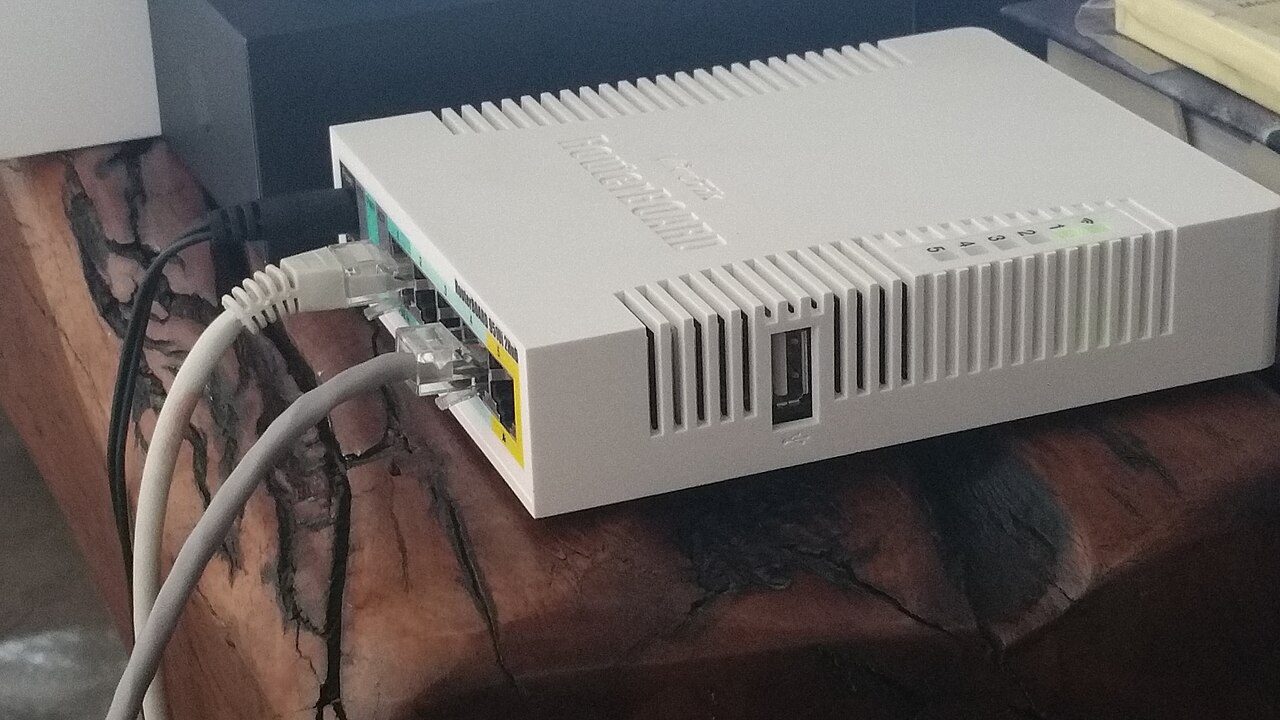
For outages longer than the UPS can cover, your phone is the backup link. Set up tethering before you need it: know where the hotspot toggle is, confirm your data plan allows tethering, and save the network name and password somewhere you can read offline. If you work from home regularly, a prepaid data pack kept unused is cheap insurance.
Turn off automatic updates and cloud photo sync while running on mobile data, or the fallback will vanish in twenty minutes of background syncing.
Protect the equipment from the surge when power returns
The riskiest moment is not the outage; it is the return. Voltage can come back high and spike as the grid reconnects. That surge travels down the power line and can take out a router’s power supply in one hit.
- Use a surge protector with a real joule rating in front of the UPS.
- Switch off sensitive equipment during a long outage instead of leaving it to absorb the return spike.
- Wait a minute after power returns before switching the router back on.
- Never daisy-chain multiple power strips into one socket.
Set up the router so it recovers by itself
After an outage, a router that does not reconnect leaves you troubleshooting at the worst time. Enable auto-reconnect in the router’s WAN settings if it exists, and schedule a nightly reboot so a stuck connection clears itself. Keep the admin password written down somewhere offline: the router’s sticker is useless if you have changed the login and forgotten it.
It also helps to label each cable before you unplug anything. Photograph the back panel with your phone so reconnecting takes seconds. Basic home network hardening is covered in our home network security checklist.
A five-minute preparation checklist
- Router and ONT on UPS battery outlets, tested monthly.
- UPS charged and not overloaded.
- Hotspot toggle and password known offline.
- Surge protection in front of the UPS.
- Cables labelled, back panel photographed.
None of this is expensive, and it turns a power cut from an emergency into a pause. Set it up on a calm afternoon, not during the next outage.
How long can a power cut be covered?
Do the maths once and you will know your limit. A 600VA UPS typically holds a 12V 7Ah battery, which is about 84 watt-hours of stored energy. If your router and ONT draw 20 watts together, that is roughly four hours of ideal runtime, or around three hours after real-world losses and battery age.
Two details shrink that number. First, UPS batteries lose capacity as they age; a four-year-old battery may deliver half of what the label says. Second, some routers draw a brief surge at boot, so a UPS that is nearly flat may refuse to start them even though it kept them running.
If you need longer coverage, either buy a UPS with a bigger battery or accept that the mobile fallback is the plan after the first two hours. Knowing that boundary in advance stops you from discovering it during an interview call.
Related reads
More practical guides live on the tips-tricks.net homepage.