emergency contacts setup is easier when you use a simple checklist instead of trying to fix everything at once. These steps are practical, low-risk, and designed for normal homes rather than perfect lab conditions.
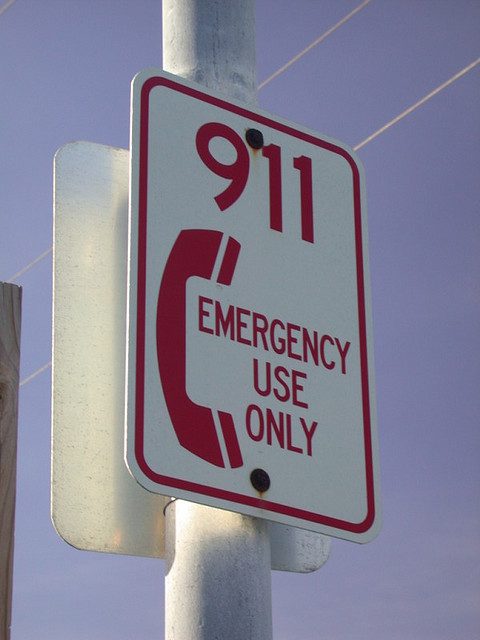
Why emergency contacts setup matters
A locked phone can still show emergency information if you set it up correctly. That helps a helper call a family member, see basic medical notes, or return a lost phone without guessing your passcode.
Emergency contacts setup on Android
Open Safety & emergency in Settings, add emergency contacts, and fill in medical information you are comfortable sharing. On many Android phones you can also enable emergency SOS, crisis alerts, and lock-screen owner information.
Emergency contacts setup on iPhone
Open the Health app, edit Medical ID, add emergency contacts, and enable Show When Locked. Then test from the lock screen by tapping Emergency and Medical ID. Keep the list short: two or three reliable people are better than ten stale numbers.
Keep the details current
Review the contact list after changing jobs, moving house, or switching doctors. Tell the people you list so they recognize an emergency call. If you travel, include a contact who can answer across time zones.
Final check
Spend ten minutes applying the first step today, then set a reminder to review it again next month. Small maintenance habits prevent bigger problems and usually save more time than a rushed emergency fix.
For more practical guides, visit the Tips & Tricks homepage and bookmark the tips that fit your devices.