People usually try to cut printing costs by hunting for cheap cartridges. The bigger saving is almost always in the numbers on the box and the settings in the driver, because a home inkjet run at default quality can cost eight times per page what the same printer costs in draft mode. Start with arithmetic, then change behaviour.
Divide the cartridge price by its page yield
Every cartridge box states a yield, and that number is measured at 5% page coverage — a short letter, not a full page of text. Inkjet yields follow ISO/IEC 24711 and mono laser yields follow ISO/IEC 19752, so figures from different printers are at least comparable. A typical printed letter runs 5–7% coverage; a web page printed with its backgrounds intact can hit 15–20%, which is why your real-world page count is often half the box figure.
Now do the division. A standard black cartridge rated at 190 pages that sells for about $24 works out at 12.6 cents a page. The high-yield version of the same cartridge, rated 480 pages at roughly $36, is 7.5 cents — a third cheaper for the identical ink. Two minutes with a calculator on the shelf in front of you beats any review. Write the sum on the box with a marker if you will buy the same model again.
Change the print job before you change the cartridge
Draft mode is the single largest lever and it is buried two menus deep on most installs. On Windows 11: Settings → Bluetooth & devices → Printers & scanners → your printer → Printing preferences, then the Paper/Quality tab, and select Draft or Economy. On macOS the same choice sits in the print dialog under Quality; choose Save Current Settings as Preset so it applies to every future job instead of being reset each time.
- Greyscale on by default stops cheap inkjets from mixing cyan, magenta and yellow to make black text — on those models, black-only printing cuts colour cartridge use by roughly a third. Print one page and look at the colour cartridge level before and after to see whether yours does this.
- Duplex halves paper, and on inkjets it also removes the full-page background that many web layouts force onto a second sheet.
- Print selection, not the page — highlight the paragraph you need and pick Selection in the dialog. Reader mode in the browser strips navigation, adverts and background colours before the job reaches the printer.
- Page ranges on PDFs. Contracts and manuals rarely need the cover sheet, the table of contents and the glossary.
Dropping body text from 12 point to 11 point saves close to 10% of the ink on a long document and is invisible at reading distance.
Stop paying for the ink the printer throws away
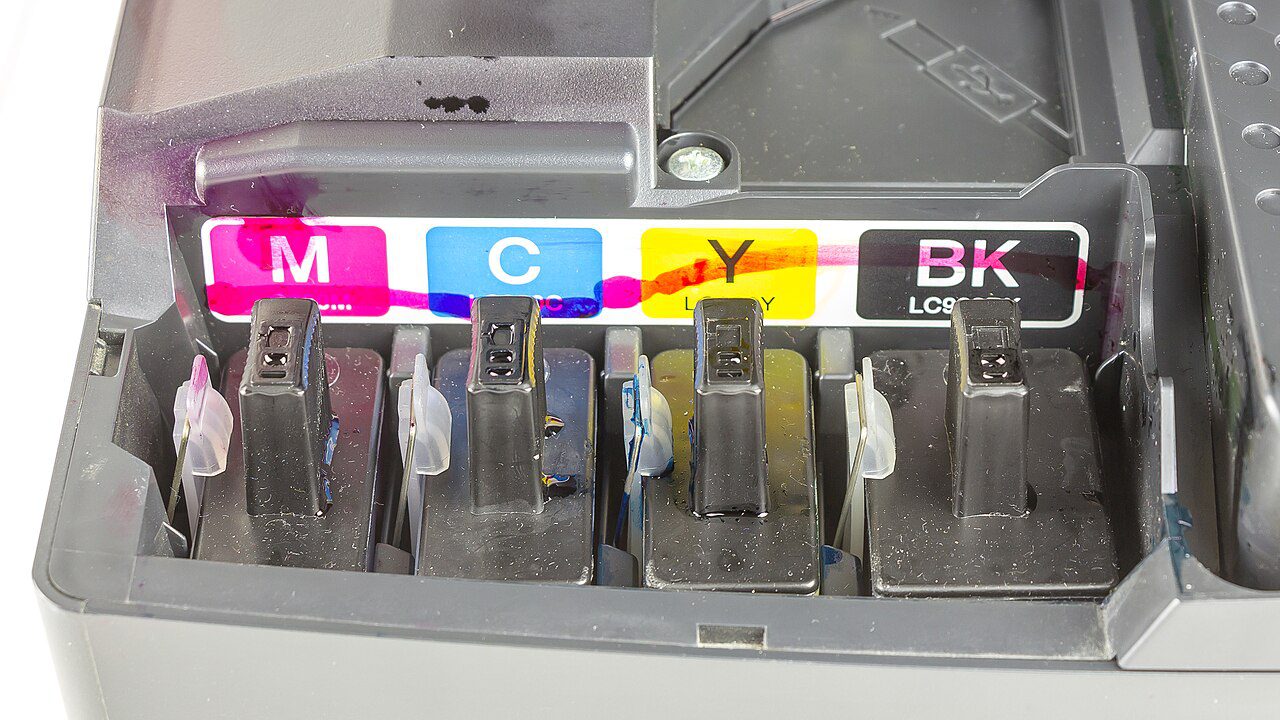
An inkjet cleans its print head by pushing ink through the nozzles, and every cycle costs a measurable share of a cartridge. So run the nozzle check pattern first — it prints a small grid and uses almost nothing — and run clean only if lines are missing from that grid. If one clean does not fix it, a second is worth trying; a third rarely helps, and a genuinely clogged head on a removable type needs a warm-water soak, not more ink.
Leave the printer on, or switch it off with its own power button rather than the wall socket. The power-down sequence parks the head under its rubber cap, which keeps it from drying; a head left exposed for three weeks in dry weather will demand a deep clean the moment you print again, and that clean can empty a tenth of the cartridge.
Print one small page a week, with some colour on it, if the printer otherwise sits idle. Do not pull cartridges out to shake or inspect them: each reseat lets air into the lines and triggers a priming cycle. And set the paper type honestly — telling the driver “plain paper” while feeding thin copy paper produces a washed-out result that tempts you to raise quality, which uses more ink to fix a paper problem.
Buy in the shape that matches your usage
Under about 20 pages a month, standard cartridges are fine despite the worse per-page maths, because an inkjet that sits unused wastes more ink drying out than a high-yield cartridge saves. Above roughly 30–40 pages a week, a tank printer changes the arithmetic completely: a refill bottle around $13 that covers 4,500 pages is about 0.3 cents a page, at the cost of a higher purchase price.
If nearly everything you print is black text, a mono laser is the cheapest reliable option. A toner cartridge rated 1,200 pages at around $45 is 3.7 cents a page and, unlike ink, it does not dry out between jobs. Subscription schemes such as HP Instant Ink replace cost-per-cartridge with cost-per-page tiers and rollover, which suits steady month-to-month printing and penalises heavy months; HP’s terms tie the supplied cartridges to an active plan, so check the cancellation rules on HP’s support site before signing up.
Third-party cartridges cost roughly half and vary from excellent to unusable; some firmware updates deliberately block them, and a bad batch can leak into the print head. Refill kits are messier still and rarely reproduce colour accurately. If you want the per-change tactics that go further than this, the 12-change breakdown here covers driver tweaks model by model, and printing from a phone is worth setting up properly if half your jobs start there.