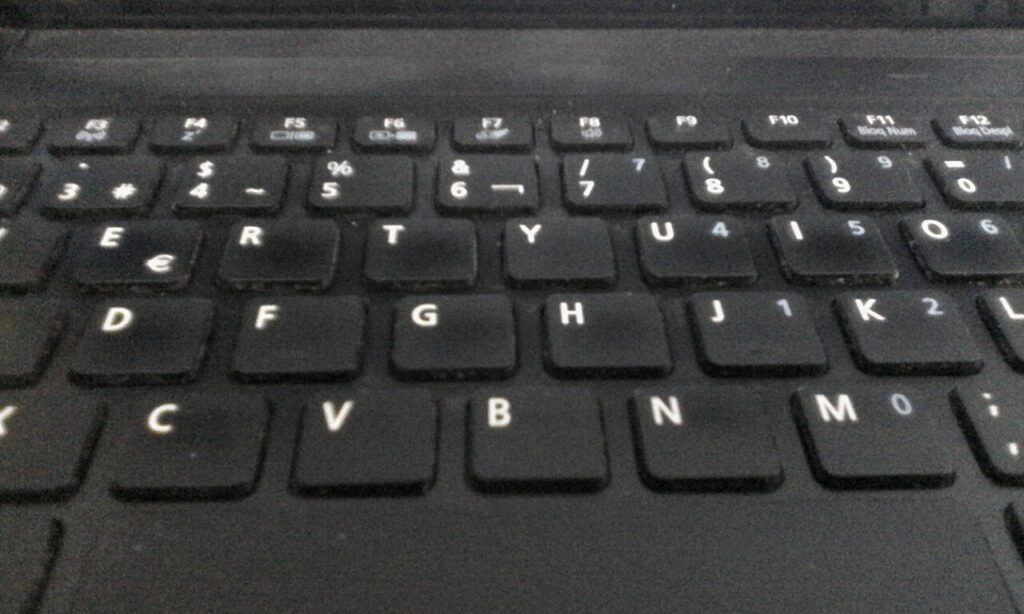
How to Clean Your Laptop Safely Without Wrecking It
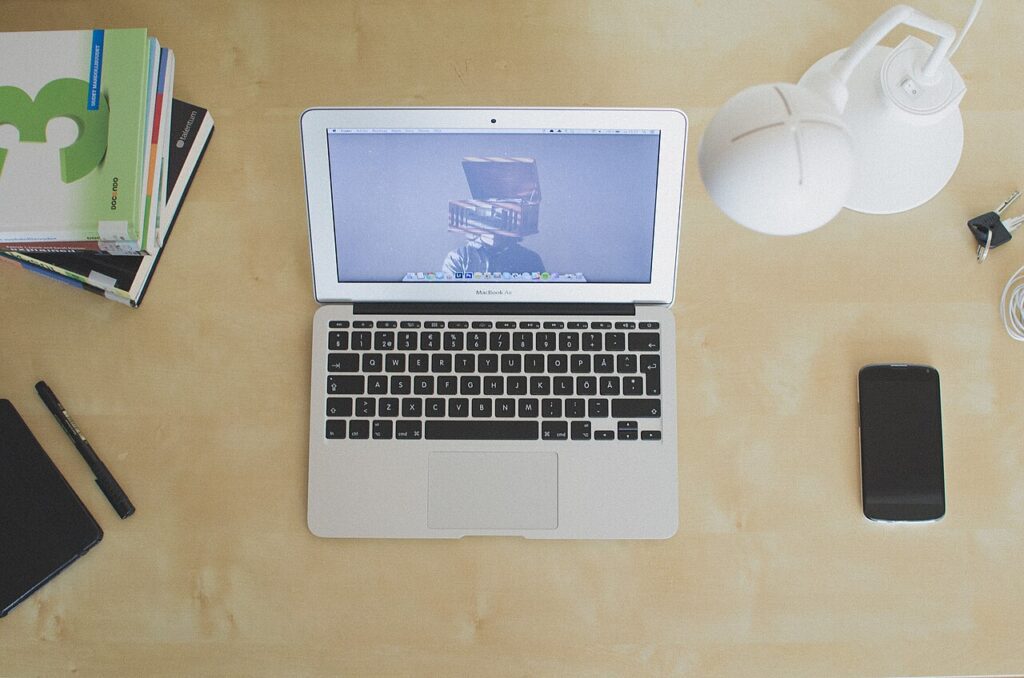
Clean your laptop safely with the right cloth, the right alcohol and the right technique. A practical guide to screen, keyboard, vents and fans.
Clean your laptop safely with the right cloth, the right alcohol and the right technique. A practical guide to screen, keyboard, vents and fans.
Bluetooth pairing problems are almost never hardware. Nine practical fixes for phones, earbuds, speakers and car stereos that take minutes.
Control Windows updates with active hours, pauses and restart notifications so patches install on your schedule without leaving your PC unprotected.
Make your laptop battery last longer with 10 real fixes for both runtime today and long-term cell health, plus how to check real battery capacity.
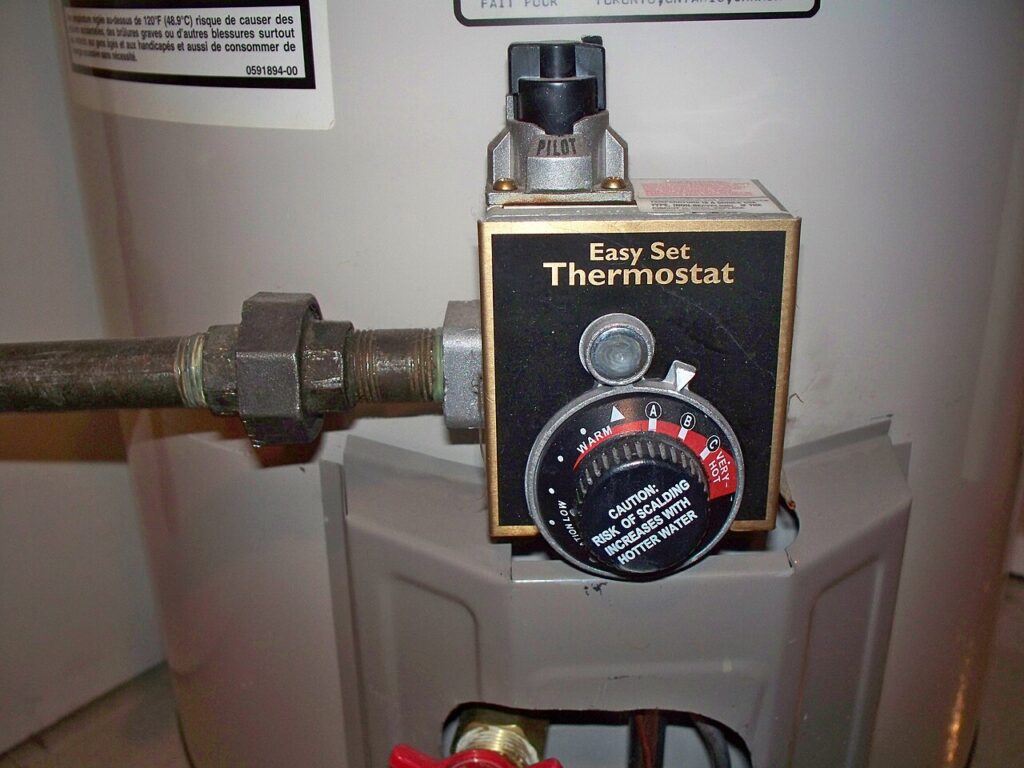
12 smart plug uses that pay for themselves: cut standby power, schedule heaters and coffee, simulate presence, and set them up safely at home.
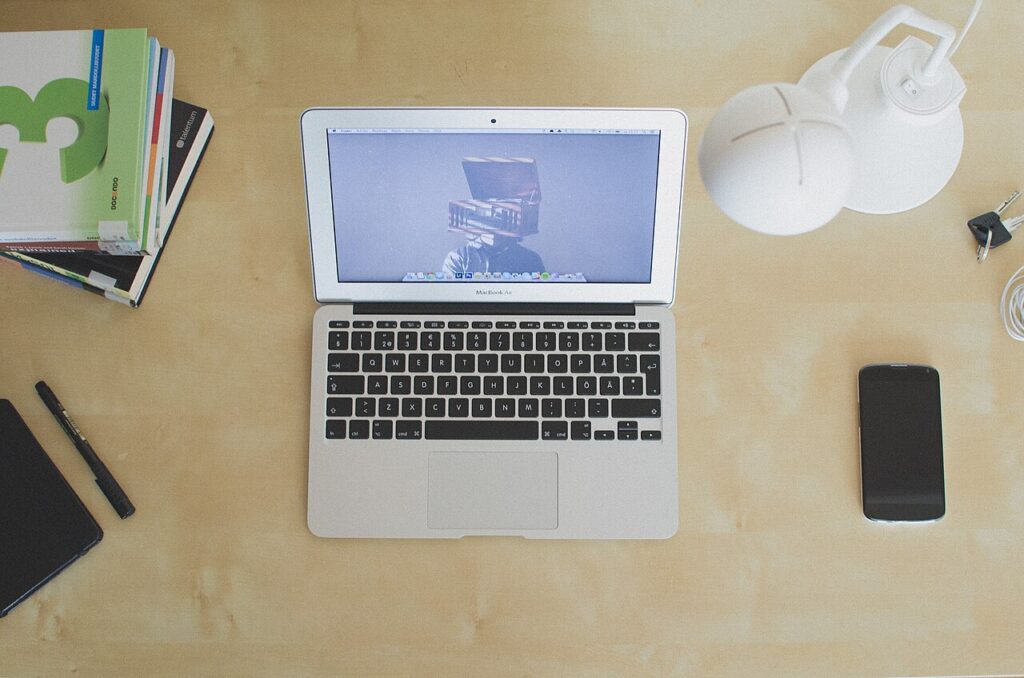
Gmail filters and labels can sort your inbox automatically. Build five high-value rules, learn the search operators behind them, and keep it tidy.
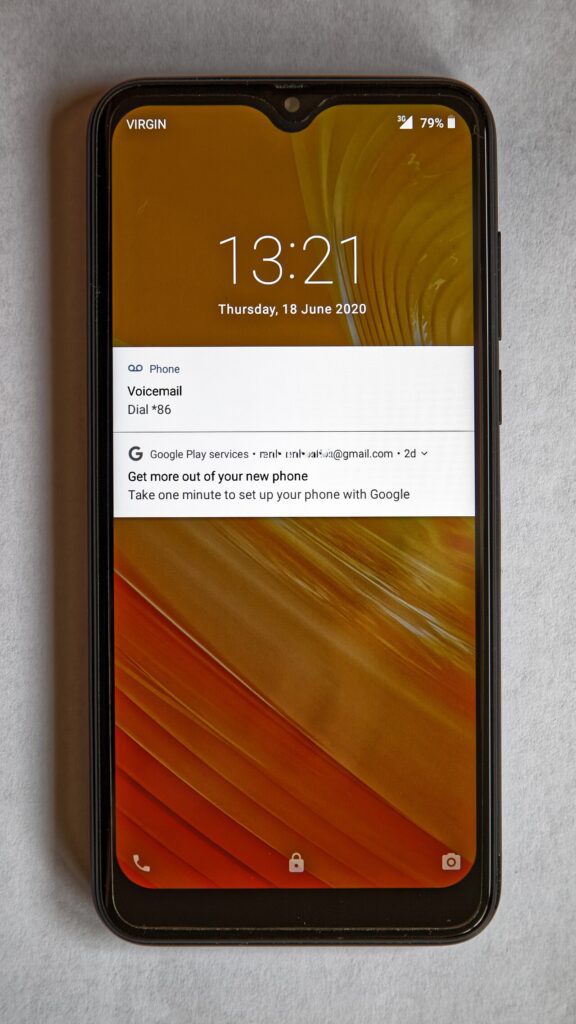
Free up Windows storage safely with 9 proven steps: Storage Sense, temp files, OneDrive online-only, hibernation, and what you should never delete.
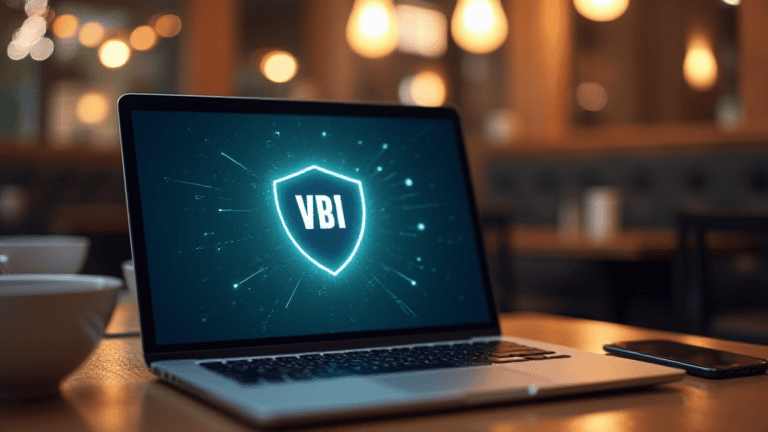
Public wifi safety tips that actually work: pick the right network, refuse installs, use a VPN, and know what to do if something goes wrong.
USB-C charging tips to pick the right cable and charger, boost charging speed, and protect your battery from heat.
Set up Windows Night Light and dark mode to warm your screen after dark, ease eye strain, and sleep better.