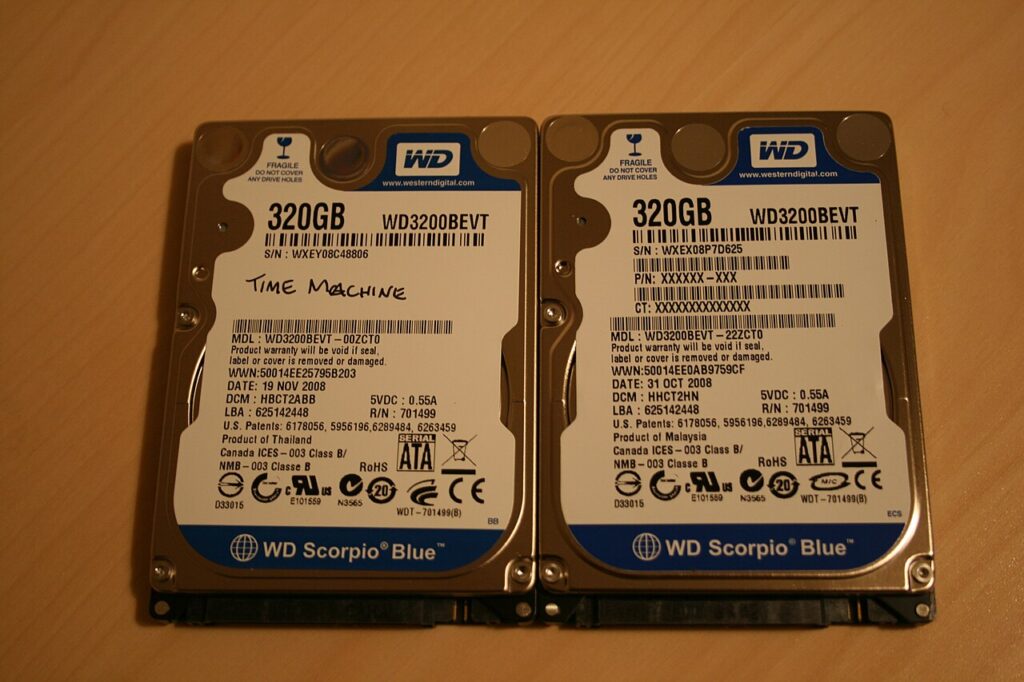
If you plan to reset or sell a laptop, the safest move is to back up the machine before you touch the erase button. That sounds obvious, but the people who skip it usually find out the hard way when one folder or one old photo turns out to matter a lot.
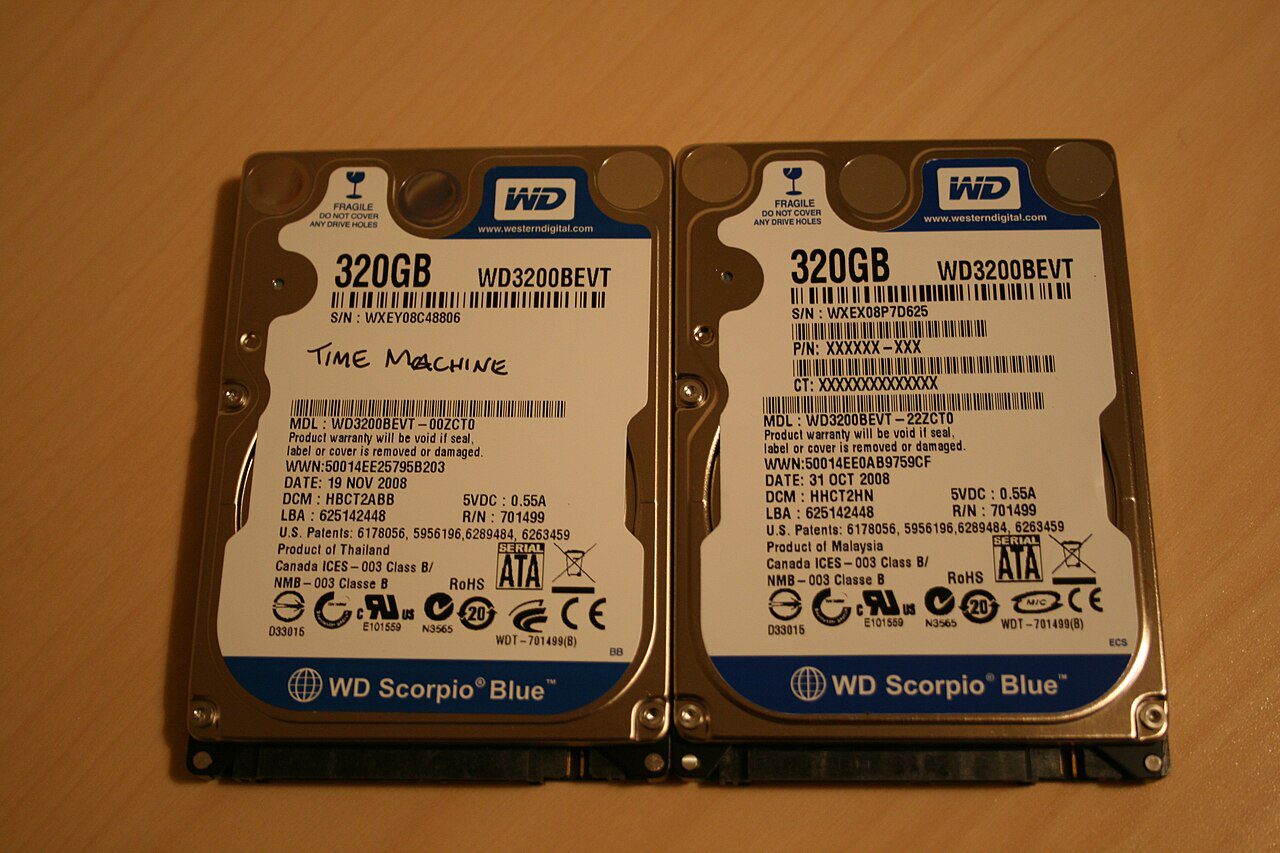
How to back up your laptop without overdoing it
A real backup is more than dragging a few files to a drive and hoping for the best. You want a copy you can trust if the laptop dies, the account gets locked, or the reset removes something you forgot was still important.
- Copy your documents, photos, downloads, and desktop files to a second place.
- Keep one copy on an external drive and one copy in cloud storage if possible.
- Sign out of important apps and export passwords or recovery codes before wiping.
- Open a few backed-up files to confirm the copy is readable, not just present.
The mistakes that waste time or cause damage
The biggest mistake is calling a sync folder a backup when it is really just another copy of the same live account.
- Do not erase the laptop before you verify that the backup opens on a different device.
- Do not forget browser bookmarks, license keys, and app data that are not obvious at first glance.
- Do not keep the only backup on the same drive you plan to wipe.
A simple routine you can repeat every week
For most people, a one-time pre-sale backup is enough, but power users should keep a rolling backup habit before big resets or major software changes. That way the laptop can fail, and the important stuff still survives.
One more check before you call it done
Give the setup a few days before you decide whether it worked. Most small improvements only feel obvious after you repeat them a few times, because the real win is less friction, fewer mistakes, and a routine that is easy to keep on a busy day.
Once the basics are in place, make one small follow-up tweak: move the device a little, lower one noisy setting, swap one weak cable, or remove one recurring charge. A tiny second pass often turns a good fix into a reliable habit.
- Watch for heat, noise, clutter, or repeated alerts that still feel off.
- Keep the version that is easiest to repeat, not the version that only works once.
- Re-check the result after a week so the improvement does not fade.
Quick wins if you want better results today
If you are unsure whether something matters, back it up anyway. Storage is cheap; regret usually is not.