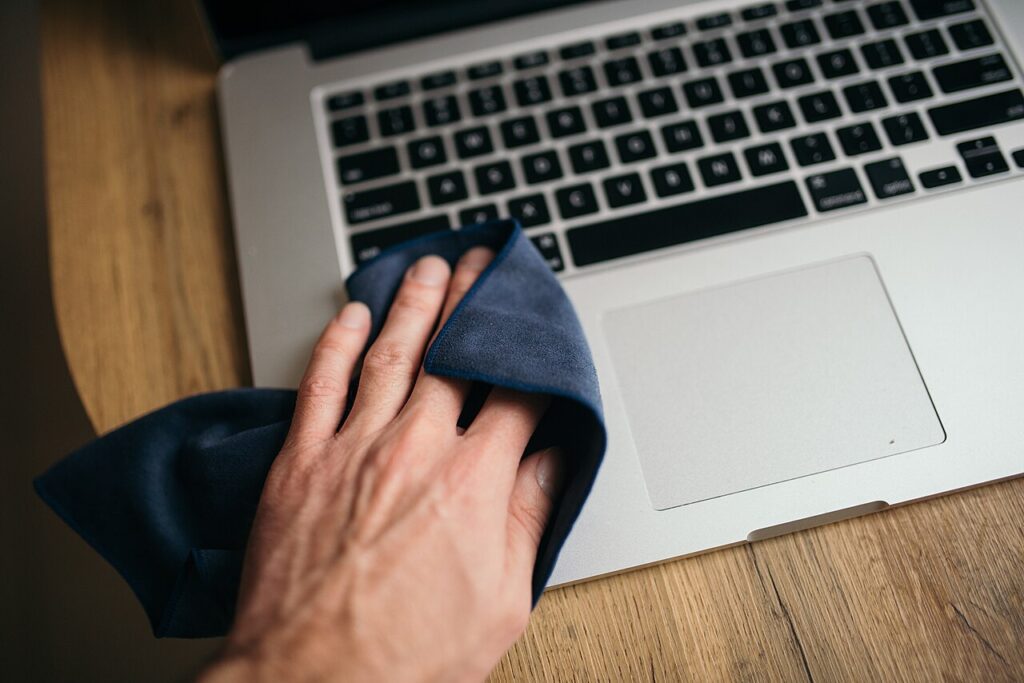
If you want to clean your laptop safely, the goal is not to make it sparkle with kitchen spray and paper towels. The goal is to remove dust and grime without forcing liquid into the keyboard or scratching the screen.
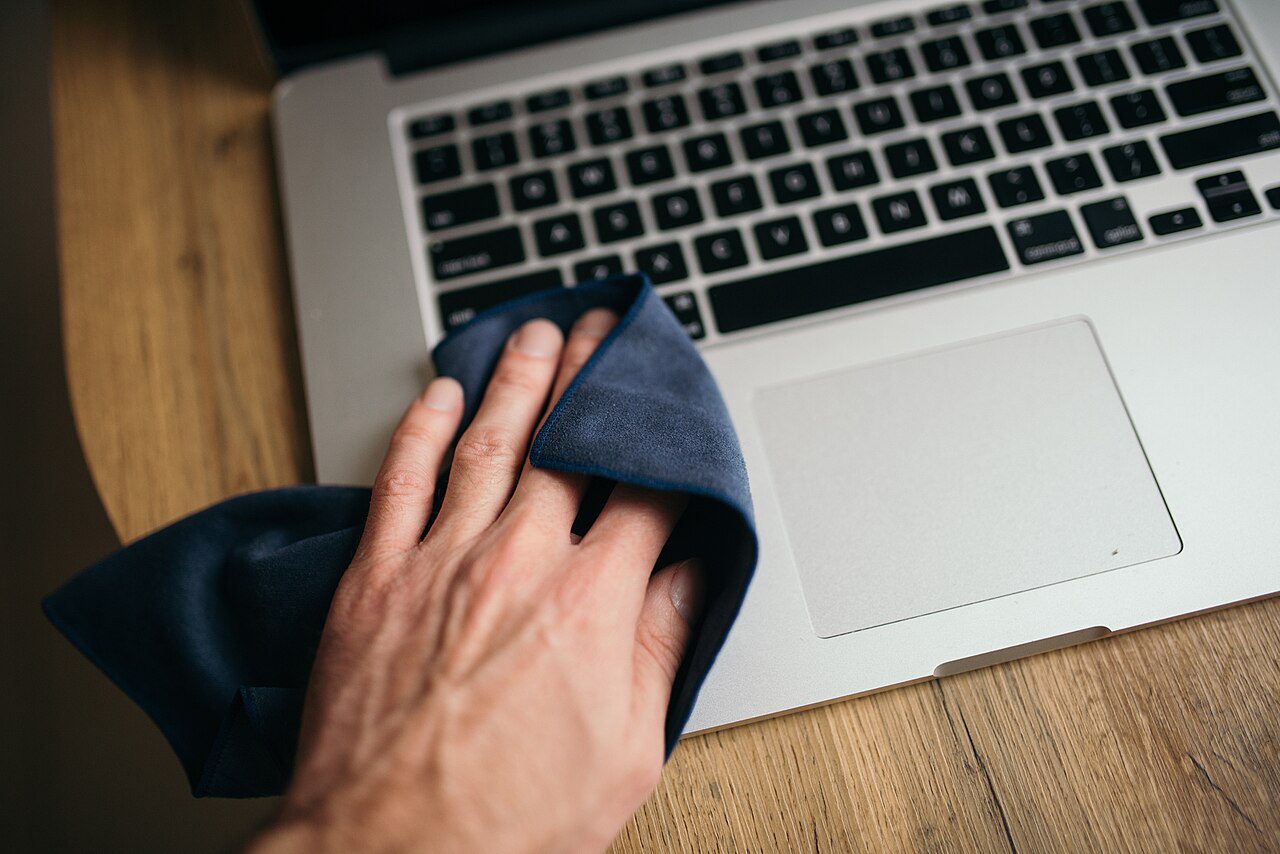
How to clean your laptop safely without overdoing it
A laptop collects crumbs, skin oils, and dust around the keys, vents, and hinge long before it looks truly dirty. A gentle clean keeps the machine cooler, feels better to use, and helps you spot wear before it turns into a repair bill.
- Shut the laptop down and unplug every cable before you start.
- Use a dry microfiber cloth for the screen and lid before touching anything wet.
- Blow dust out of vents with short bursts of compressed air from a safe distance.
- Put a tiny amount of cleaner on the cloth, not directly on the device.
The mistakes that waste time or cause damage
Most damage happens when people spray straight onto the laptop or scrub too hard with the wrong material.
- Do not use paper towels, rough T-shirts, or bathroom cleaners on the screen.
- Do not soak the keyboard, and do not clean the machine while it is warm and powered on.
- Do not push debris deeper into ports with sharp objects.
A simple routine you can repeat every week
A weekly wipe-down and a deeper monthly clean are usually enough for most people. If you eat near the laptop, add a quick keyboard dusting every few days so the crumbs never get a chance to settle in.
One more check before you call it done
Give the setup a few days before you decide whether it worked. Most small improvements only feel obvious after you repeat them a few times, because the real win is less friction, fewer mistakes, and a routine that is easy to keep on a busy day.
Once the basics are in place, make one small follow-up tweak: move the device a little, lower one noisy setting, swap one weak cable, or remove one recurring charge. A tiny second pass often turns a good fix into a reliable habit.
- Watch for heat, noise, clutter, or repeated alerts that still feel off.
- Keep the version that is easiest to repeat, not the version that only works once.
- Re-check the result after a week so the improvement does not fade.
Quick wins if you want better results today
The safest laptop cleaning routine is the one you can repeat without thinking. Keep the tools simple, stay dry, and stop before you start improvising with random household sprays.