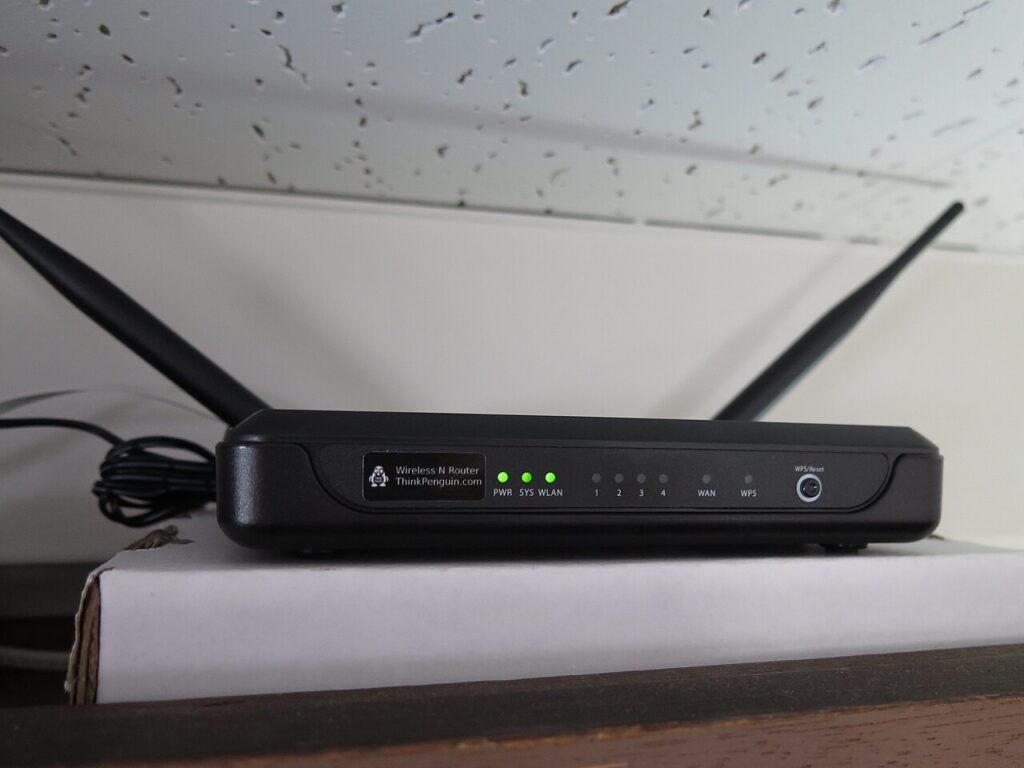
Wi-Fi Router Placement Tips for a Faster Home Network
Use these Wi-Fi router placement tips to improve home speed, reduce dead zones, and fix weak signal without buying a new plan.

Use these Wi-Fi router placement tips to improve home speed, reduce dead zones, and fix weak signal without buying a new plan.

Protect money with online banking safety habits for passwords, alerts, devices, and safer monthly account checks.

Use email inbox organization habits that cut clutter, surface important messages, and prevent daily notification overload.

Review smart TV privacy settings that reduce tracking, tame recommendations, and keep streaming simple for the whole family.
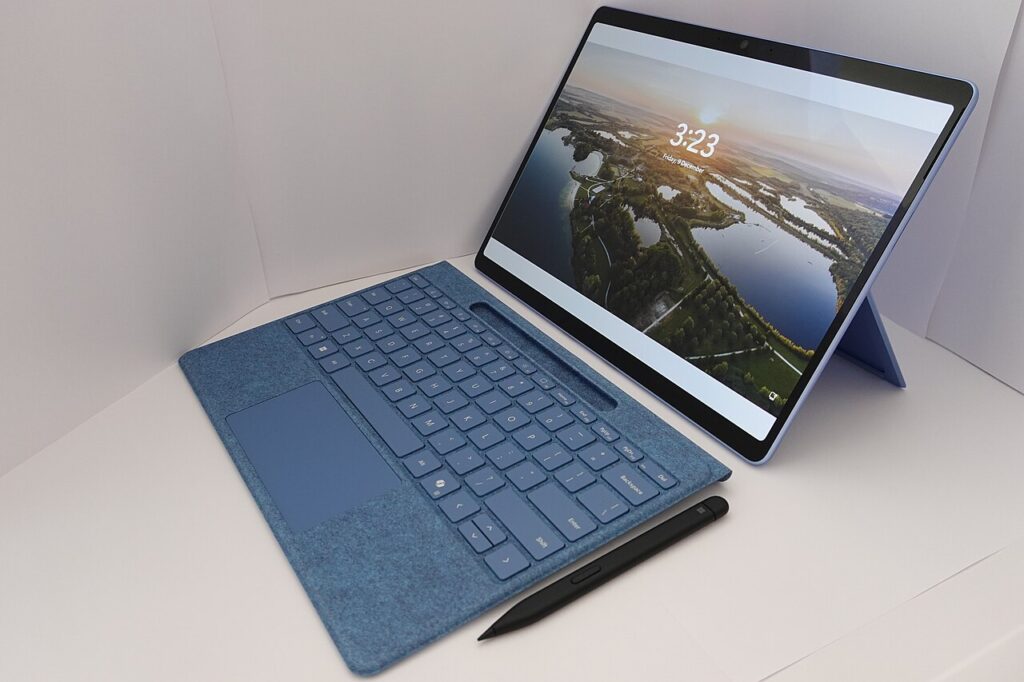
Make your Windows laptop startup faster with safe settings, app cleanup, and simple checks that take about 20 minutes.

Free space safely with phone storage cleanup steps that protect photos, messages, and important app data while removing clutter.
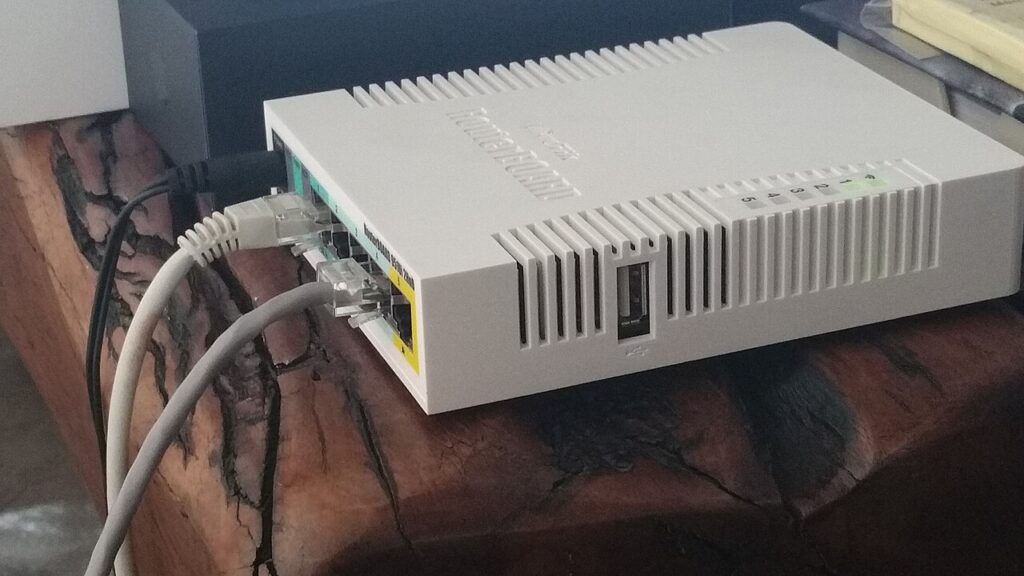
Fix slow rooms with practical home Wi-Fi speed tips for router placement, interference checks, and quick tests anyone can repeat.
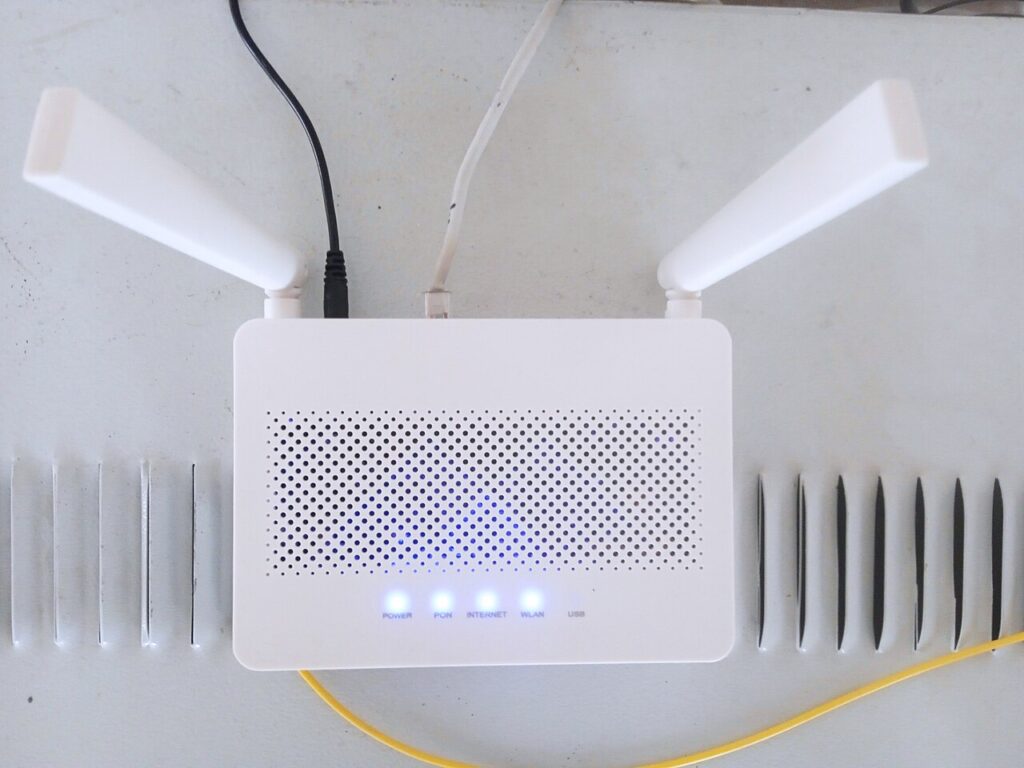
Change these Wi-Fi router security settings first to protect your home network, block strangers, and keep connected devices safer.
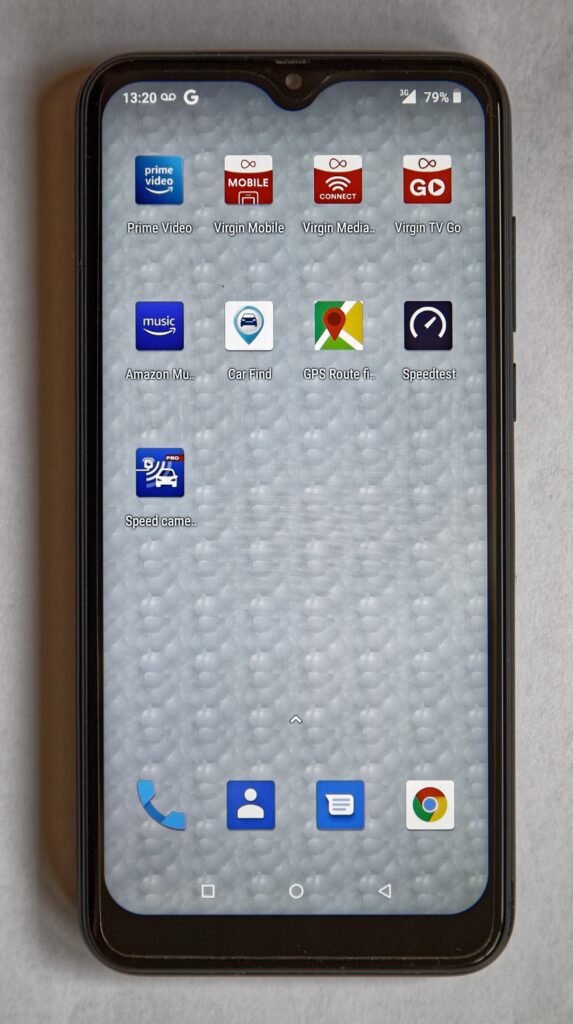
Adjust Android notification settings to reduce distractions, protect attention, and keep only the alerts that truly matter.
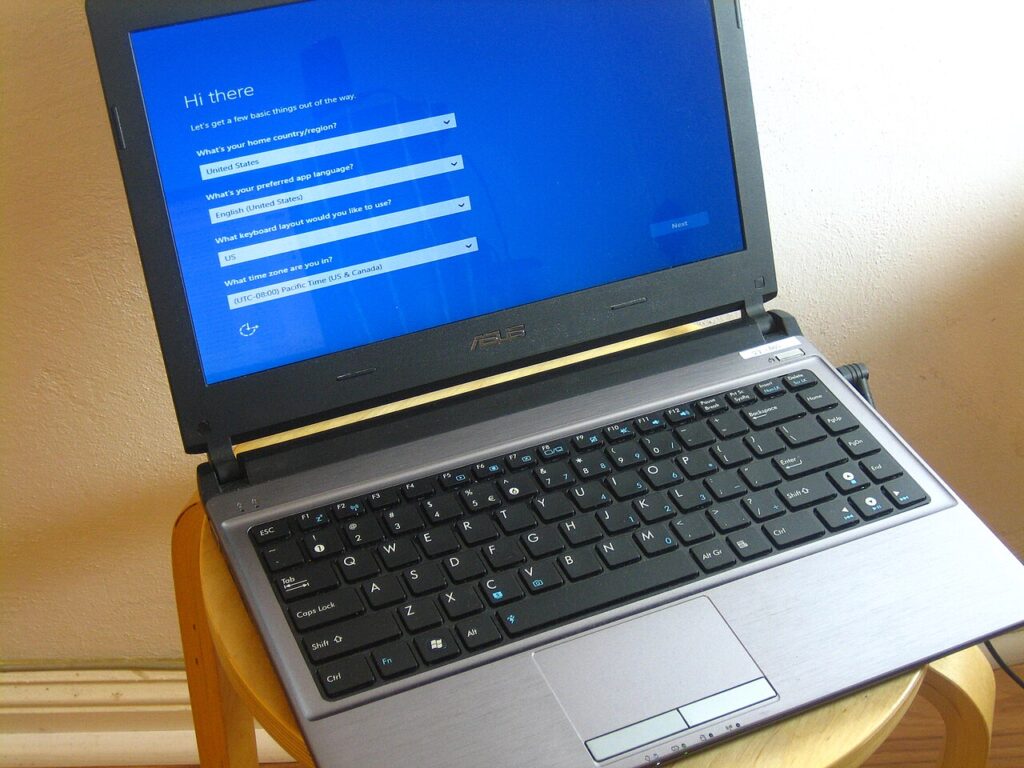
Use this Windows update prep checklist before installing patches so your laptop stays safer and easier to recover if something fails.