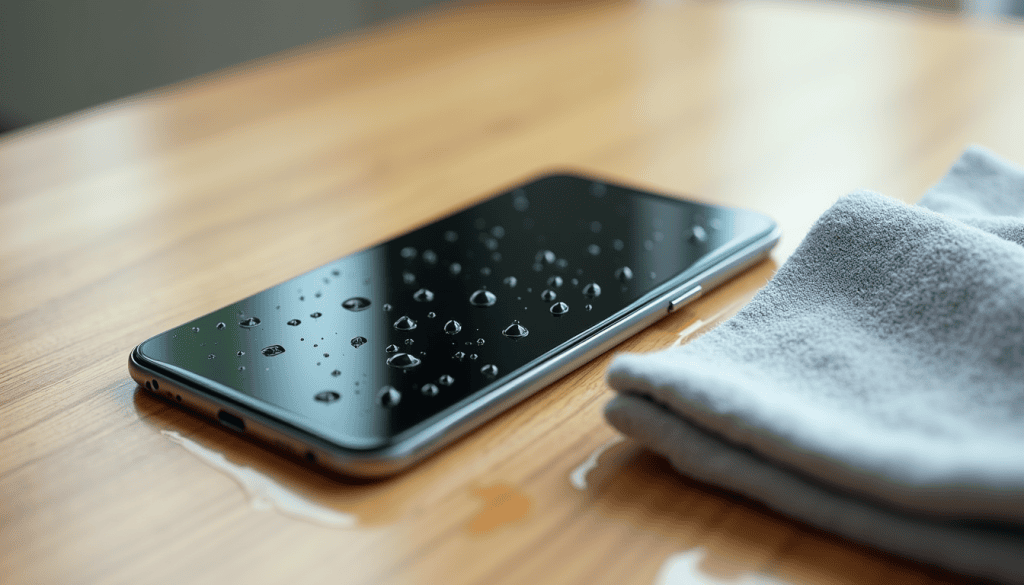
A splash at the sink, a sudden downpour, a phone that slid into the sink while you were washing up. The instinct is to grab a bag of rice and hope. The instinct is wrong, and the delay costs devices every week. Here is what to do in the first ten minutes when your phone gets wet, what to avoid, and how to tell whether the damage is permanent.
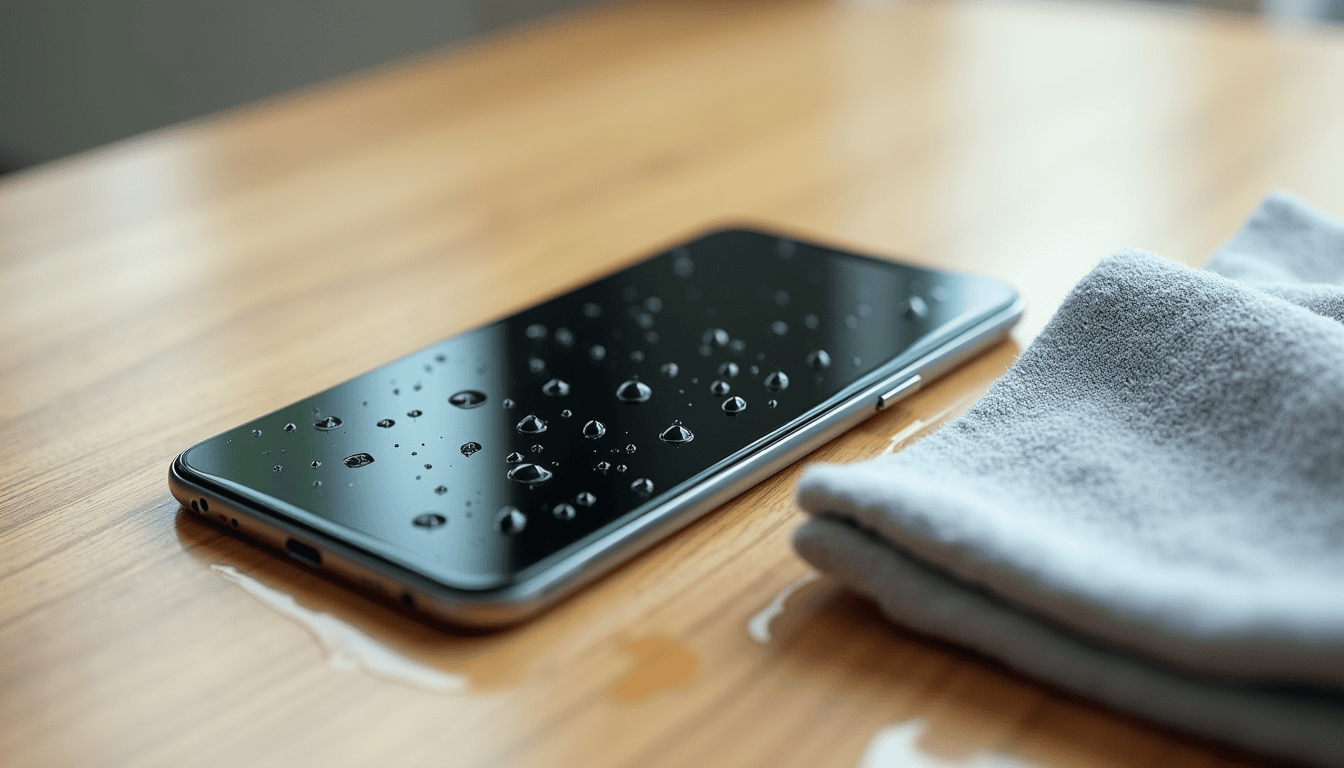
First minute: power off and dry the outside
- Turn the phone off immediately. Water plus a live circuit is what causes shorts and corrosion. Do not check whether it still works — that is the test that kills it.
- Take it out of the case and remove the SIM tray if it is accessible. Cases trap water against the frame.
- Wipe it down with a soft lint-free cloth, drying the ports, speaker grilles and buttons.
- Shake gently with the ports facing down to move water out of the openings — do not shake hard, and never spin it.
What to do when your phone gets wet: the next hour
Leave it switched off, in a dry room with moving air, ports facing down. A fan on low, or a spot near (not on) an air-conditioner vent, is ideal. Give it at least 24 hours before you power it on — 48 if the water was salty, soapy, or from a pool.
If you must have a phone working, use an old spare or a cheap handset for the day. Trying the power button every hour resets the clock and can push residual moisture into the board.
Do not put it in rice
Rice does not pull water out of a sealed phone. It does push starch dust into the ports and speaker mesh, and it gives you a false sense of progress while corrosion sets in. The same goes for a hair dryer on hot, an oven on low, and a microwave — heat warps seals, damages the battery and can crack the screen’s adhesive layer.
If you want a desiccant, use sealed silica gel packets in a closed container with the phone, and still give it a full day.
Water-resistant is not waterproof
An IP68 rating is tested in still fresh water in a lab. It does not cover hot shower steam, soap, chlorine, salt water, or a drop that cracks the seal. A phone that has been repaired or dropped may have lost its water resistance entirely, even if it looks fine. Soapy water is worse than fresh water because it lowers surface tension and lets liquid slip past gaskets.
When you power it back on
Expect one of three outcomes:
- It works normally — back up everything today, while it is alive. Corrosion can take weeks to show up.
- It boots but the screen, speaker or charging port misbehaves — the board is probably fine and a port or speaker module can be replaced cheaply.
- Nothing happens — do not keep charging it. A wet charging port plus a charger is a fire risk. Take it to a repair shop and ask for a corrosion inspection before authorising anything.
While it dries, back up what you can from the cloud: organising cloud photos and backing up WhatsApp before a new phone both mean a dead handset costs you nothing but money.
Prevention that actually works
Use a case with port covers if you are clumsy near water, keep the phone out of the bathroom, and never charge it on a wet counter. If you regularly work outdoors, a cheap waterproof pouch is more reliable than any rating. And keep the phone’s charging port clean and dry — cleaning the charging port safely prevents the lint-and-moisture mix that causes most “won’t charge” faults.
If the phone does not survive, do not rush the replacement: the used phone buying checklist will save you from buying someone else’s water damage.
Related reads
Sources: iFixit water damage guidance, Consumer Reports advice.