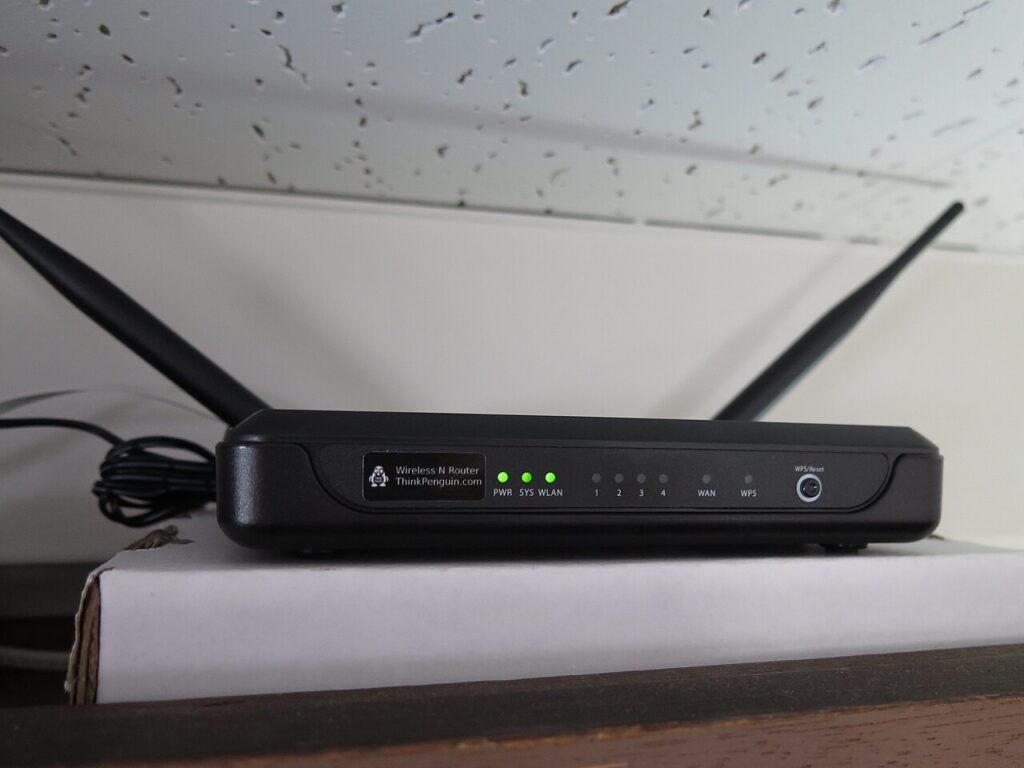
A router in the wrong corner does not show up as a broken network. It shows up as a video call that freezes every ninety seconds in one bedroom while the living room streams 4K without a stutter. Before spending BDT 12,000 on a mesh kit, spend twenty minutes measuring: the number you get on a laptop tells you whether the problem is position, interference, or an honest lack of coverage.
Read the signal in dBm, not bars
Bars are a manufacturer’s opinion. The received signal strength is a measurement, and every desktop OS will show it.
- Windows: open Command Prompt and run
netsh wlan show interfaces. The “Signal” line is a percentage that maps roughly to -50 dBm at 100 percent and -100 dBm at zero. - macOS: hold Option and click the Wi-Fi menu icon. You get RSSI, Noise and Channel at once — for example RSSI -58 dBm, Noise -92 dBm, which means a signal-to-noise ratio of 34 dB.
- Android: any Wi-Fi analyser app shows RSSI per access point and a channel graph for the 2.4 GHz band.
What the numbers mean in practice: -50 dBm is excellent, -60 dBm is fine, -67 dBm is the practical edge for a 1080p call, -75 dBm will drop video but still carries chat, and anything past -80 dBm is noise. Signal-to-noise ratio matters as much as raw strength; below 20 dB the radio spends its time retransmitting and your throughput collapses even though the icon looks healthy.
Walk the flat with the laptop and write down one number per room. Five readings turn an argument about “the Wi-Fi is bad” into a map with an obvious weak spot.
Height, walls and the one-metre rule
Wi-Fi radiates outward and slightly downward from the antennas, so a router on the floor is broadcasting into the carpet. Put it at 1.5 to 1.8 m — the top of a bookshelf rather than the shelf inside it — with 30 cm of air on every side and nothing stacked on top. Cabinets, TV backs and closed media units cost you 5 to 10 dB before the signal has travelled a metre.
Walls are where the budget disappears. A stud partition with drywall takes roughly 3 to 5 dB, a brick wall 6 to 10 dB, and reinforced concrete 10 to 15 dB per wall. Two concrete walls between the router and a bedroom can eat 25 dB, which is the difference between a strong signal and a dead zone no antenna tweak will recover.
Watch for the things people forget: a metal filing cabinet, foil-faced insulation, aluminium blinds, a mirror, and the aquarium in the corner. Water absorbs 2.4 GHz energy efficiently, and a fish tank sitting between router and sofa is a genuine attenuator. Microwaves leak at 2.45 GHz — the same band as 2.4 GHz Wi-Fi — so keep at least two metres of distance, and never put the router on top of the fridge.
Aim antennas and pick channels that are not already busy
Antenna orientation is the cheapest win and the most commonly botched. The radiation pattern around a vertical antenna is doughnut-shaped: strongest sideways, weakest straight up. For a single-floor flat, keep every antenna vertical and the router flat. If the router is on the ground floor and the clients are above it, angle one antenna horizontally so the doughnut tilts upward. TP-Link’s antenna position guide shows the patterns; splaying all four antennas at 45 degrees because it looks tidy is how people lose 3 dB for free.
On 2.4 GHz, use 20 MHz width and pick channel 1, 6 or 11. Those are the only three that do not overlap, and every neighbour on “auto” is fighting over the same space. Twenty MHz caps you near 40 to 60 Mbps of real throughput, which is plenty for a TV stick and a printer.
On 5 GHz, wider is not automatically better. An 80 MHz channel gives 400 to 600 Mbps at close range, but it also collects four times the noise of a 20 MHz channel, so at the far end of the flat a 40 MHz setting often delivers more usable speed than 80. Channels 52 to 144 are DFS: clean and quiet, but the router must vacate them the moment it detects radar, which shows up as a mysterious 60-second dropout.
When the map says placement cannot win
If two rooms still sit below -70 dBm after you have moved the router and fixed the channels, stop moving furniture. Rank the fixes by cost per megabit:
- Ethernet to a second access point. Cat5e at BDT 2,200 for 100 m plus an old router reconfigured as an access point is the fastest, most stable option — see the 30-minute access point setup.
- Powerline adapters when drilling is impossible; expect 200 to 400 Mbps on modern AV2 kits and much less across different circuits — the powerline guide covers the caveats.
- Mesh last, because a repeater or mesh node without a wired backhaul halves the throughput of every client behind it.
One hardware note worth knowing: a TP-Link Archer AX23 (about BDT 7,500) has four fixed antennas you can angle but not detach, while an Asus RT-AX58U uses the same layout with better 5 GHz radios. Neither will beat a €6 cable run to a second room, and that is the honest ordering of the fixes.