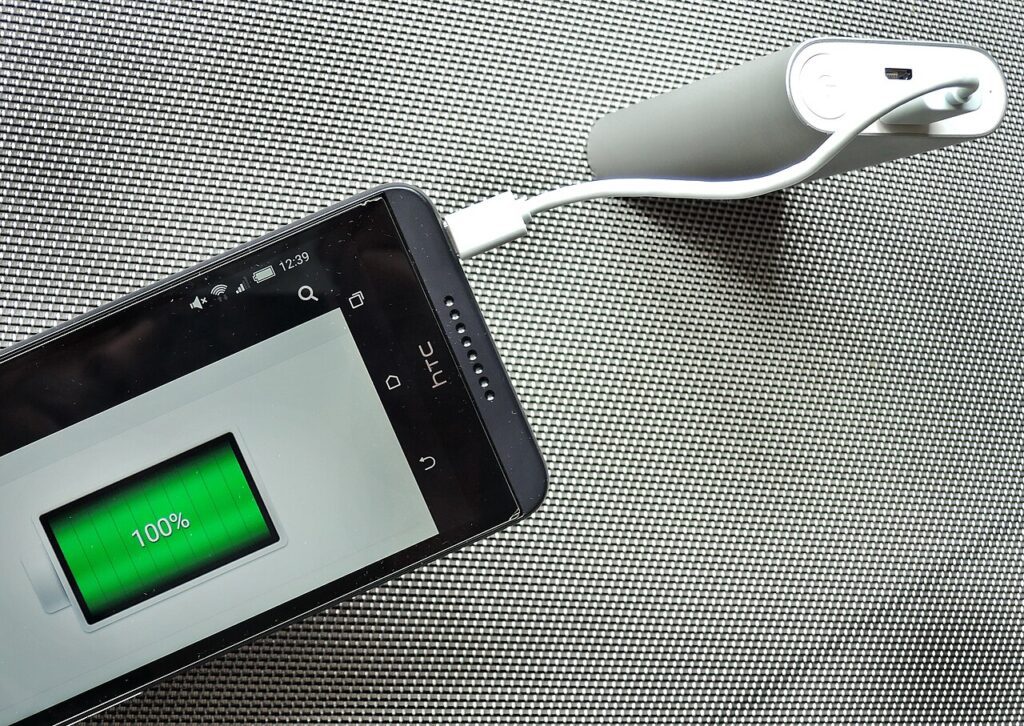
phone last all day does not have to mean buying a new gadget or signing up for another service. Start with the small checks that remove daily friction, then upgrade only when the evidence says it is worth it.
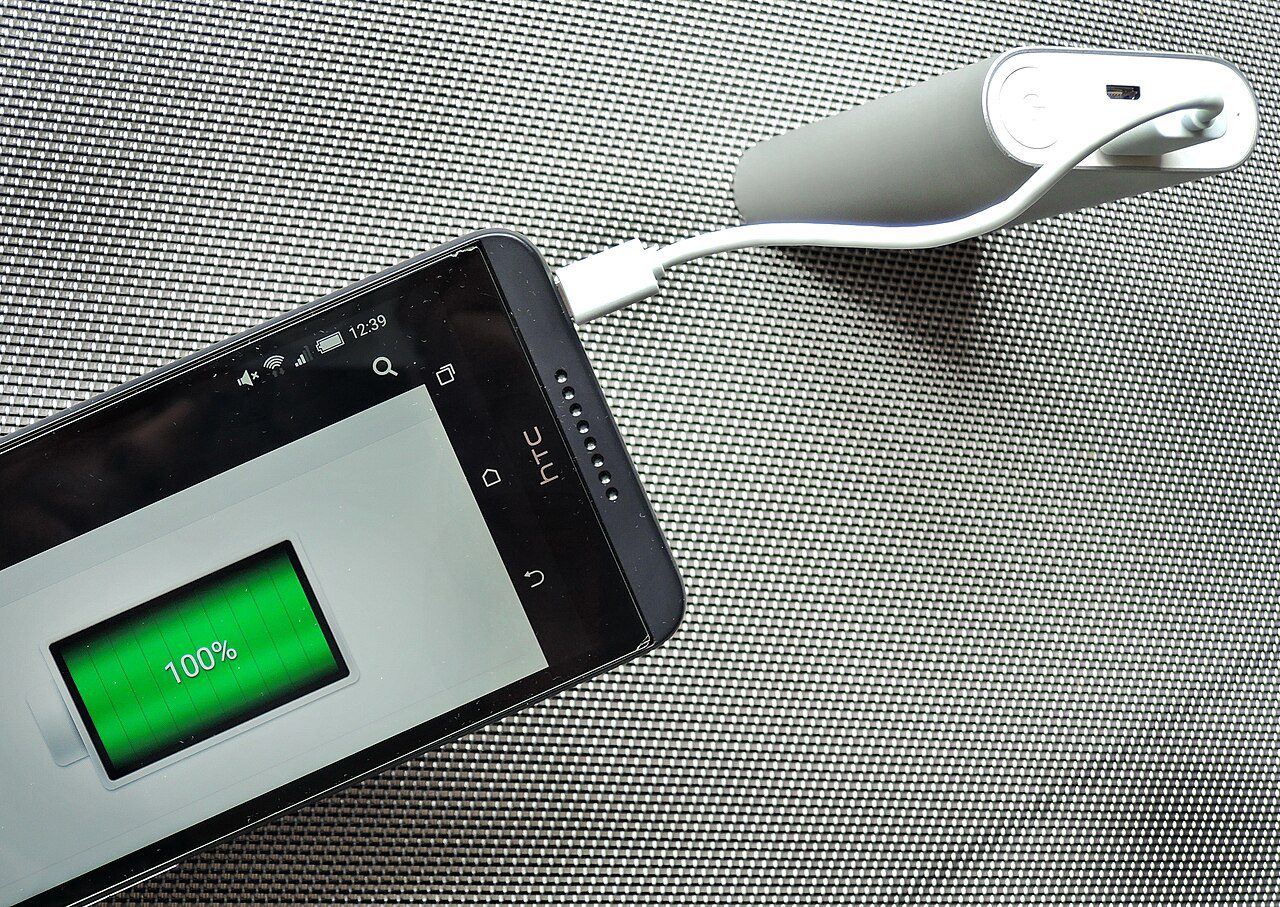
Find the real battery drain first
Open the battery screen and sort apps by usage. A game you played for ten minutes is not the same as a social app running in the background for six hours. Restrict background activity for apps you do not need instantly, especially shopping, news, and rarely used tools.
Use charging limits when available
Many phones now offer optimized charging or an eighty percent limit. Turn it on if you normally charge overnight. The goal is not to fear one hundred percent, but to reduce heat and long full-charge periods. Heat is the quiet battery killer that makes capacity drop faster over months.
Lower the invisible power costs
Auto brightness, a shorter screen timeout, dark mode on OLED screens, and fewer always-on widgets all help a phone last all day. Keep location set to while using for most apps. Disable Bluetooth or hotspot only when they are truly idle, not every five minutes.
Create a low battery routine
When you hit thirty percent before dinner, switch on battery saver, stop background refresh, and use Wi-Fi instead of weak mobile data when possible. A weak cellular signal can drain more than the screen because the phone keeps boosting radio power to stay connected.
Quick checklist
Set a fifteen minute timer, apply the first two steps, and write down what changed. If the result is better, keep the fix. If nothing changes, move to the next section instead of guessing. For more practical ideas, visit the Tips & Tricks homepage and save guides that match your routine.