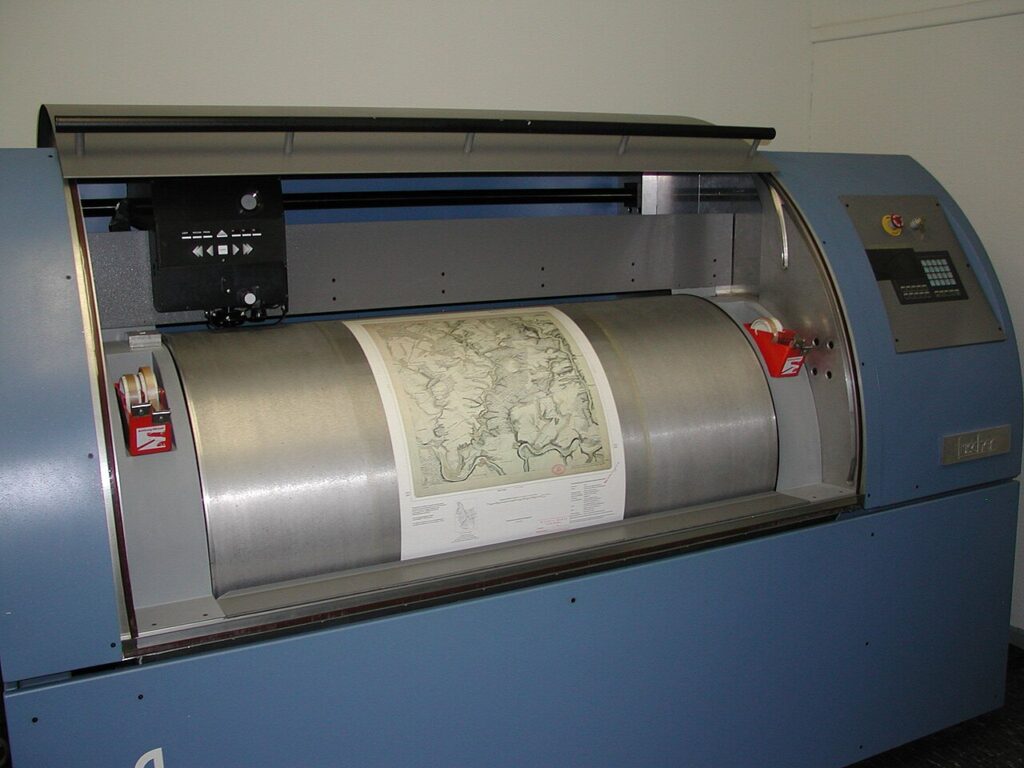
scan paper documents does not have to mean buying a new gadget or signing up for another service. Start with the small checks that remove daily friction, then upgrade only when the evidence says it is worth it.
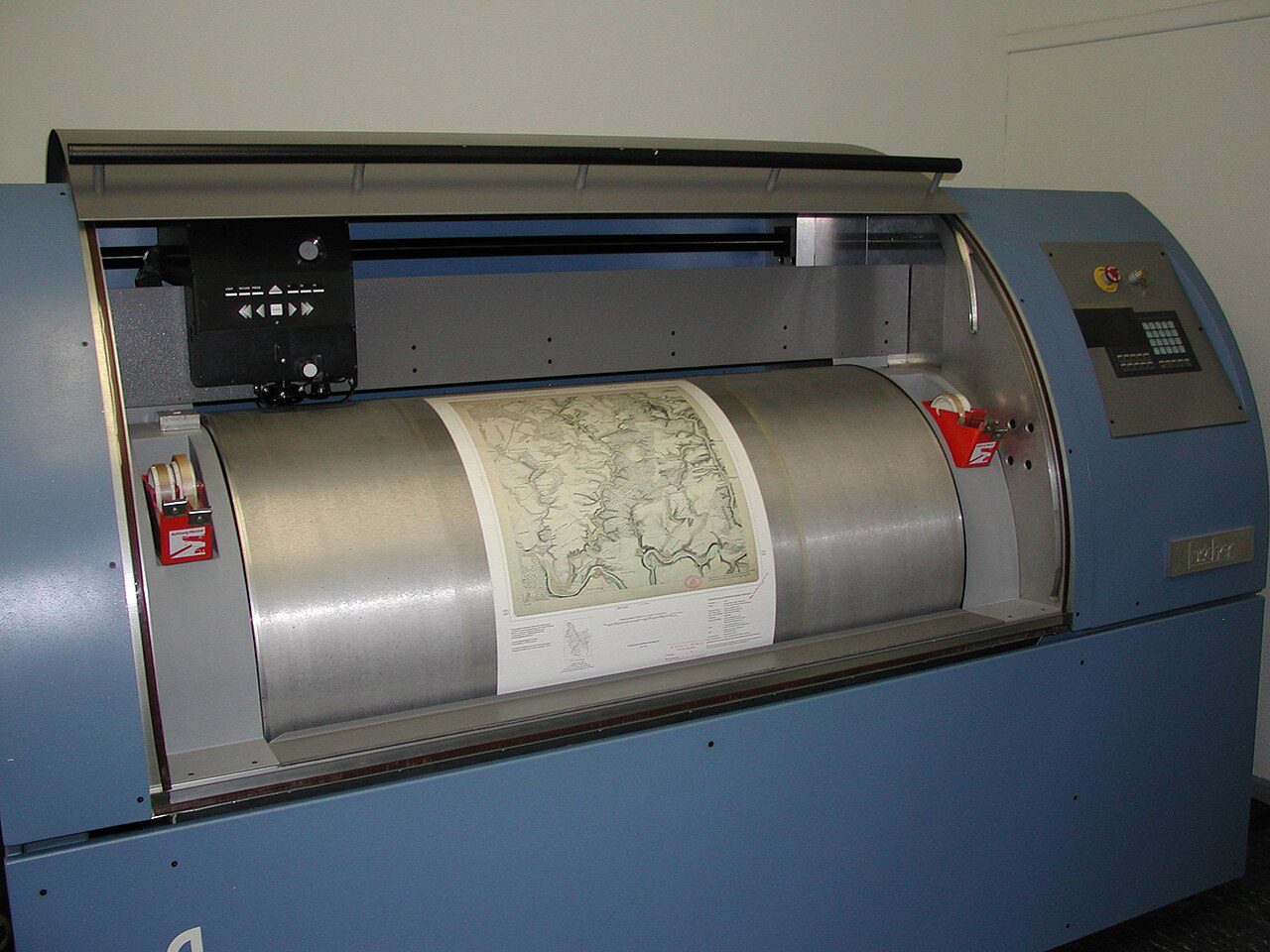
Use light and contrast before the app
Put the paper on a dark, flat background near a window or bright lamp. Avoid shadows from your hand. Most scanning apps can fix perspective, but they cannot recover blurry text. Wipe the camera lens and hold the phone parallel to the page for the sharpest result.
Export as searchable PDF
When the app offers optical character recognition, enable it. A searchable PDF is much easier to find later than a plain photo. Use PDF for forms, receipts, certificates, and notes; use JPEG only when the image itself matters more than the text.
Name files for future search
A file called scan one is useless in six months. Use a simple pattern like 2026-10-electric-bill or passport-renewal-receipt. Put dates first so folders sort naturally. This tiny habit turns scan paper documents from a one-time task into a reliable archive.
Protect sensitive scans
Store tax, identity, and medical scans in a cloud folder with two-factor authentication, or in an encrypted notes app. Delete temporary camera-roll copies after confirming the PDF is saved. Share links with expiry dates instead of sending permanent attachments when possible.
Quick checklist
Set a fifteen minute timer, apply the first two steps, and write down what changed. If the result is better, keep the fix. If nothing changes, move to the next section instead of guessing. For more practical ideas, visit the Tips & Tricks homepage and save guides that match your routine.