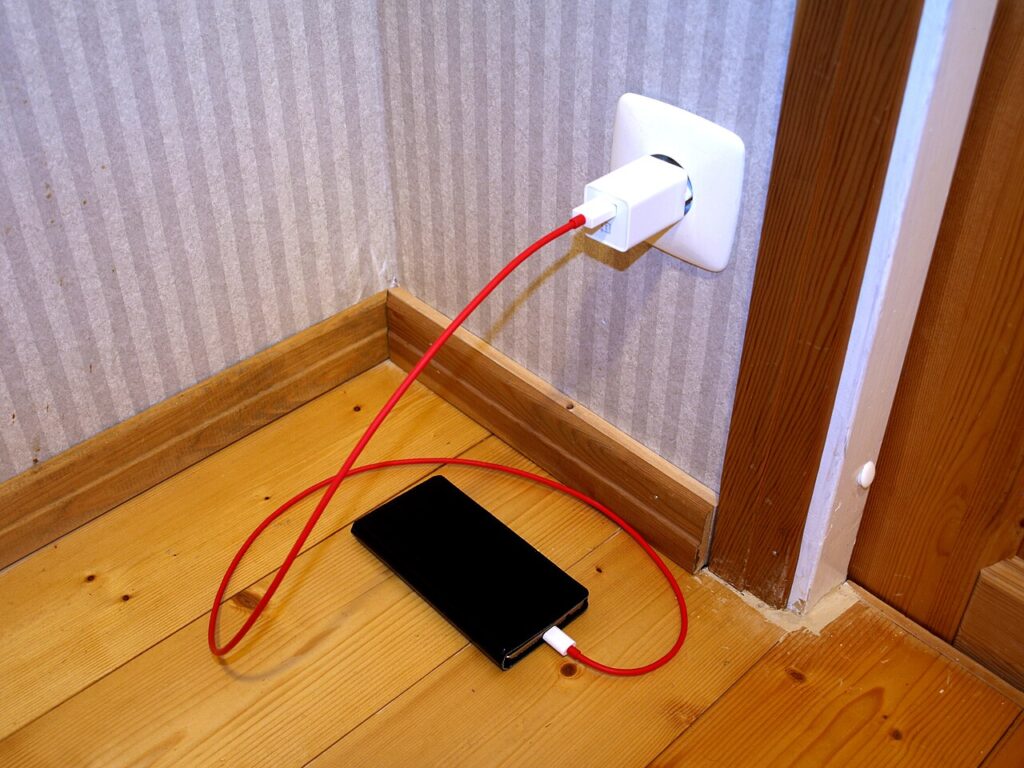
iPhone battery health tips usually get reduced to one anxious question: should you stop charging at 80 percent? In real life, battery health is less about one perfect rule and more about avoiding the patterns that age a battery faster than necessary. Heat, constant full charging in hot places, and heavy background activity matter more than internet myths. If your iPhone feels like it fades too quickly by afternoon, these habits can help without turning daily charging into a science project.

iPhone battery health tips begin with heat control
Batteries hate heat more than they hate charging. Leaving your phone on a dashboard, under a pillow, or on a hot wireless charger for hours does more harm than most ordinary charging habits. If your phone gets warm often, solve that first. Remove a heavy case while charging if it traps heat, keep the phone out of direct sun, and do not game or stream long videos while it is plugged in.
Apple’s own support page on battery lifespan explains that extreme temperatures are a real problem, not a minor footnote. Consumer Reports offers similar advice for keeping smartphone batteries healthy over time. The common theme is simple: cooler charging is kinder charging.
If you use wireless charging every day, pay attention to warmth. It is convenient, but some chargers run hotter than a basic cable. A slower, cooler charge overnight can be the better option.
Use optimized charging and stop chasing perfect percentages
One of the most helpful iPhone features is Optimized Battery Charging. Leave it on unless you have a very unusual routine. The feature learns your habits and delays the last stretch of charging when possible, which reduces the amount of time the battery spends sitting full.
What you do not need is constant percentage anxiety. It is fine to charge during the day when you need to. A quick top-up before heading out is better than limping to 3 percent because you were trying to follow a rigid rule. Modern iPhones are built for normal use, not for a life spent hovering near an outlet with a calculator.
The useful goal is consistency, not perfection. Avoid repeated deep drains to zero, keep heat down, and let the phone handle some of the charging optimization for you.
Trim the settings that quietly drain power
If battery life is the main problem, not just battery aging, look at the settings that burn through charge in the background. Open Battery in Settings and check which apps use the most power. Background refresh, constant location access, a bright display, and push mail on multiple accounts can all add up.
Lowering screen brightness a bit, using Wi-Fi when possible, and turning off location access for apps that do not need it are small changes that stack well. If you have an older iPhone, reducing unnecessary widgets and aggressive notifications can also help the phone stay calmer through the day.
For more mobile cleanup ideas, visit the Tips & Tricks homepage. You may also like How to Free Up iPhone Storage Without Losing Your Photos and iPhone Privacy Settings You Should Change Today.
Know when the battery needs service instead of more tricks
Sometimes the answer is not a new habit. It is a worn battery. Check Battery Health & Charging in Settings. If maximum capacity has dropped far enough that the phone no longer lasts through normal use, a replacement may be smarter than fighting the issue with power-saving workarounds every day.
Watch for the signs: sudden shutdowns, steep drops from moderate percentages, or a phone that slows down noticeably under load. Those symptoms usually mean the battery is physically aging. Replacing it can make the phone feel useful again for much less money than a full upgrade.
Before paying for a new phone, compare the cost of a battery service with the cost of living around the problem for another year. A fresh battery often gives an older iPhone a second life, especially if the rest of the device still feels fast enough for your needs.
If your charging habits are already reasonable, do not blame yourself for normal battery wear. Rechargeable batteries are consumable parts. Good habits slow the decline, but they do not stop time.
The best iPhone battery health tips are practical, not obsessive. Keep the phone cool, use optimized charging, cut background drain, and replace the battery when the hardware truly needs it. That is a calmer approach, and it usually works better than chasing battery myths from social media.