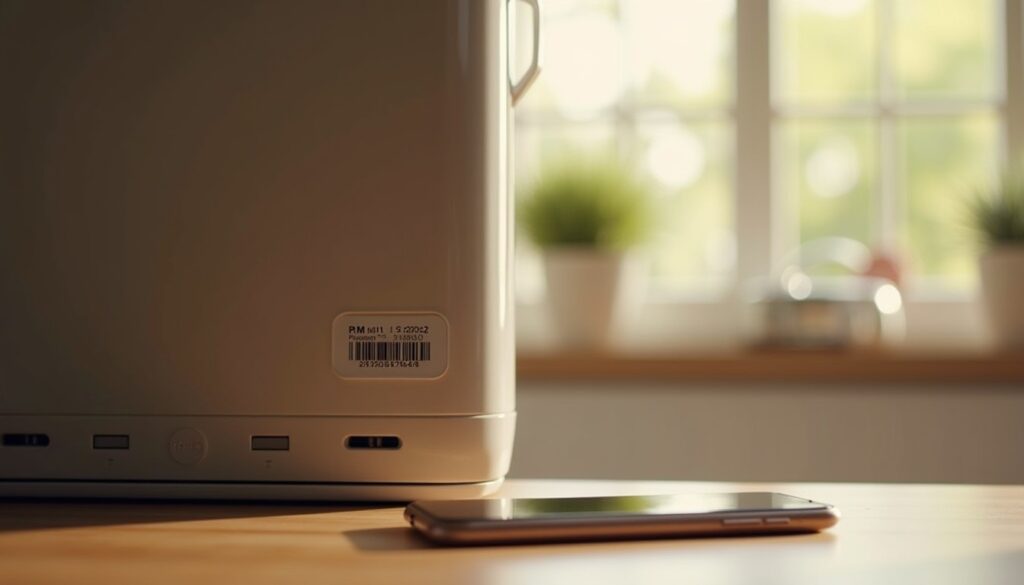
A warranty claim is usually decided in the first two minutes, by what you can produce. Name the model, read the serial number, show a dated invoice, and the counter staff open a ticket. Turn up with a vague description and the conversation becomes an argument about whether the fault is covered at all.
The five fields every service desk asks for
Not a spreadsheet of everything you own — five columns that a technician can act on:
- Model, exactly as printed. “Samsung UA55CU8000” gets parts; “Samsung 55 inch” gets a shrug.
- Serial number, including any letter prefix. Desks match on serial, not on model.
- Purchase date, which is also the day the warranty clock starts.
- Dealer name and branch, because claims are often routed back through the seller.
- Price paid, since replacement value and depreciation both depend on it.
A sixth field is worth adding: the warranty length in months, and whether it is manufacturer or dealer warranty. Those are different desks with different phone numbers.
Find the serial sticker before you need it
Manufacturers are consistent about hiding the label in the least convenient place available:
Refrigerator — inside the door frame on the hinge side, or on the back of the vegetable drawer housing. Split AC — right-hand side panel of the outdoor unit, and inside the indoor unit behind the flap that holds the filters. Television — rear panel, usually to the right of the input ports. Washing machine — under the lid on top-loaders, inside the door ring on front-loaders. Laptop — bottom cover, or under the battery on older removable-battery models. Phone — dial *#06# for the IMEI, which is also printed on the box sleeve and the invoice.
Serial formats matter when you are reading them aloud to a call centre. A 15-character Samsung TV serial and a 12-digit Walton appliance code are easy to confuse with the model number sitting next to them, so photograph the whole label rather than transcribing it by hand.
Photograph the label so it is readable in three years
Three shots per appliance, taken the day it arrives:
- The unit in its room, including the wall or counter around it. This proves ownership and records condition.
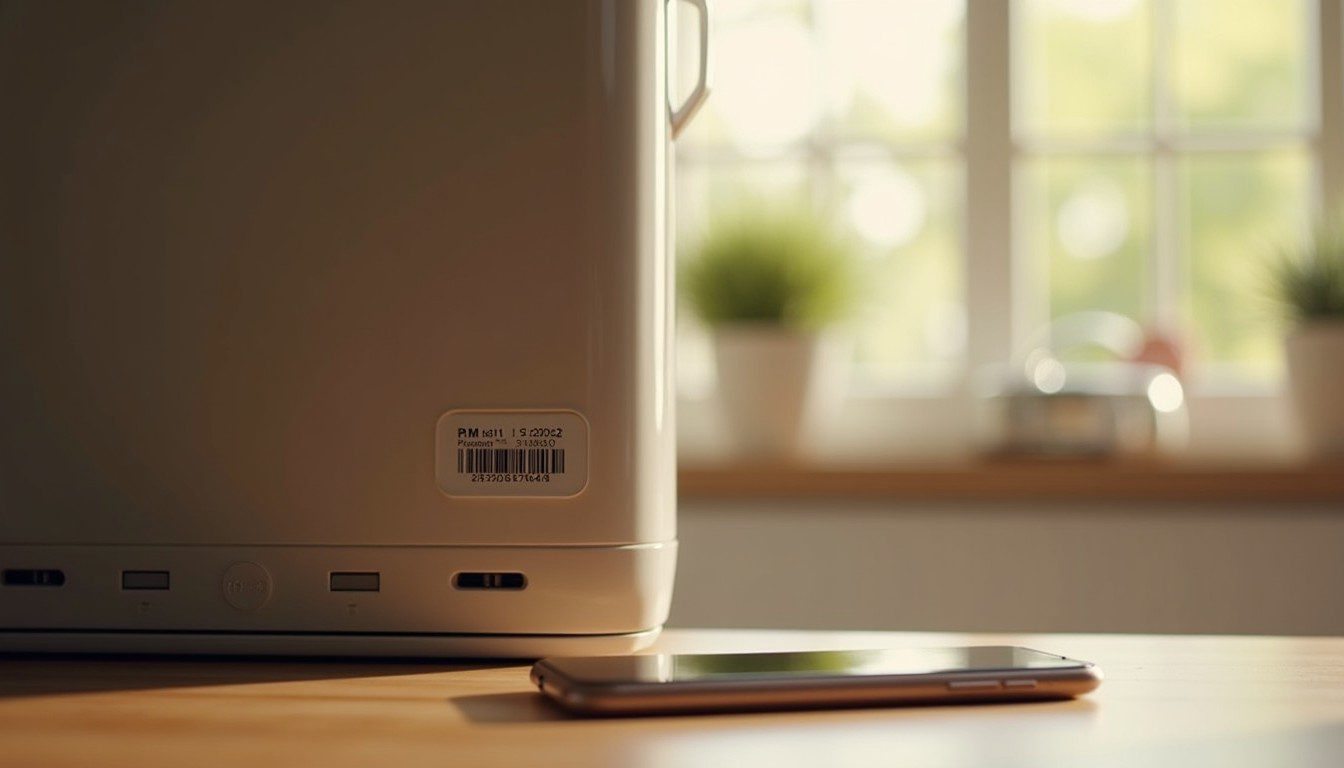
- The label head-on from 10–15 cm, flash off. Flash blows out the barcode and the small print; steady the phone against the appliance instead.
- The invoice, flat on a table, all four corners in frame.
On Android, switch to the 2× lens — close-focus on a 1× wide camera distorts the label edges. On iPhone, press and hold on the label to lock focus and drag the exposure slider down one stop, then shoot.
Stop thermal receipts from turning blank
Most shop receipts are printed on thermal paper, and thermal paper fades. In a warm kitchen drawer at 35 °C or more, the print can be unreadable within 18 months; a car glovebox in Dhaka summer finishes the job in a few weeks.
Two practical fixes. Photograph the receipt on the day of purchase and keep the image with the label shots. Better, ask the dealer for a PDF invoice by email — Star Tech, Ryans and Walton Plaza will normally send one if you ask at the counter, and a PDF cannot fade.
Do not laminate a thermal receipt. The heat of the laminator accelerates the fade, which is the opposite of what people expect. A plain A4 photocopy lasts decades and costs a few taka.
Build the folder once, then keep a claim kit ready
One folder per purchase, named 2026-10_washing-machine, inside whichever cloud drive you already pay for. Inside it: the three photos, the invoice PDF, and a text file with the model, serial, dealer and warranty end date. That text file is the part people forget, and it is the only part you can search.
Keep the carton until the return window closes — usually 7–15 days — then flatten it. Keep the warranty card only if it carries a dealer stamp, because an unstamped card is a piece of cardboard.
When something fails, send a packet rather than a story: four photos (unit, label, invoice, the fault itself), the ticket number from the call centre, the purchase date, and one paragraph of dated facts. “Stopped cooling on 12 October. Compressor runs, no cold air, no error code.” That sentence is what a technician needs to book the right part.
For the paper side of this, our guide to scanning documents with your phone covers straightening and exporting receipts as PDFs. And when an appliance is finally replaced, the old one should not go in the bin — see disposing of old electronics and batteries safely. The Insurance Information Institute’s guide to a home inventory is the reference to read if you ever need the list for an insurance claim rather than a warranty one.