The setup started as a temporary fix: a laptop on the dining table, a cushion on a plastic chair, and a plan to buy a proper desk later. Two years on the cushion is flat, the wrists ache by four in the afternoon and the neck hurts when you turn to look at the second screen. You cannot fix desk posture with a better chair alone, because the problem is the whole arrangement, and a laptop makes it worse than almost anything else you could buy.
The four measurements that decide everything
Ergonomics is mostly arithmetic, not stretching. Seat height first: feet flat on the floor, thighs roughly horizontal, knees at about 90 degrees. If the chair is too tall for your legs, a footrest is not cheating, it is the fix. If it is too low and your knees are above your hips, add a firm cushion or a folded blanket under you before touching anything else.
Second, elbow height. Your forearms should rest level or drop very slightly towards the keyboard, with the elbows at about 90 to 100 degrees and close to your sides, not stretched forward. Third, the screen: the top edge of the display at or a little below eye level, and 50 to 70 cm away. Fourth, the surface in front of you. It needs to be deep enough that the keyboard sits at elbow height without your shoulders rolling forward to reach it.
That is the whole framework. Everything else on this page is a way of getting those four numbers right with whatever furniture you already own.
Why a laptop alone can never be ergonomic
The keyboard and the screen on a laptop are 20 cm apart. Put the screen at eye level and the keyboard is up at your chin height, so your shoulders lift and your wrists bend back. Drop it to typing height and you spend eight hours looking down, which is where the neck pain comes from. This is not a design flaw, it is physics, and it is why the cheapest real improvement is not a chair.
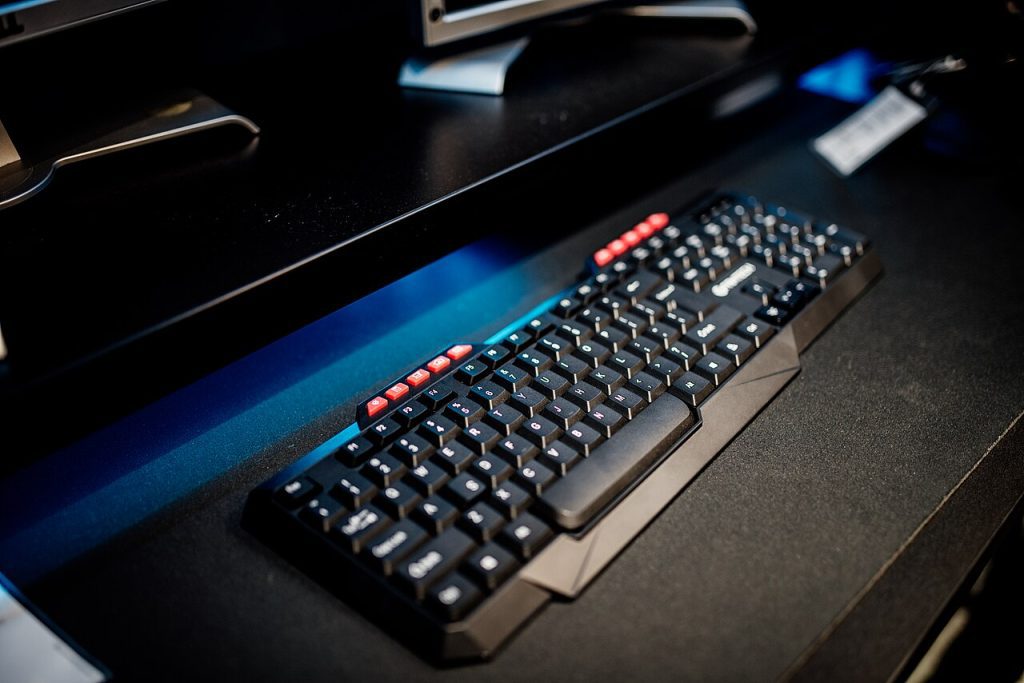
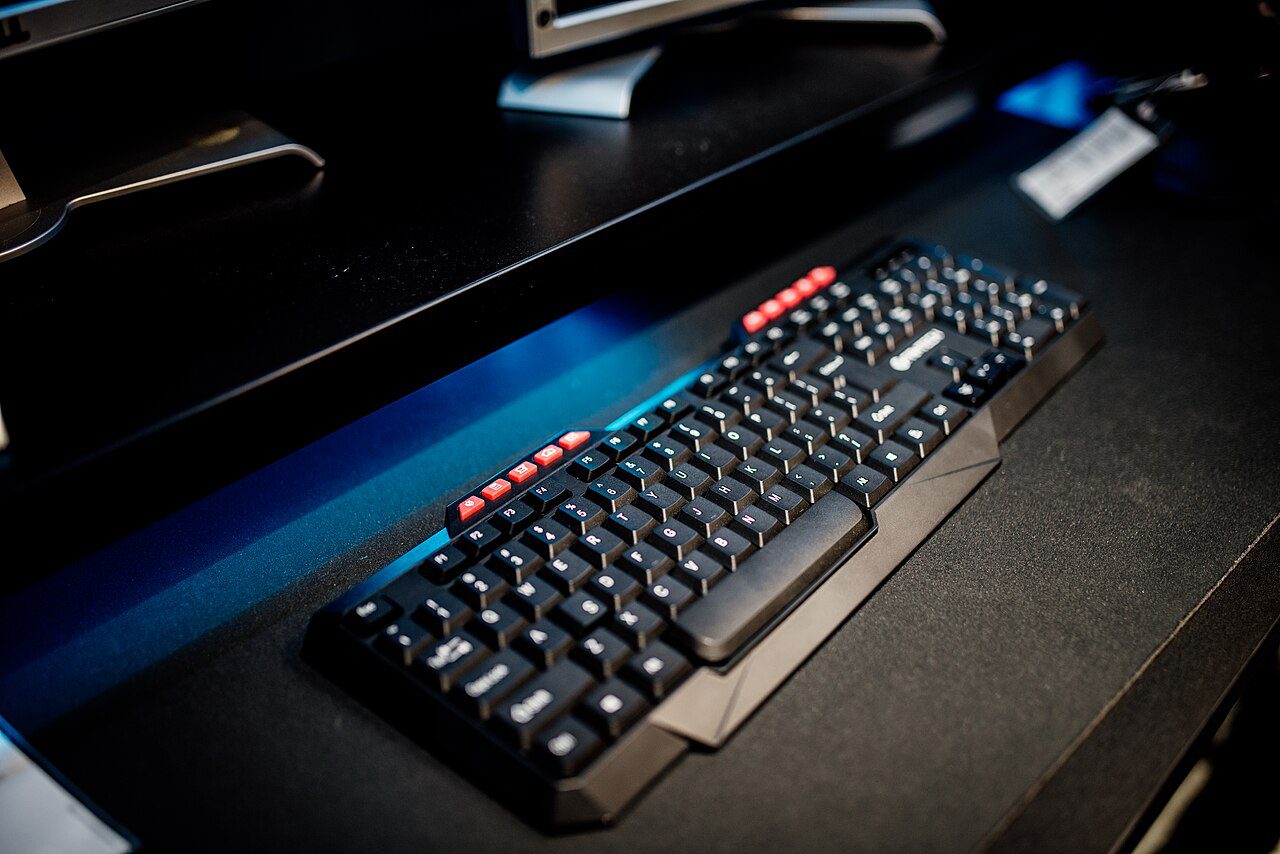
Raise the laptop so the top of the screen is near eye level: a laptop stand, a stack of textbooks, or a couple of reams of A4. Then use an external keyboard and mouse on the desk below it. A basic wired keyboard and mouse cost less than a decent office chair in Dhaka, and they fix more of the problem. The arrangement is also what you want if you ever add a second monitor at home, because the external keyboard is already where it needs to be.
Wrists: neutral, floating, not resting
Wrist pain at a keyboard is usually about angle and pressure, not typing speed. Your wrist should stay straight, with the back of the hand in line with the forearm, not bent up or down. A negative tilt, where the back edge of the keyboard is slightly lower than the front, helps if your keyboard has flip-out feet; most people have them deployed backwards, which raises the back and cock the wrists up. Fold them away.
A wrist rest is not a pillow for the wrist. It supports the heel of the hand between bursts of typing, and the wrist itself should stay off it while your fingers work. If your palms are pressing hard into the desk edge, the keyboard is too far forward or the chair is too low, so fix that rather than buying a gel pad.
If the pain is already there, two cheap changes help. Tilt the keyboard slightly away from you, or split the load by moving the mouse to the other hand for an hour a day. A vertical mouse keeps the forearm in a handshake position rather than twisted flat, which many people find easier on the outside of the elbow. Neither is a cure, both reduce the daily load.
Breaks, glare and the rest of the desk
Static posture is the real enemy, not any single bad angle. Set a timer for 25 minutes and stand up for two. The 20-20-20 habit, looking at something 20 feet away for 20 seconds every 20 minutes, does the same job for your eyes; the details are in reducing screen eye strain at night, which matters more if your working day runs into the evening under a single ceiling bulb.
Put the screen side-on to the window, never facing it and never with the window directly behind it, or you will lean in and squint all afternoon. A monitor at the correct height with brightness matched to the room reduces the forward head lean more than any posture reminder app.
Keep the surface clear enough that the mouse has 15 cm of free travel and the keyboard sits square in front of you rather than angled round a pile of paper. That is the practical reason organizing cables and chargers is an ergonomics task and not just a tidiness one, since a cable dragging on your wrist changes how you type all day.
When it is no longer a furniture problem
Ergonomics lowers risk, it does not undo ten hours of stillness. If you make the four measurements right and the pain continues for more than two or three weeks, or if you get numbness or tingling in the fingers at night, weakness in the grip, or pain that wakes you, see a doctor rather than adjusting the chair again. Those symptoms point at a nerve, and no footrest fixes a nerve. The OSHA guidance on computer workstations is a plain, short reference for the setup itself, and it is honest that workstation changes are one part of the answer.
Do the arithmetic tonight: sit down, put your feet flat, and measure from the floor to the underside of your elbow. That number is your keyboard height, and if the desk is 8 cm above it, you now know exactly what to change first.