
Turn an Old Phone Into a Home Security Camera
Turn an old phone into a home security camera: pick the right app, aim it properly, and handle heat, charging and privacy before you rely on it.
Turn an old phone into a home security camera: pick the right app, aim it properly, and handle heat, charging and privacy before you rely on it.
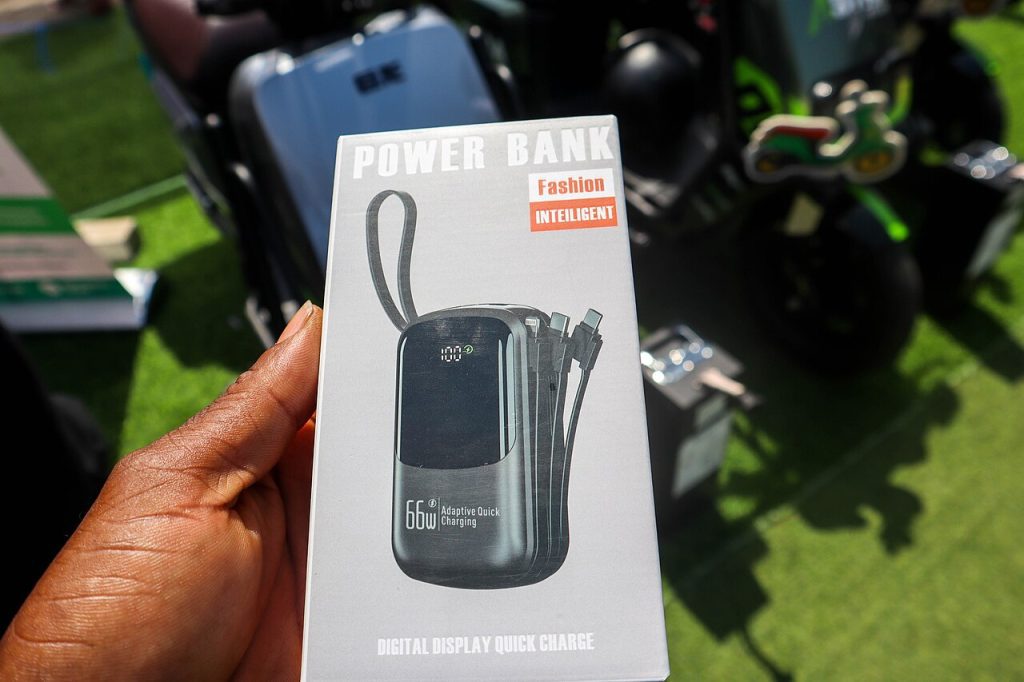
Pick a power bank that really charges your phone fast: check usable capacity, output wattage, cable quality and safety marks before you pay.
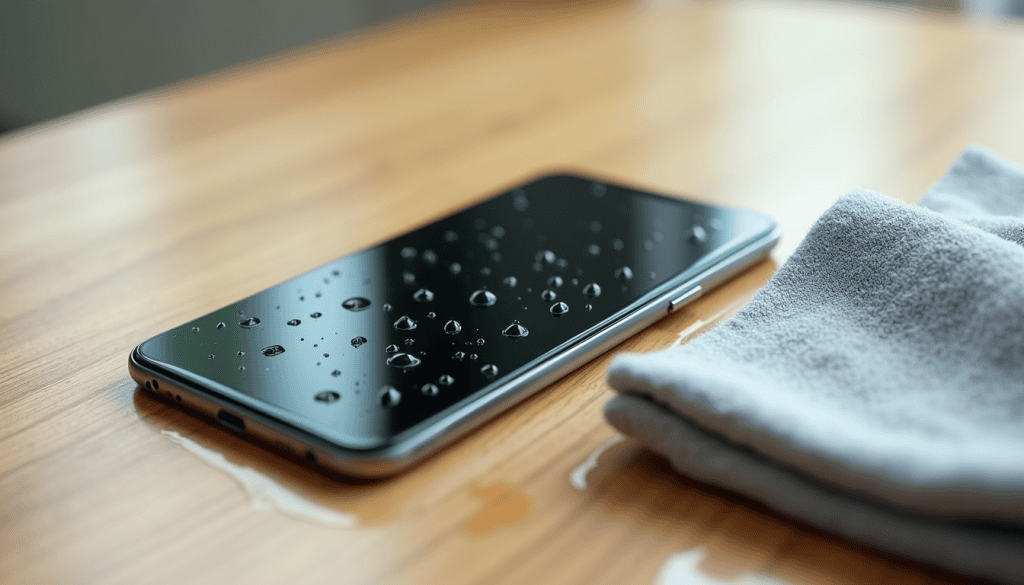
Your phone took a splash? Power it off, dry the ports, and skip the rice. The first-ten-minutes steps and how to tell if it survived.

Phone refusing to join Wi-Fi? Restart in the right order, forget the saved profile, and fix the settings that silently block connections.
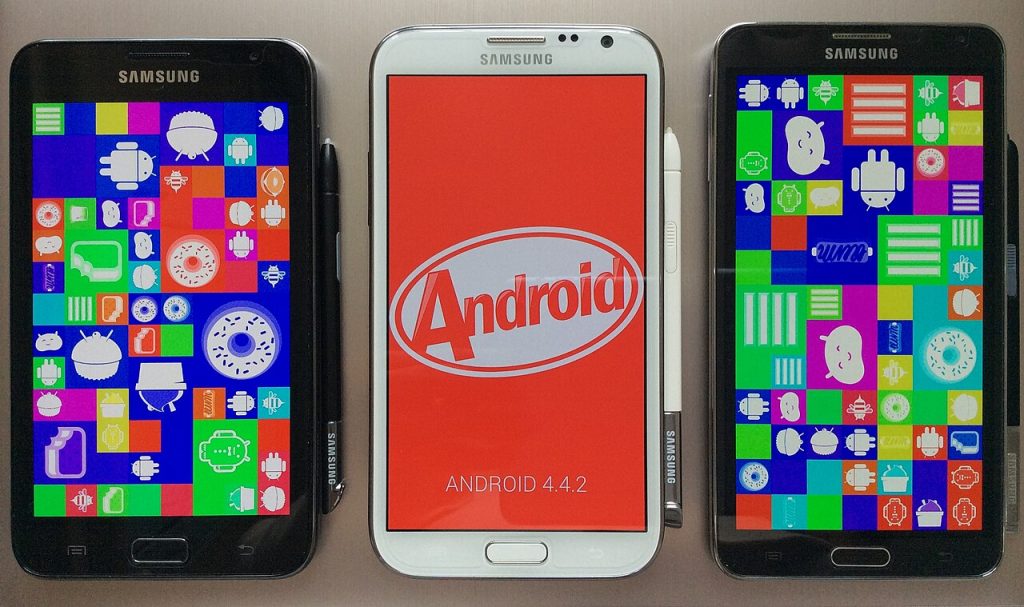
Clean phone screen glass and charging port lint safely using a microfiber cloth and a wooden pick, with no harsh sprays or metal tools.
Chat caches, offloaded apps and stale downloads reclaim tens of gigabytes on a full phone, and nothing you want to keep is lost.
Free up the storage that matters, halve the animations, and find the apps waking your CPU — no factory reset, no data loss.

Know what a QR code can carry, preview the link first, spot stickers pasted over real codes, and learn what to do if you already scanned a bad one.

Find the app that spent the gigabytes, cap video quality and keep messaging alive. The settings that matter, with the real bitrate numbers.

What the chat backup really contains, why a full Drive account fails silently, and the order of steps that gets the history onto the new handset.