Secure Your Home Printer on Wi-Fi
Secure home printer Wi-Fi settings by changing defaults, updating firmware, limiting access, and turning off risky features.

Secure home printer Wi-Fi settings by changing defaults, updating firmware, limiting access, and turning off risky features.

Reduce mobile data usage by limiting background refresh, video quality, cloud sync, and app downloads while keeping essentials working.
Organize browser bookmarks with a simple folder system, cleanup rules, and a faster way to save links you will actually use.
Do a safe WhatsApp chat backup before switching phones so messages, photos, and account access move without surprises.
Change these smart TV privacy settings to reduce tracking, limit voice data, and keep streaming convenient without oversharing.
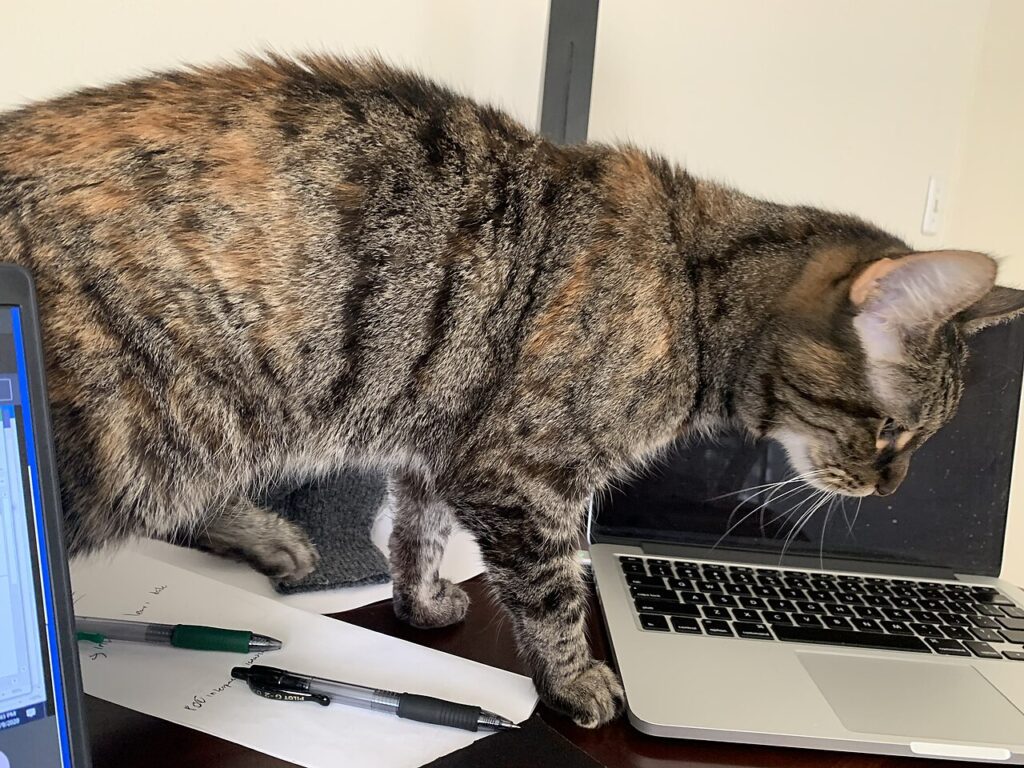
Used laptop checklist for testing battery, screen, keyboard, ports, storage, and seller claims before you pay
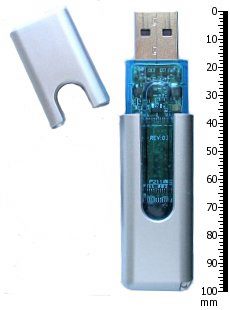
USB flash drive safety tips for moving files, avoiding malware, formatting correctly, and protecting important backups
Scan documents with phone camera apps using better lighting, framing, file names, and secure sharing habits
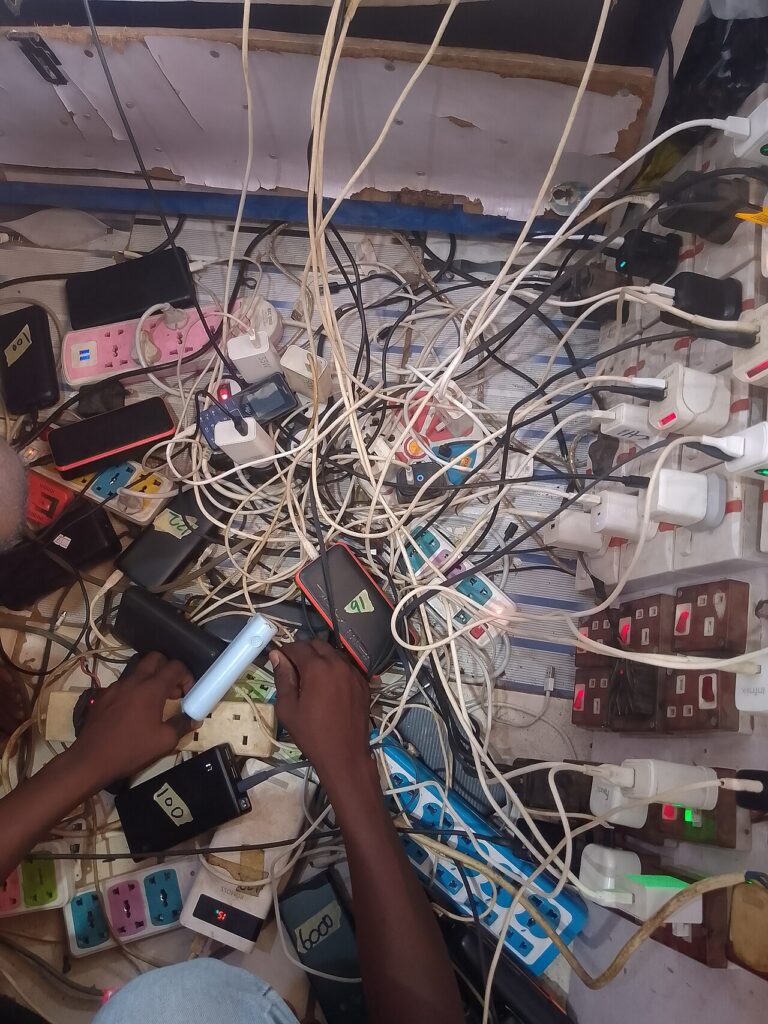
Phone charging problems can often be fixed by checking cables, ports, chargers, settings, and battery habits before you spend money
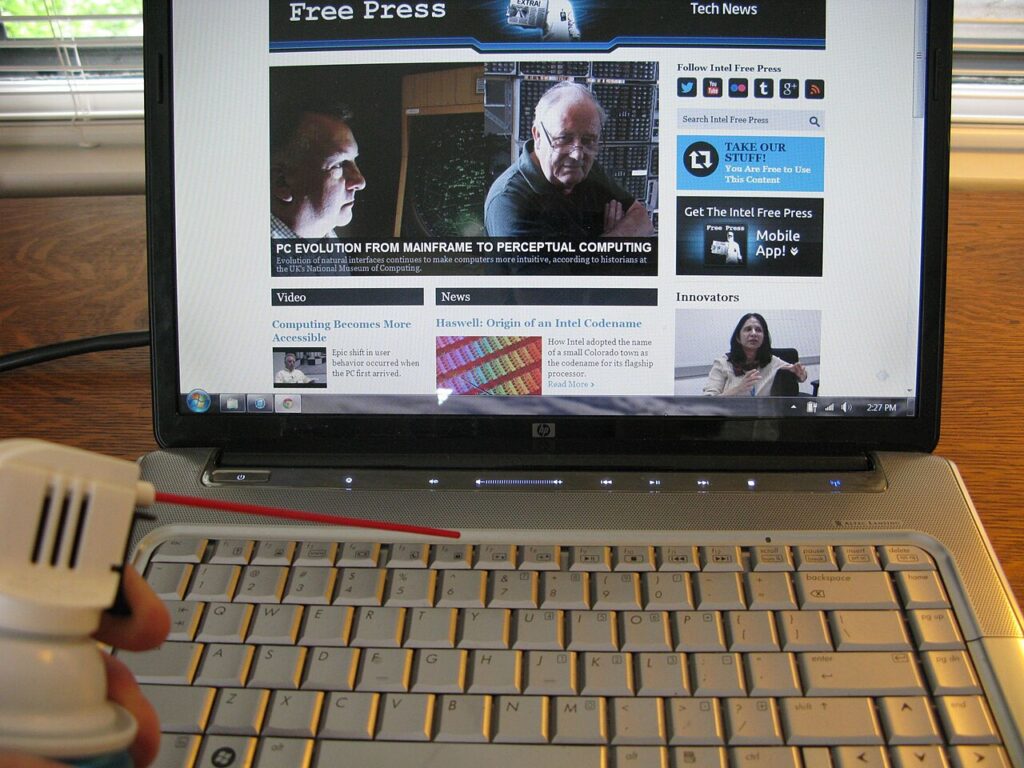
Clean laptop keyboard safely with simple tools, careful steps, and habits that prevent dust, sticky keys, and accidental damage