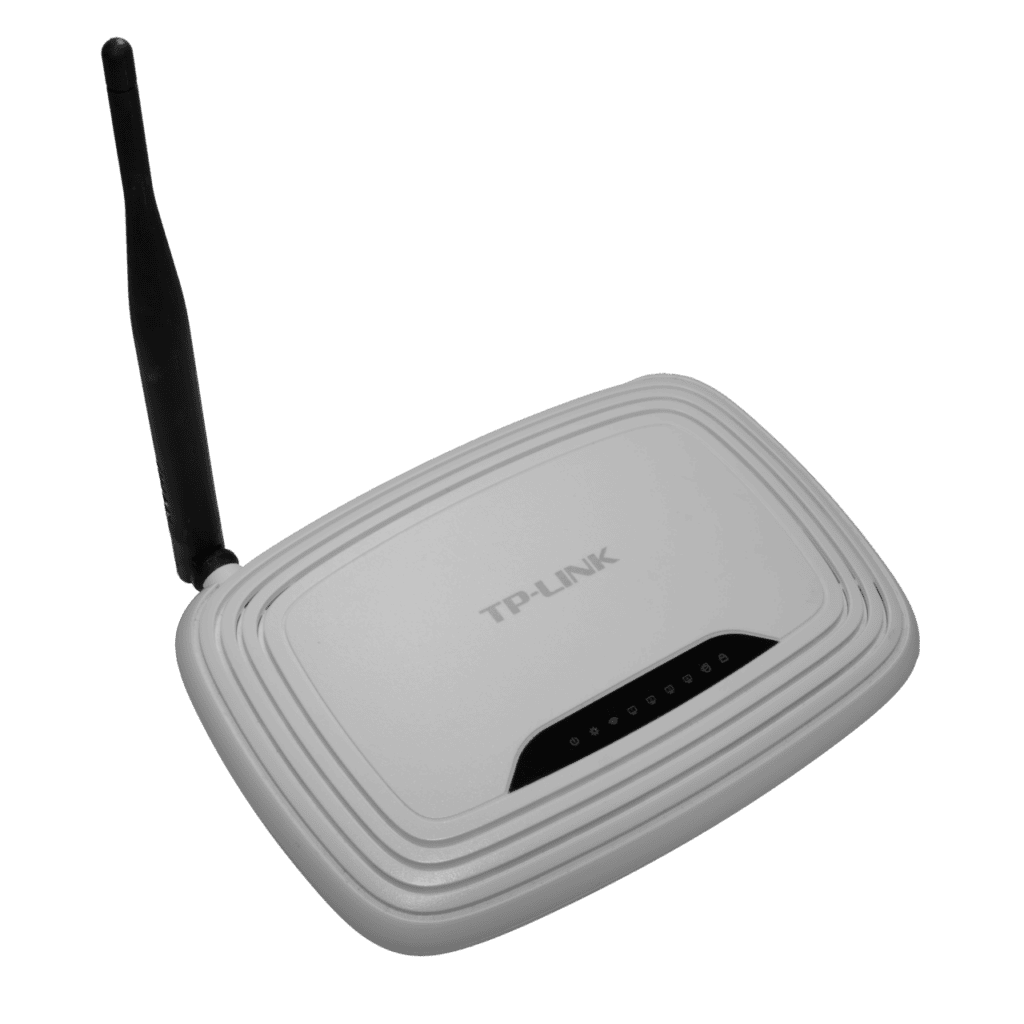
If your internet feels fine near the router but frustrating everywhere else, the router placement is probably doing more damage than your plan speed. A small move can make Wi-Fi feel dramatically more stable.
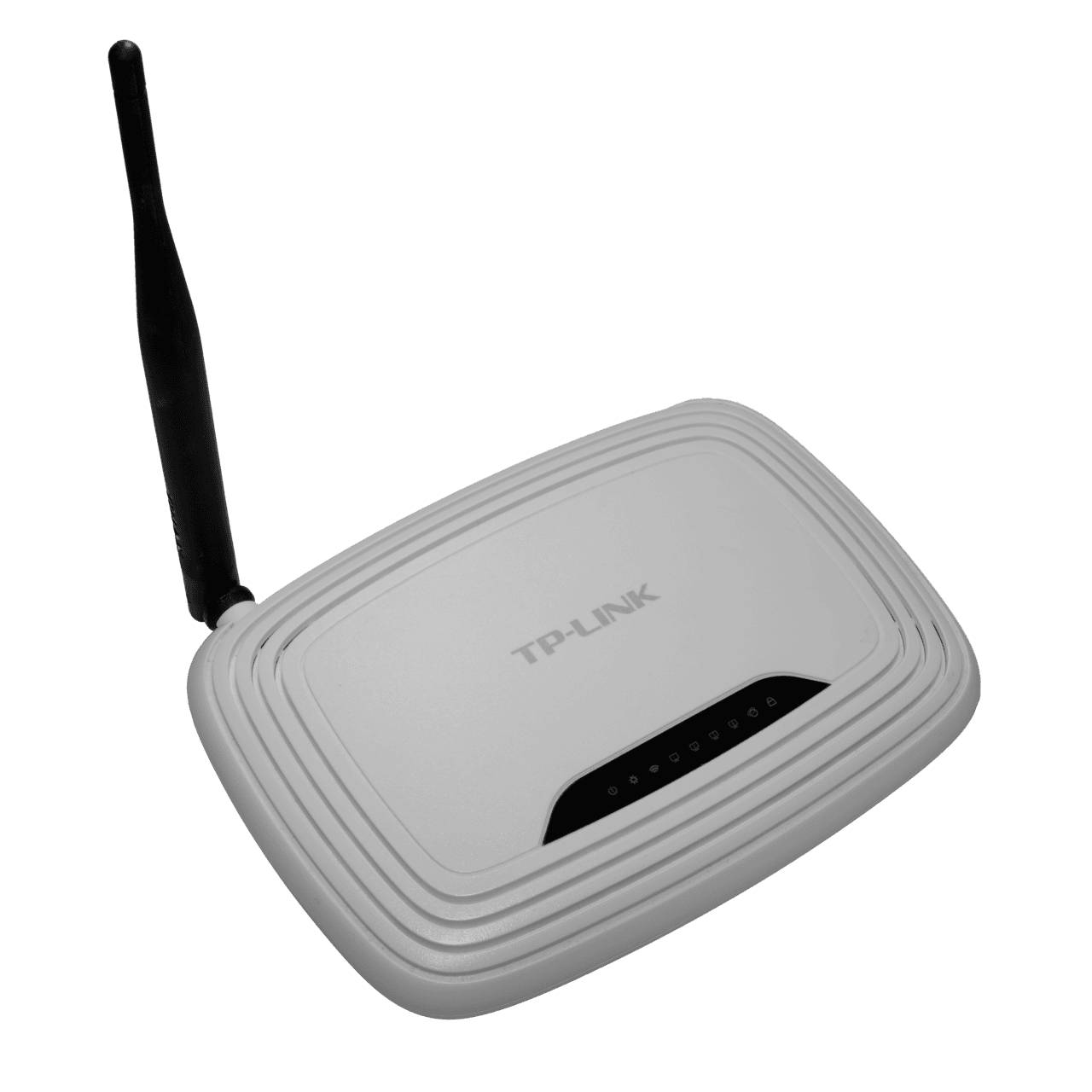
How to move your wi-fi router without overdoing it
Wi-Fi signal does not like thick walls, metal shelves, microwaves, or hidden corners. Routers work best when they can spread the signal outward instead of blasting through furniture, TV cabinets, and a pile of cables.
- Place the router as centrally as possible and keep it off the floor.
- Move it away from metal, mirrors, microwaves, and cordless phone bases.
- Lift it onto a shelf or table so the signal can travel above furniture.
- Test the weak rooms after the move and reboot the router once the new spot is set.
The mistakes that waste time or cause damage
The worst router spot is usually the easiest one to ignore: a corner, a cabinet, or the back of a TV stand.
- Do not hide the router behind a monitor or next to other wireless gear if you can avoid it.
- Do not assume a bigger plan fixes a bad layout; the bottleneck might be placement, not speed.
- Do not leave it dusty or overheat it in a closed box.
A simple routine you can repeat every week
Once the router is in a better spot, check signal in the rooms you actually use most. If one end of the house still struggles, think about channel settings, firmware, or a mesh upgrade only after the placement is right.
One more check before you call it done
Give the setup a few days before you decide whether it worked. Most small improvements only feel obvious after you repeat them a few times, because the real win is less friction, fewer mistakes, and a routine that is easy to keep on a busy day.
Once the basics are in place, make one small follow-up tweak: move the device a little, lower one noisy setting, swap one weak cable, or remove one recurring charge. A tiny second pass often turns a good fix into a reliable habit.
- Watch for heat, noise, clutter, or repeated alerts that still feel off.
- Keep the version that is easiest to repeat, not the version that only works once.
- Re-check the result after a week so the improvement does not fade.
Quick wins if you want better results today
A cleaner Wi-Fi setup usually starts with free changes before paid upgrades. Move the router first, then measure whether the problem is still real.