Most people upgrade a phone and leave the old one in a drawer. Instead of letting it age into e-waste, you can turn an old phone into a home security camera in about twenty minutes. A spare phone already has a camera, Wi-Fi, a battery backup and a screen, which is exactly what a cheap indoor security camera has, minus the price tag.
Why an old phone works well as a security camera
The hardware is genuinely good. A three-year-old phone has a sharper sensor than many budget CCTV units, and its battery keeps recording through a short power cut. The only weak points are heat and continuous charging, which are easy to manage.
You also keep control of the footage. There is no subscription, no cloud account you cannot audit, and no vendor deciding to change terms. Recordings stay on your own storage or your own account.
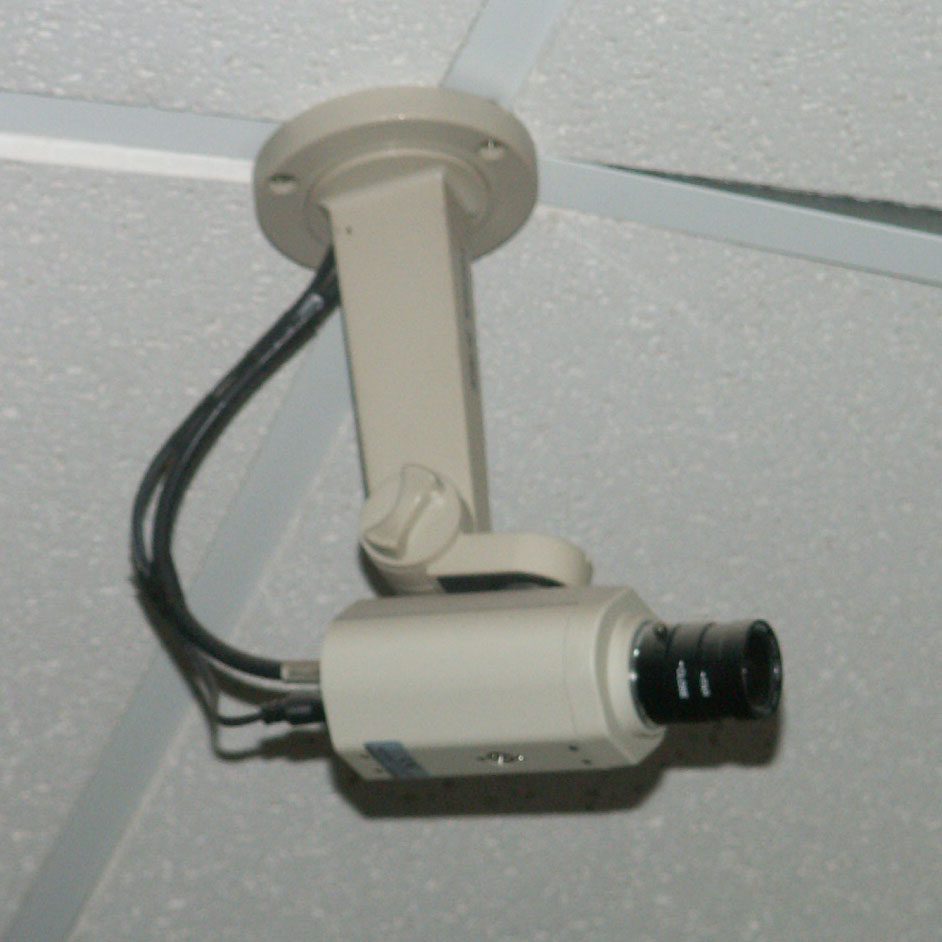
Set up the security camera app before you mount anything
The practical way to turn an old phone into a security camera is a purpose-built app that keeps the screen awake, streams over your local network, and can alert you on motion. Options people commonly use include IP Webcam, Alfred, and Haven. Whichever you choose, install it on both the old phone and the phone you carry.
- Grant camera and microphone permission only to that app, and nothing else on the spare phone.
- Set a strong password on the camera stream; most apps default to no password at all.
- Test the stream from another room before you commit to a position.
- Disable sleep and screen timeouts, then keep the phone plugged in.
Position the camera where it actually sees something
A camera pointed at a blank hallway records nothing useful. Put it at chest height facing the door you care about, with a light source behind it rather than in front. Avoid pointing it at a window during the day: the bright background will silhouette everyone into a dark shape.
Keep the phone within reach of Wi-Fi. Weak signal causes dropped frames and delayed alerts, which is worse than a lower resolution. If the signal is shaky at that spot, move the phone closer to the router rather than adding an extender for one device.
Deal with heat, battery and privacy before you rely on it
Continuous recording makes a phone warm. Remove the case, keep it out of direct sun, and do not sandwich it between books. If your phone supports it, a charge limit around 80 percent slows battery swelling during months of 24/7 power.
Privacy matters as much as the footage. Point the camera at your own property only, never at a neighbour’s door, and tell anyone living in the house that it is recording. Delete the old phone’s accounts, photos and messages first: a device sitting in a hallway should not still be signed into your email. The EFF’s privacy guides cover the basics of what a home camera should and should not capture.
Keep the setup reliable week after week
- Use a short, good-quality charging cable; a loose cable causes random shutdowns.
- Set the phone to restart the camera app automatically after a reboot.
- Check the recording once a week instead of trusting a green dot.
- Store clips locally and copy anything important off the phone.
- Retire the setup if the battery visibly swells.
An old phone turned into a security camera is a weekend project that pays for itself the first time it catches a delivery gone missing. Test it for a week before you rely on it, and keep the footage local.
Related reads
More practical guides live on the tips-tricks.net homepage.