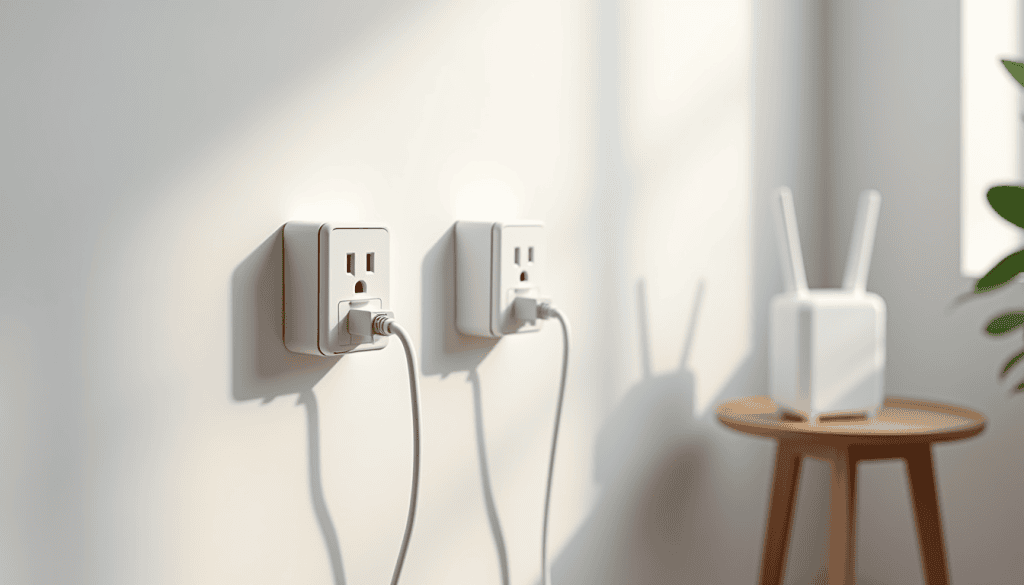
A router downstairs and a bedroom upstairs is the classic dead-zone setup: full bars near the kitchen, one bar at the desk. Running Ethernet through the walls is the best fix and the most disruptive. Powerline networking is the middle path — it sends the network signal over the electrical wiring you already have. Here is how to extend Wi-Fi to another floor with powerline adapters, what it can and cannot do, and how to avoid the mistakes that make people give up on it.
What a powerline kit actually does
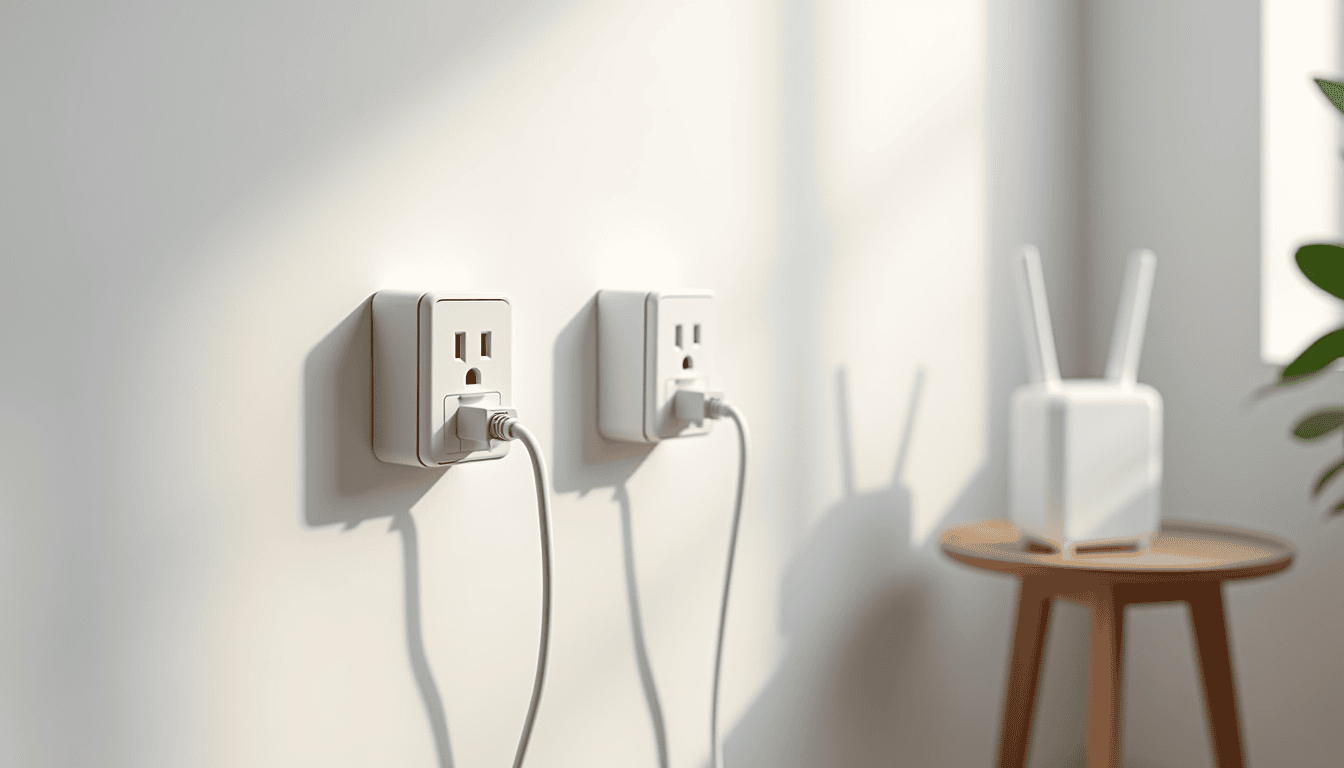
A starter kit has two adapters. You plug one next to the router and connect it with a short Ethernet cable. You plug the second in the room that needs coverage. The two adapters talk over the mains wiring, and the second one usually has its own Wi-Fi radio, so phones and laptops upstairs join that network instead of straining for the router.
The important limitation: powerline is not magic and not gigabit in most homes. Real throughput typically lands between 100 and 400 Mbps on modern AV2 or G.hn kits, and it drops on long runs, old wiring, or when the two adapters sit on different circuits.
Extend Wi-Fi to another floor without new cabling
The setup order matters more than the hardware:
- Adapter one goes into a wall socket near the router, not into a power strip or surge protector — those filter the signal.
- Adapter two goes into a wall socket in the target room, again direct.
- Pair them with the button on each unit, then give the upstairs adapter the same network name and password as your main Wi-Fi if you want devices to roam, or a distinct name if you prefer to choose manually.
- Connect a laptop by Ethernet to the upstairs adapter first and run a speed test. That number is your ceiling; Wi-Fi from that unit will be lower.
If the two adapters end up on different electrical phases, they may not see each other at all. Moving one to another socket in the same room is often the whole fix.
Where powerline beats a repeater or mesh
A Wi-Fi repeater halves the bandwidth it forwards, so the far room gets a strong signal and a slow connection. Powerline carries the traffic over copper instead of through the air, so the far room gets its own clean link to the router. That makes it a good fit for a home office, a smart TV, or a games console on another floor.
Mesh is better when you need seamless roaming across a large open plan and can afford three nodes. Powerline is better when walls are thick, the floors are concrete, and there is no way to run cable. Our guide to improving home Wi-Fi speed without buying new gear covers the free fixes to try before you spend anything.
Mistakes that ruin the result
- Plugging into a surge protector — the most common cause of “powerline is slow”.
- Mixing brands and standards — adapters from different generations often fall back to a slow common mode or refuse to pair.
- Ignoring the encryption button — an unpaired adapter can be joined by a neighbour on a shared meter. Always pair and set the network key.
- Expecting Wi-Fi 6 speeds — the adapter’s Wi-Fi radio is usually the bottleneck, not the mains link.
Test it before you keep it
Measure in the actual room at the actual desk, at the time of day you work there. Compare three numbers: the router’s Wi-Fi from that room, the powerline Ethernet link, and the powerline Wi-Fi. If the powerline numbers are not clearly better, return the kit — most stores allow it within two weeks. Also re-check placement of the router itself, since a small move downstairs can lift the whole house: see where to place your Wi-Fi router and fixing weak Wi-Fi with router placement.
When to skip powerline entirely
If your home has coax outlets in both rooms, MoCA adapters are faster and more stable. If the building is new and has conduit, pay someone to pull one Ethernet cable — it will outlive three generations of Wi-Fi gear. And if the dead zone is one room only, a single mesh node placed halfway usually solves it with less fuss.
Whatever you choose, secure the new network properly once it is running: the router admin settings worth changing.
Related reads
Sources: Powerline communication overview, Wi-Fi Alliance.