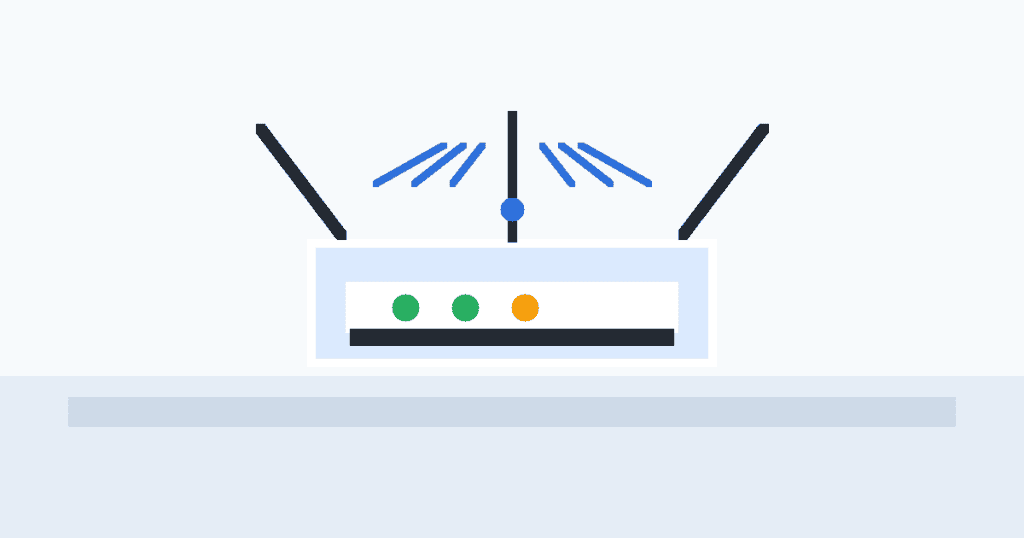
Weak Wi-Fi is often a placement problem, not an internet-plan problem. These router placement tips help the signal travel farther before you spend money on extenders.
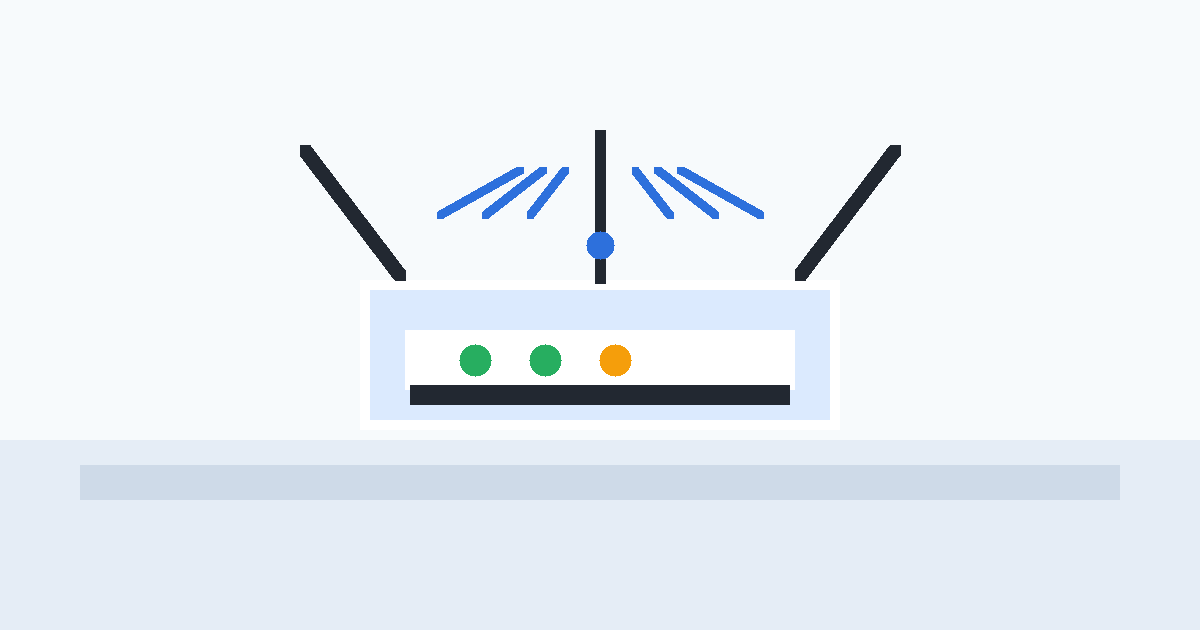
Start with one small change, then measure the result. That habit keeps the fix practical and prevents unnecessary spending.
Put the router placement tips into the room
Place the router near the middle of your home, raised on a shelf, and away from thick walls. A hallway table often beats a cabinet beside the modem.
Avoid signal blockers around the router
Keep the router away from metal shelves, fish tanks, microwaves, cordless-phone bases, and the back of a TV. Those objects absorb or distort wireless signal.
Aim antennas and test one change at a time
If your router has antennas, keep one vertical and one angled. Run a speed test in the same room before and after each change so you know what actually helped.
When placement is not enough
Use Ethernet for a mesh node or access point if the far room is still weak. A wired backhaul is usually more stable than a cheap repeater.
Quick final check
Bookmark this guide and revisit the checklist after a week. If the problem returns, repeat the steps from the top and keep the change that produces a measurable improvement.
For more practical guides, visit Tips Tricks and compare it with another recent how-to before you buy anything.