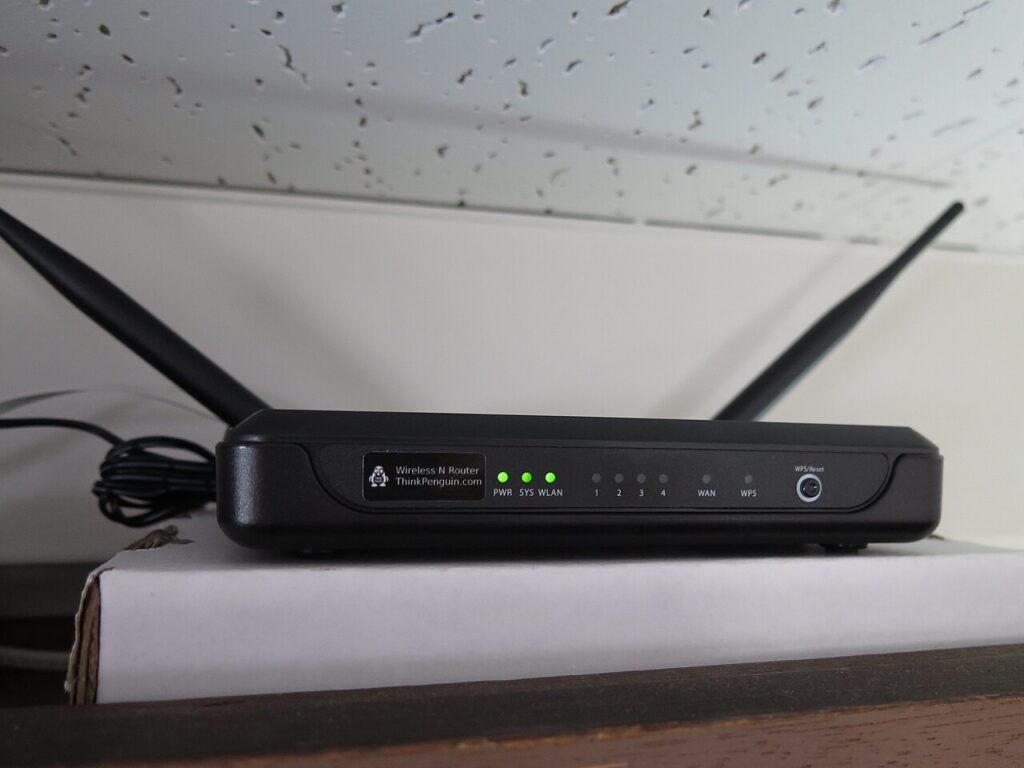
Wifi Router Placement Tips can save time, reduce frustration, and prevent small tech problems from turning into expensive fixes. This guide gives you practical steps you can apply today without buying unnecessary gear.
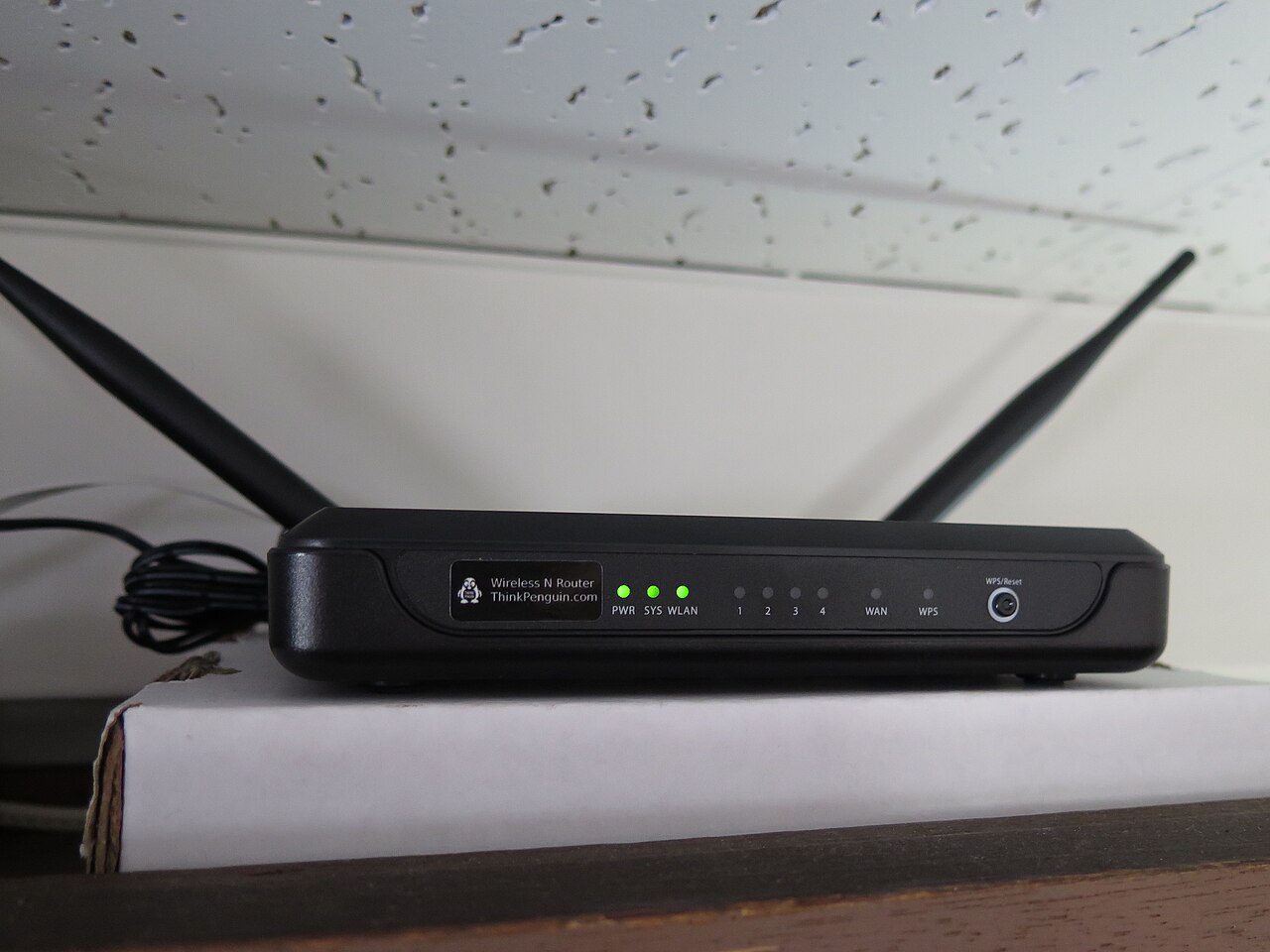
Start with wifi router placement tips that remove blockers
Place the router in an open central spot instead of hiding it behind a television, inside a cabinet, or beside a thick wall. A visible router usually gives phones, laptops, and smart devices a cleaner path to the signal.
Keep it away from microwaves, cordless phone bases, baby monitors, and large metal objects. Those items can create interference or reflect the signal in ways that make one room fast and another room unreliable.
Raise the router and aim antennas deliberately
A shelf, desk, or wall mount often works better than the floor because the signal does not have to travel through furniture first. If your router has adjustable antennas, set one vertical and one slightly angled to cover devices on different levels.
After moving it, run a speed test in three rooms: near the router, in the weakest room, and where you use video calls. Keep the position that improves the weakest room without destroying performance everywhere else.
Know when placement is not enough
If your home has concrete walls or several floors, a mesh node or wired access point may be smarter than a stronger router. Start with placement first because it is free, then upgrade only if the dead zone remains.
Quick checklist before you finish
Review the main setting, test the change for a full day, and bookmark this guide from Tips Tricks so you can repeat the process later. For deeper background, compare your setup with guidance from consumer protection resources and the official help pages for your device.