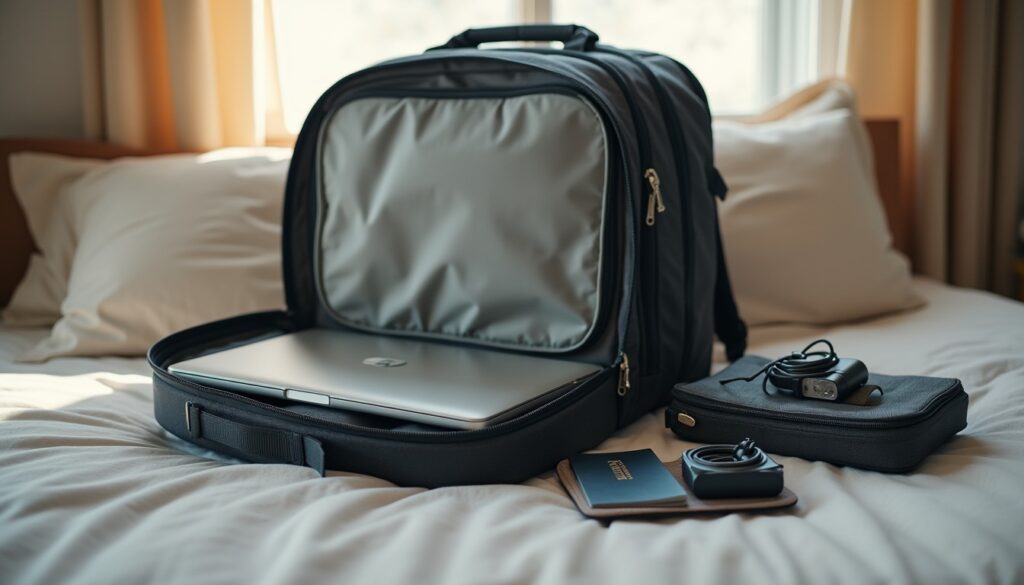
The call is at 09:00, the hotel Wi-Fi wants a one-time password that never arrives, and the laptop is sitting at 34 percent. Nothing in that sentence is unusual, and none of it needs to derail the morning if the machine was prepared before it left the house. What follows is the exact routine I run the evening before a working trip: what goes in the bag, what gets cached, and what gets tested while a home network is still available to fix things.
One charger that covers the whole bag
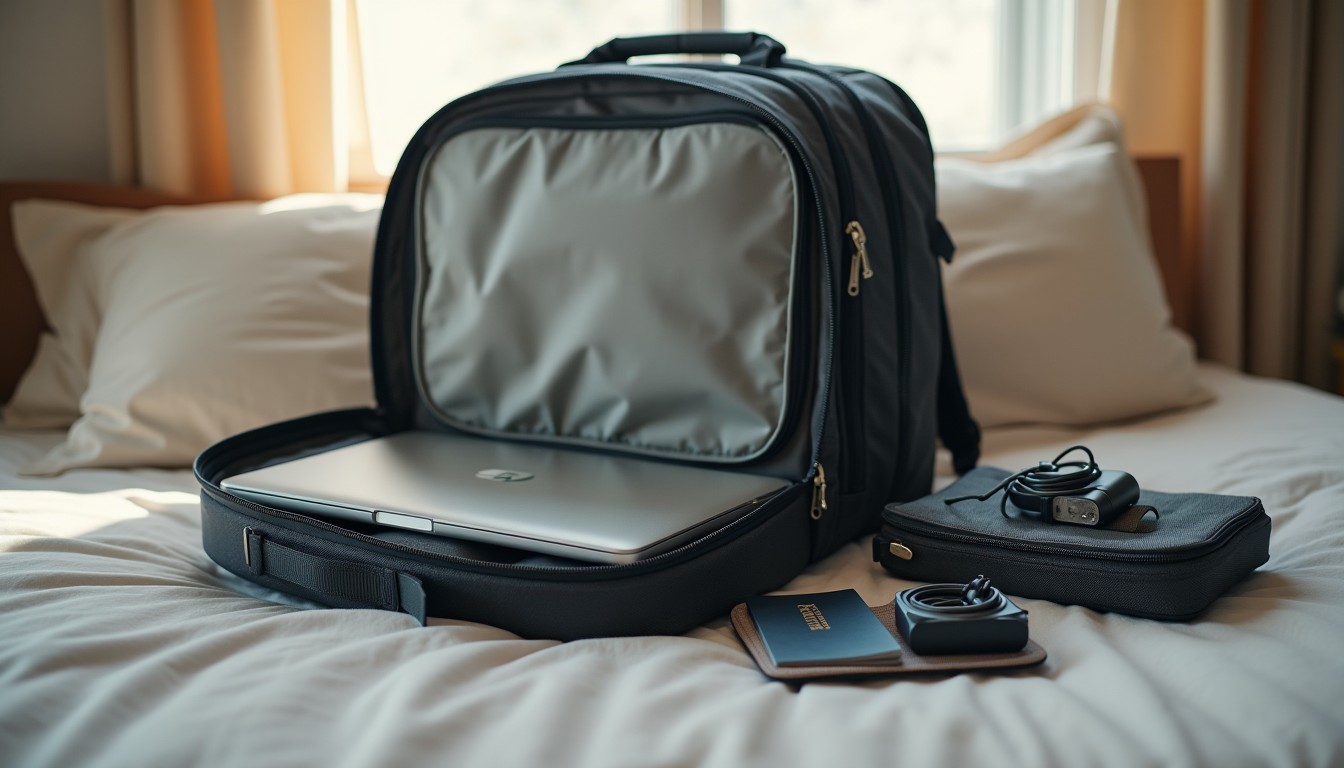
Stop carrying the original 90 W brick. A 65 W GaN USB-C charger the size of a matchbox will run a 13- or 14-inch laptop, a phone and a pair of earbuds from one wall socket. The number that matters is printed on the underside of the laptop: if it reads 20V 3.25A, the machine wants 65 W and a 45 W travel brick will charge it slowly or, under load, not at all — some ThinkPads and Dells throw a “lower wattage adapter” warning at boot and stop charging the battery.
The cable is the usual culprit. A cable rated 3A/60W charges a laptop fine; the thin charge-only cable that came with a power bank has no data lines and will not drive a USB-C dock or an external screen. Buy one 2 m 100 W cable, mark it with a cable tie, and leave it in the laptop sleeve permanently — that is what the cable organisation routine is really for.
For a power bank, do the arithmetic before buying: watt-hours are milliamp-hours times volts divided by 1000, so a 20,000 mAh pack at 3.7 V is 74 Wh. That sits safely under the 100 Wh cabin limit most airlines apply, while a 27,000 mAh (100 Wh) pack sits right on the line. Spare lithium batteries go in the cabin, never in checked luggage. In Dhaka a 65 W GaN charger runs about BDT 3,800 and a 20,000 mAh PD bank about BDT 3,200.
Make the files exist without a network
Airplane mode is not the enemy — an uncached file is. Before you leave, pick the four or five documents you would actually open in a meeting and force them local.
- Google Drive: right-click the folder in Drive for desktop and choose Offline access, or switch the app to mirroring so everything lives on disk. Google documents the difference between streaming and mirroring in its offline access help page.
- OneDrive: right-click the folder and pick Always keep on this device; the icon turns to a solid green tick.
- Email: export the two threads you cannot afford to lose as PDF, and keep boarding passes and the hotel confirmation as screenshots rather than in an inbox.
Then verify, because a sync that failed silently looks identical to a sync that worked. Turn Wi-Fi off and open each file. If it opens in under two seconds, it is genuinely cached; if you see a spinner, it is not.
The five-minute drill before you leave
Unplug the charger, disable Wi-Fi, open your three key files, and start a 60-second recording in whichever meeting app you use. Then switch on the phone hotspot and join the call from a second device.
Two settings deserve a look. On iPhone, Settings > Personal Hotspot > Maximise Compatibility drops the hotspot to 2.4 GHz, which reaches further but caps throughput; leave it off unless an older device refuses to connect. On Android it is Settings > Network & internet > Hotspot & tethering > Wi-Fi hotspot > AP band. Budget the bandwidth honestly: a one-to-one HD video call needs roughly 1.2 Mbps in each direction, a group HD call about 2.5 Mbps up, and that is before a 400 MB slide deck starts syncing in the background. USB tethering instead of hotspot saves phone battery and is steadier on a weak signal — the hotspot data-saving guide covers the caps.
Pack for the desk you will actually get
Hotel desks are 45 to 60 cm deep, badly lit, and usually too high for the chair. A folding aluminium stand (about BDT 900) plus a 1 m cable fixes the neck angle without adding a keyboard. A privacy filter cut for a 14-inch 16:10 panel is worth the BDT 1,500 if you work on trains or in lounges.
Weigh the bag once. Laptop 1.4 kg, charger 0.2 kg, power bank 0.35 kg, stand 0.25 kg, cables and adapters 0.15 kg puts you near 2.4 kg — comfortable against the 7 kg cabin limit most full-service Asian carriers enforce. A Nano-style cable lock fits the small slot on modern thin laptops; the old rectangular Kensington slot is gone from most 2023-and-later models, so check before buying the lock.
Rented Wi-Fi and borrowed desks
Treat every hotel and airport network as hostile to your accounts rather than to your files. Turn off auto-connect for open SSIDs (Settings > Network & internet > Wi-Fi > Manage known networks on Windows, Wi-Fi > Saved networks on Android) so the laptop stops silently joining lookalike access points. Do banking over the phone hotspot, not the lobby Wi-Fi, and check that the padlock is present before typing a password — the full checklist lives in the public Wi-Fi safety guide.
Finally, confirm disk encryption is on (BitLocker on Windows, FileVault on macOS) and that the screen locks after two minutes. A laptop left on a café table for ninety seconds is a laptop that no longer needs to be stolen to leak your work.