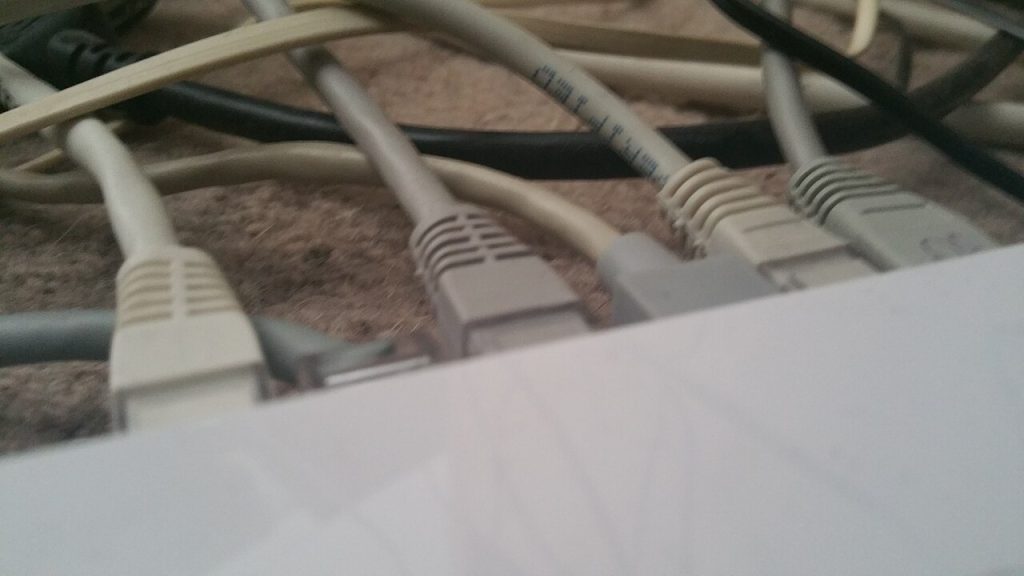
Set Up a Wired Ethernet Connection at Home
Build a wired ethernet connection at home: choose Cat 6, use the right router port, test the link light and fix the usual speed faults.
Build a wired ethernet connection at home: choose Cat 6, use the right router port, test the link light and fix the usual speed faults.
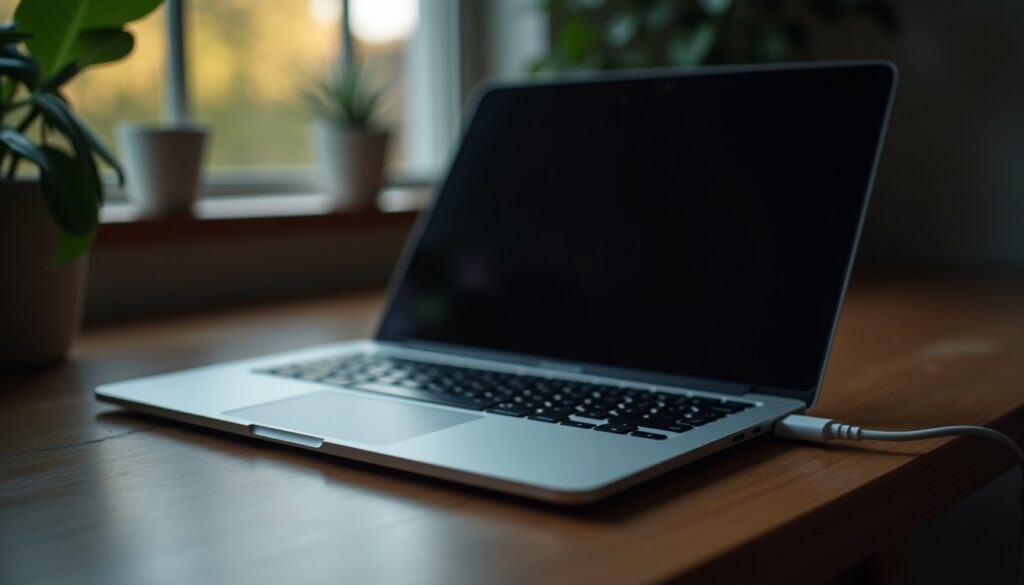
Laptop won’t turn on? Test the charger, drain static charge, reseat memory and check an external screen before paying for a repair quote.
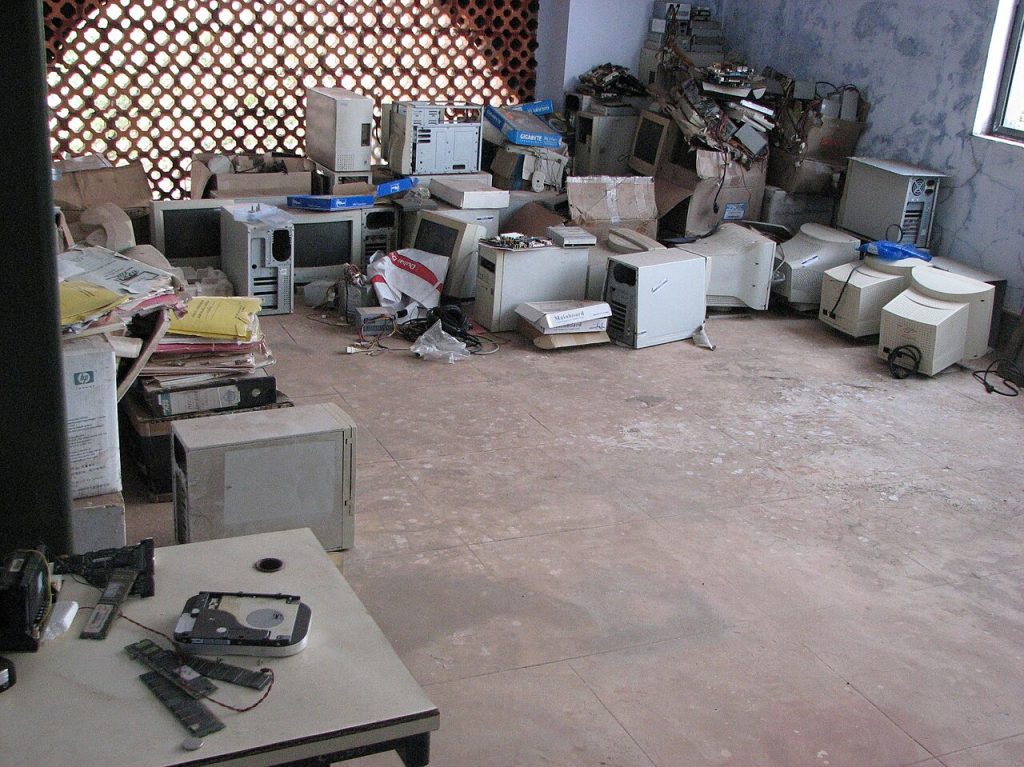
Dispose of old electronics the right way: sort the drawer, wipe the data, handle swollen batteries and find a collection point that takes them.
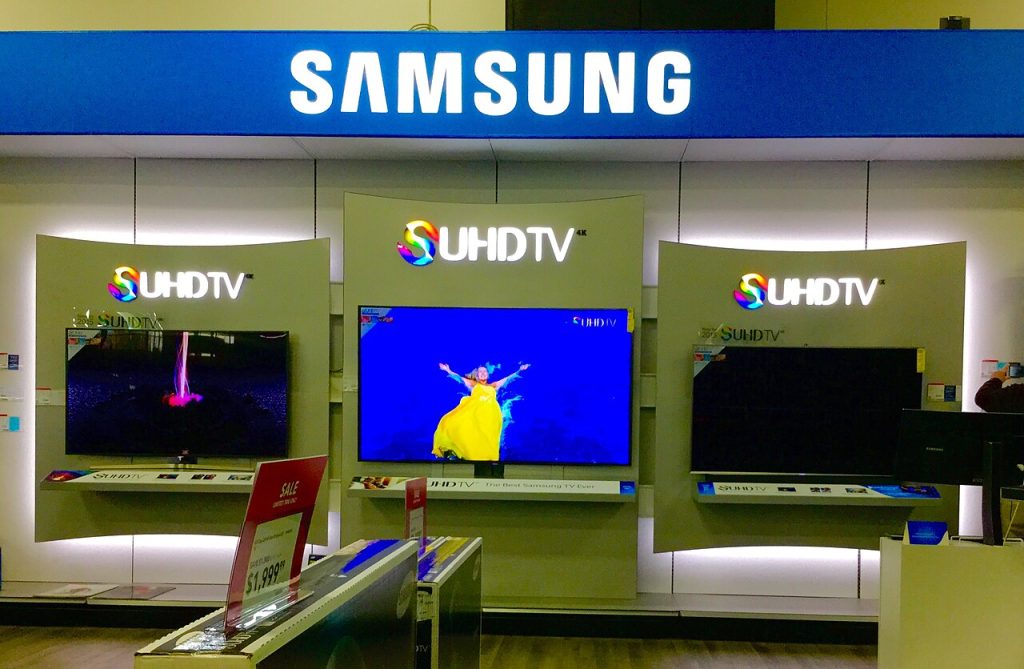
Clean your TV screen with distilled water and microfibre, avoid the sprays that strip anti-glare coatings, and keep dust off for good.
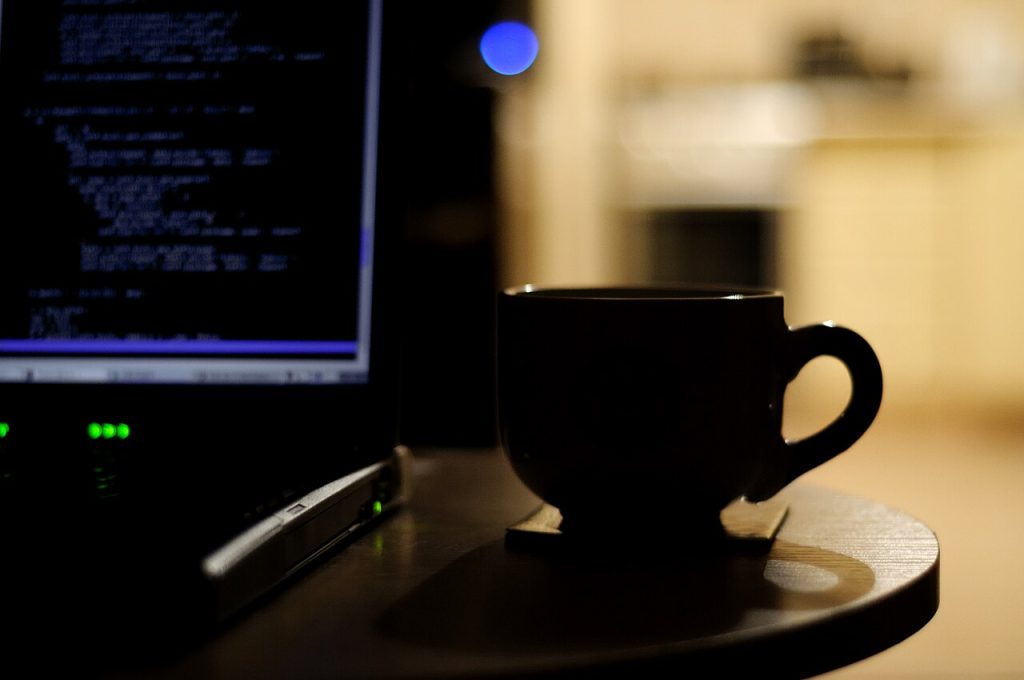
Reduce screen eye strain at night with better lighting, text size, and breaks. Plus the warning signs that mean you need an eye test.
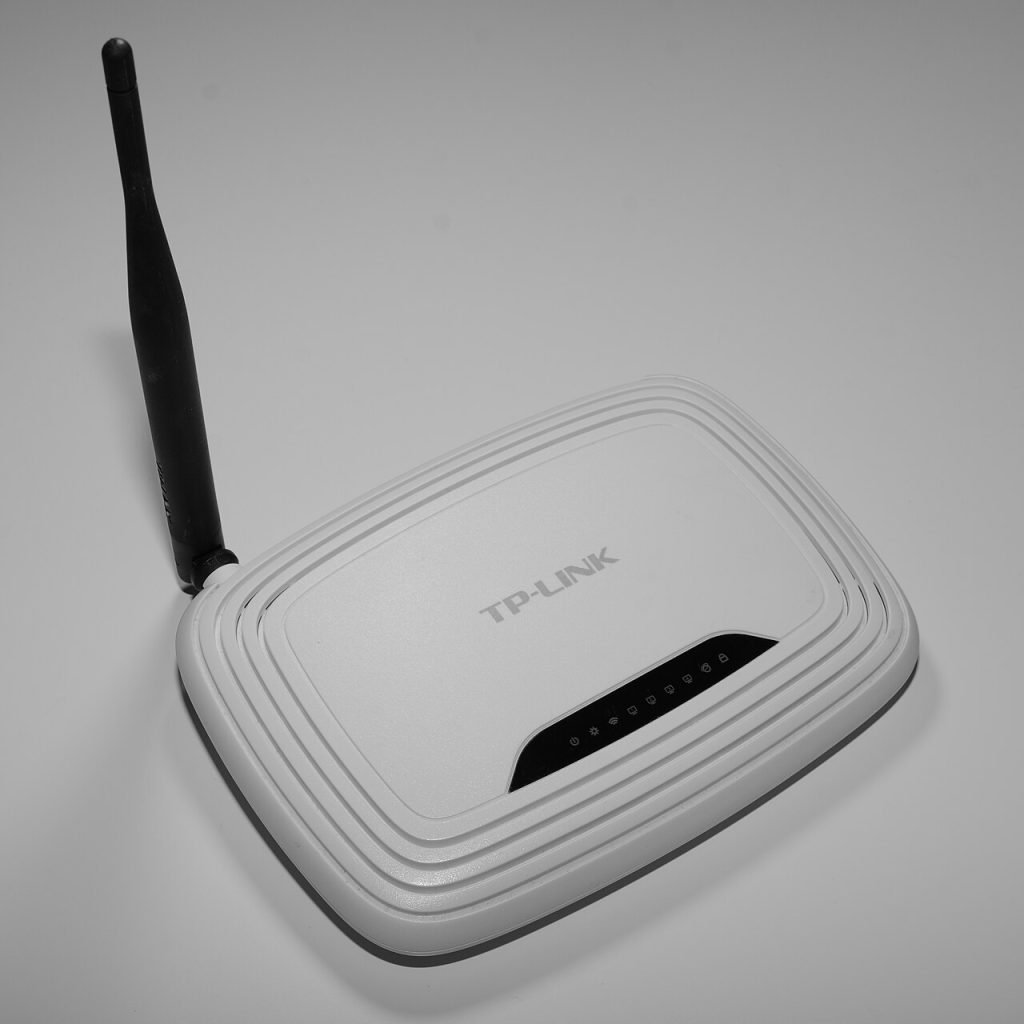
Use an old router as an access point to fix a weak Wi-Fi corner: cable wiring, DHCP, channel picks, and the mistakes to avoid.

Practical ways to keep your phone cool in hot weather: safe charging habits, settings that add heat, and mistakes that damage the battery.
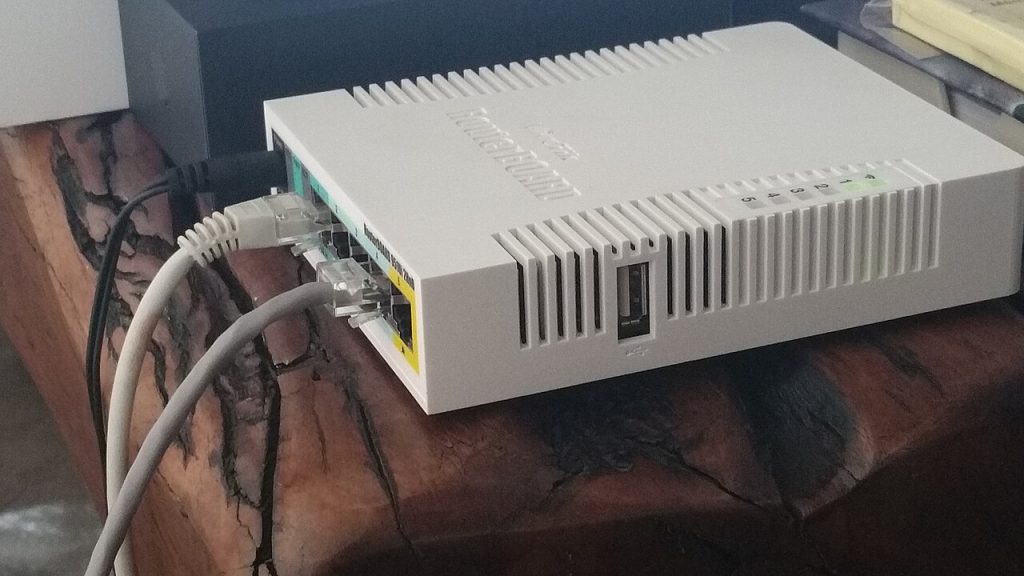
Keep your internet working during a power cut: run the router and ONT on a small UPS, keep a mobile data fallback ready, and protect gear from the surge.
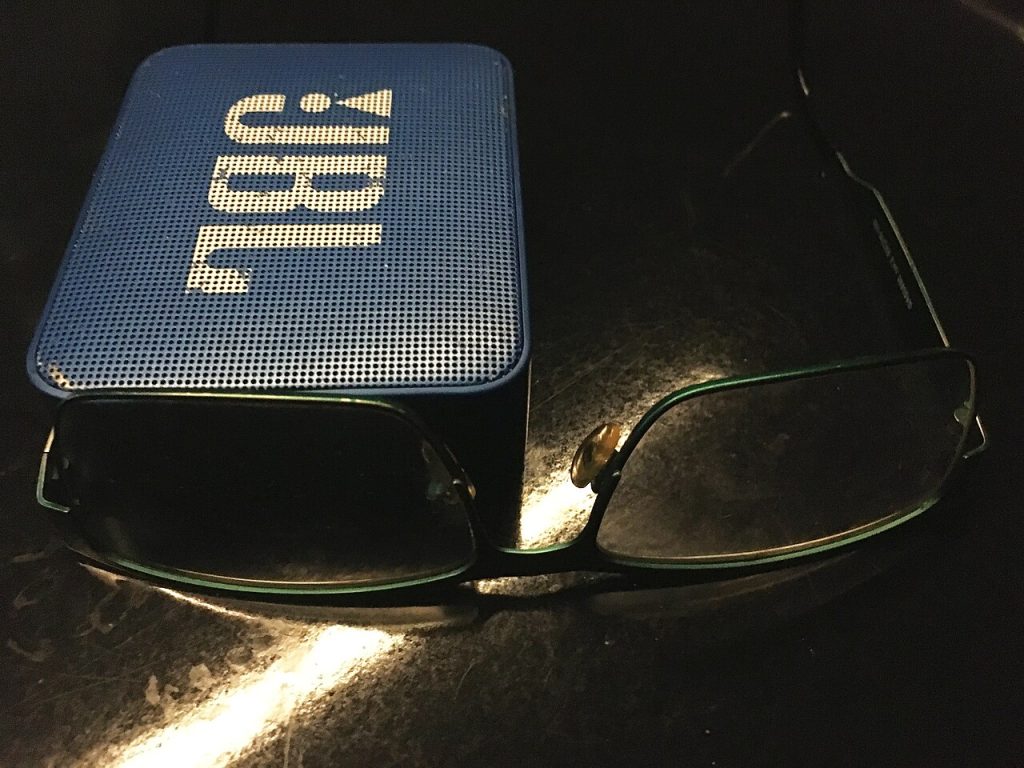
Make a cheap Bluetooth speaker sound better with placement, a flat equaliser, the right codec and sensible volume levels. No new hardware needed.
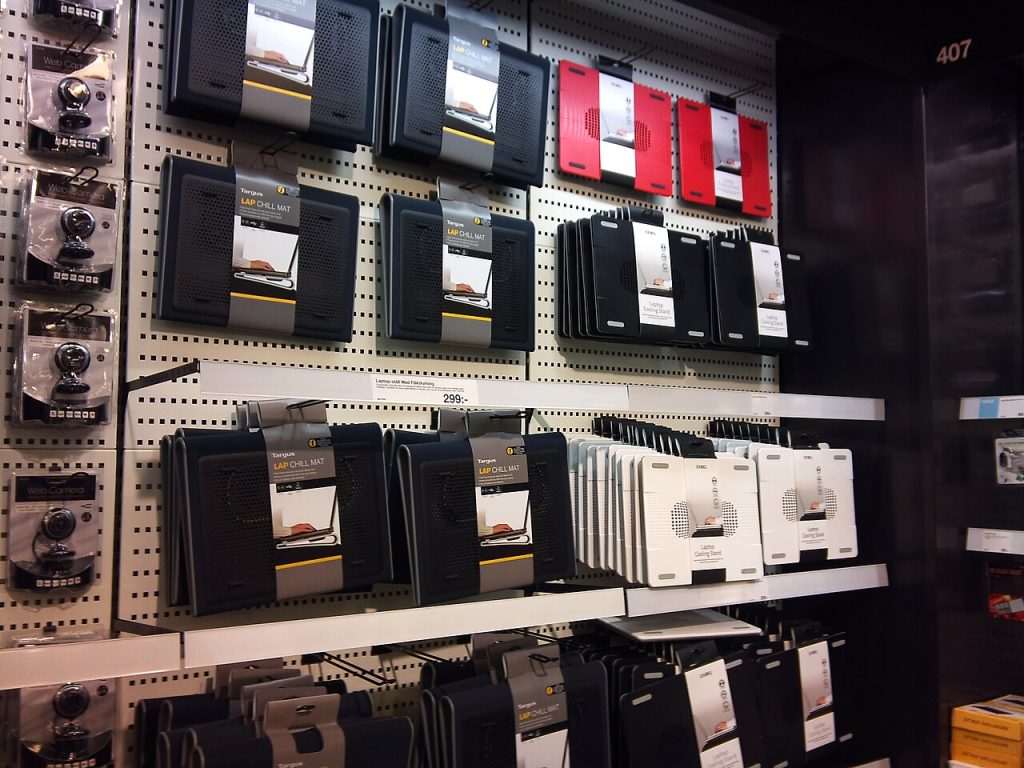
Pick a laptop cooling pad that really lowers temperatures: match it to your vents, judge airflow not RGB, then measure the difference in ten minutes.