Clean Up Windows Downloads Without Deleting Needed Files
Sort Downloads by date and size, move files into four decision folders, and use Storage Sense without letting it delete something you needed.
Sort Downloads by date and size, move files into four decision folders, and use Storage Sense without letting it delete something you needed.
Free up the storage that matters, halve the animations, and find the apps waking your CPU — no factory reset, no data loss.

A guest SSID still shares your radio’s airtime. Split the bands, cap the guest pipe at 30 Mbps and test latency before the next party.

Know what a QR code can carry, preview the link first, spot stickers pasted over real codes, and learn what to do if you already scanned a bad one.
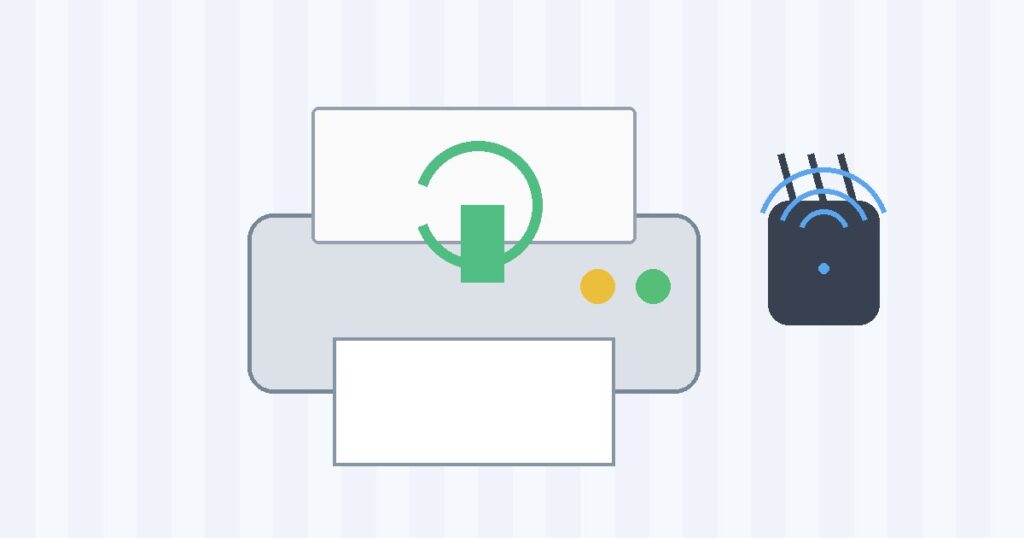
Default admin passwords and open port 9100 turn a printer into a door into your network. Close them in half an hour, without losing AirPrint.

A two-level folder scheme, a reversible way to clear thousands of old saves, and the keystroke habits that stop the list growing back.

What the chat backup really contains, why a full Drive account fails silently, and the order of steps that gets the history onto the new handset.

Where automatic content recognition hides on Samsung, LG, Google TV and Roku, plus the microphone and ad-ID toggles that default to on.

Read Task Manager properly, empty the startup queue, reclaim Windows.old and hiberfil.sys, and stop thermal throttling — all free.
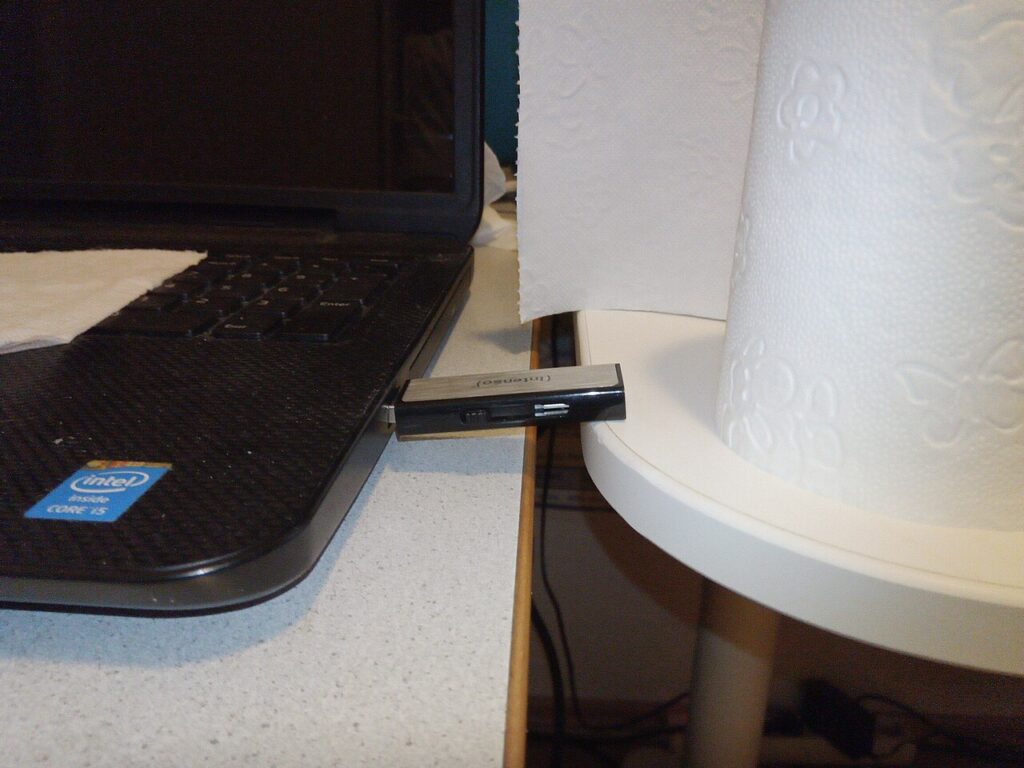
Test capacity, pick the right filesystem, and encrypt before a stick leaves the house — the checks that stop a flash drive eating your files.