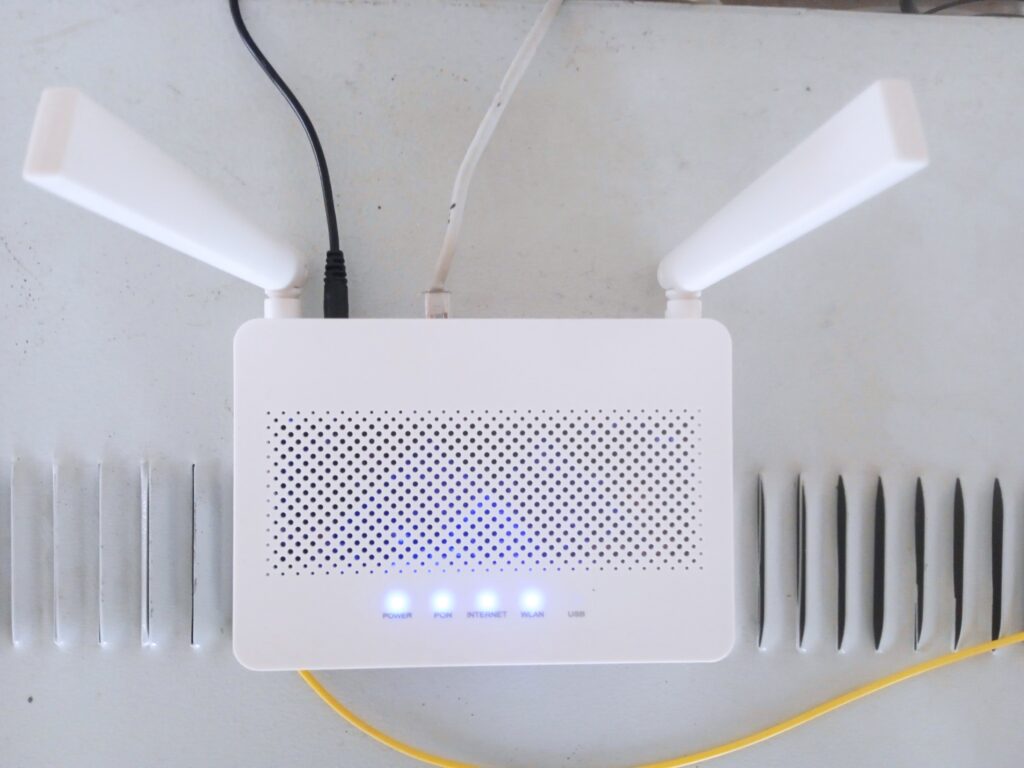
Wi-Fi router fixes are often less about buying a new box and more about giving the existing one a fair chance. If your internet feels slow in one room and fine in another, the problem may be location, interference, or an overly busy network rather than the provider itself.
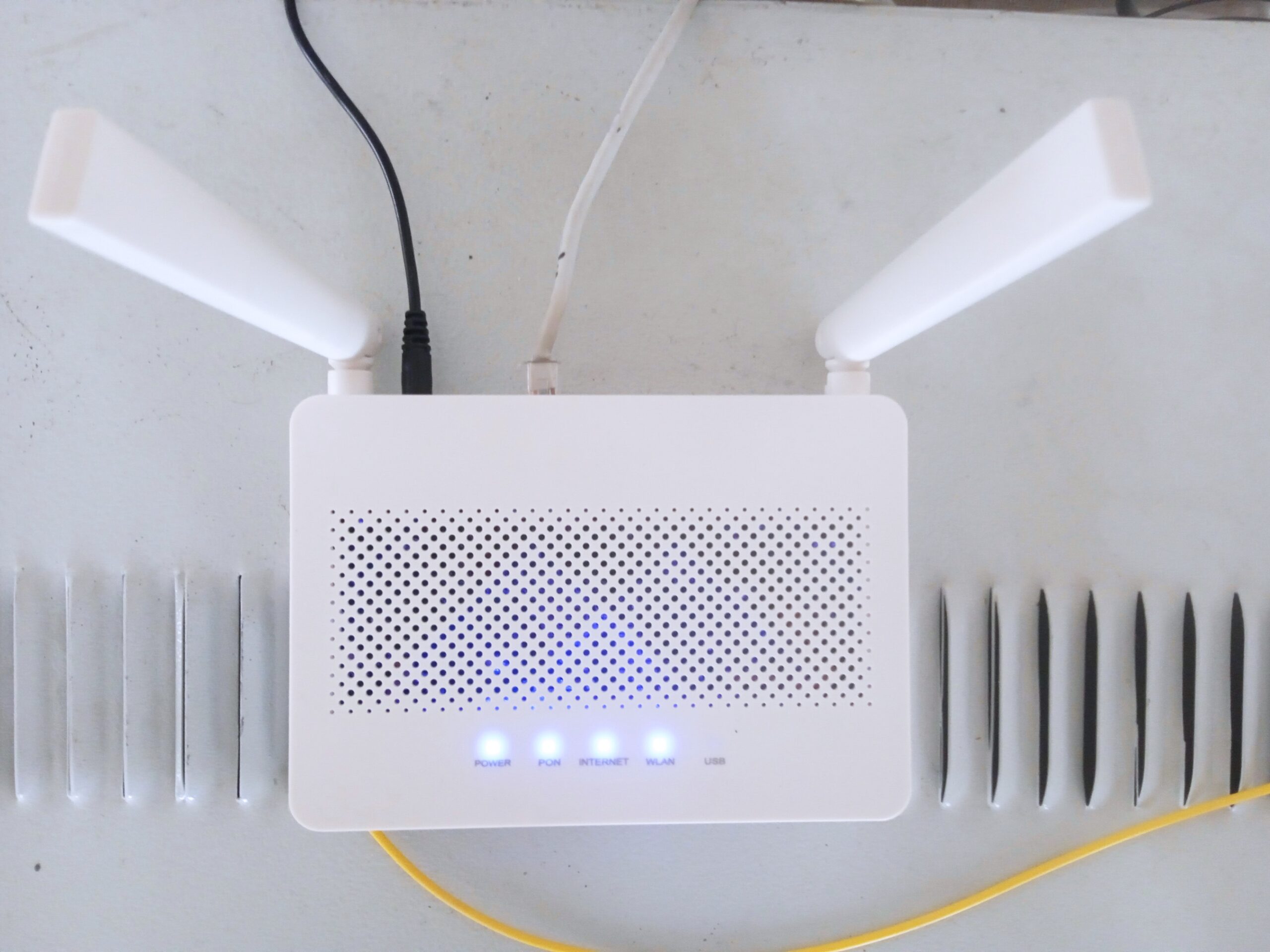
Wi-Fi router fixes: start with placement
Put the router as high and as open as you can. A closed cabinet, a metal shelf, or a corner behind the TV can block more signal than most people expect. If the router is hiding next to a microwave, cordless phone base, or thick wall, it is worth moving before you touch a single setting.
Placement matters because radio waves are less magical than people think. If one side of the house is slow, the router may simply be shouting from the wrong spot. A central, elevated position often improves coverage more than a fancy new plan from the ISP.
Change the settings that actually matter
Update the firmware, pick a cleaner Wi-Fi channel, and make sure the 2.4 GHz and 5 GHz bands are working the way you expect. Sometimes the router picks a crowded channel automatically and then struggles in silence. A quick check can improve stability without spending a single dollar.
Guest networks and device limits can also help if the home network keeps feeling sluggish. When every phone, TV, tablet, and smart plug is fighting for airtime, the connection feels worse than the speed test suggests. A little housekeeping on the network side often makes streaming and browsing feel calmer right away.
When slow internet is not really the router
Not every slowdown is a Wi-Fi problem. A tired modem, an overloaded browser, a background cloud backup, or an old device with a weak Wi-Fi chip can all make the network look worse than it is. If one device is slow and the others are fine, the router may be innocent.
That is why the best fix is usually a quick diagnosis instead of random upgrades. Test in another room, test on another device, and see whether the slowdown follows the location or the machine. Once you know the pattern, you can decide whether you need a router tweak, an ISP complaint, or simply fewer devices hammering the connection at the same time.