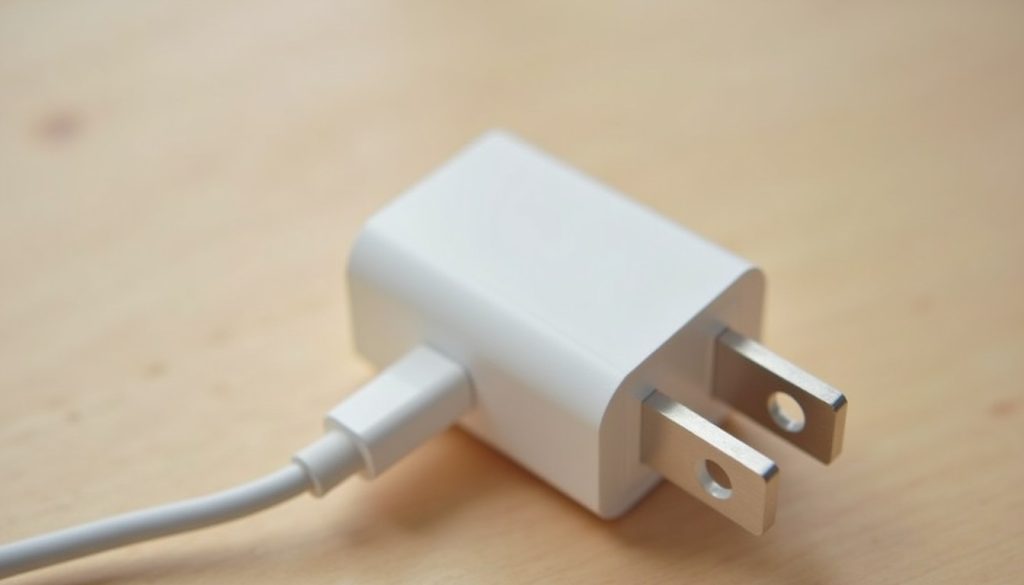
You have a drawer full of white bricks, a new phone with no charger in the box, and a laptop that wants something called USB-C PD. The answers are all printed on the chargers themselves, in grey text about two millimetres tall. Once you can read the charger label watts volts amps line, you’ll know which brick is fast, which one is a waste of a socket, and which one shouldn’t be in your house at all.
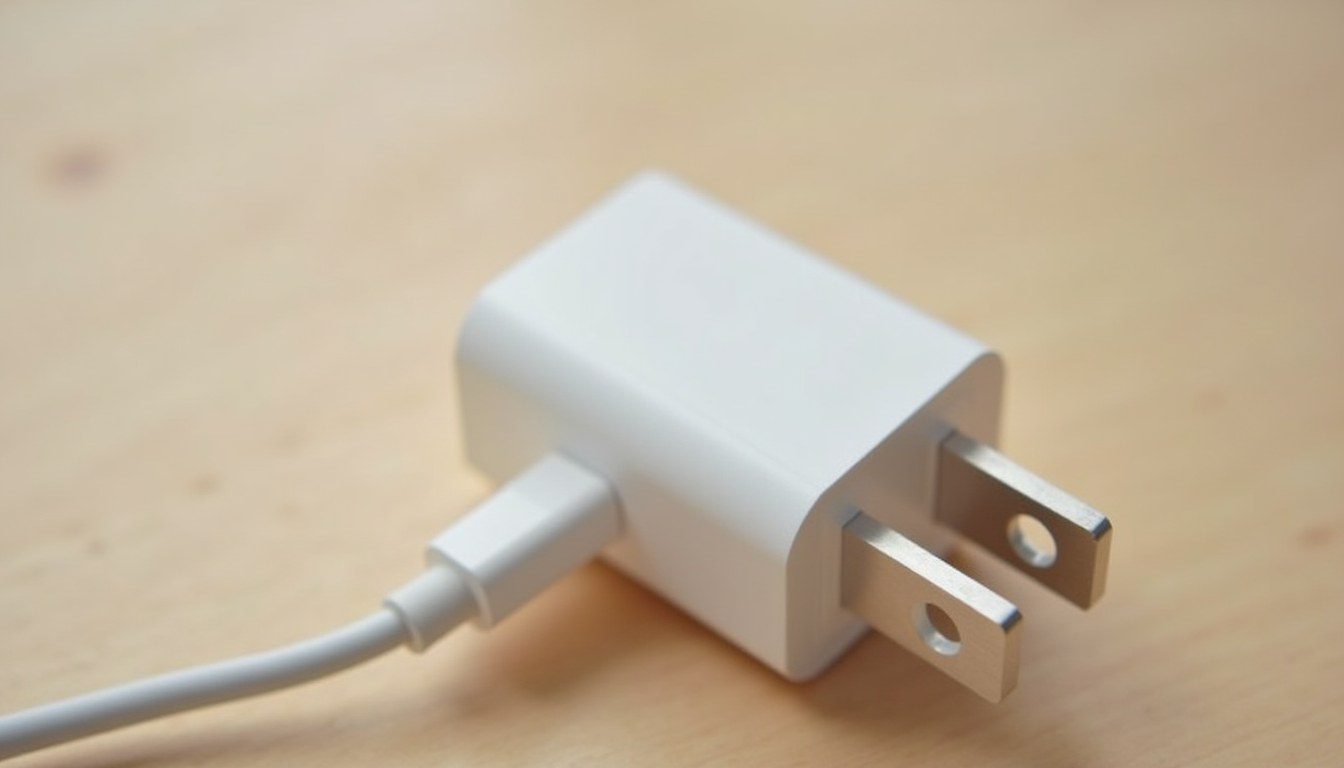
Input Versus Output: The Two Lines That Matter
Most labels have two lines, and people mix them up. The Input line describes what the charger takes from the wall, usually something like 100-240V ~ 50/60Hz 0.8A. The 100-240V range means it works on mains power almost anywhere, so travellers need a plug adapter, not a voltage converter. That 0.8A tells you nothing about charging speed.
The Output line is the one you want. On a modern USB-C charger it often looks like this:
Output: 5V 3A / 9V 3A / 15V 3A / 20V 3.25A 65W MaxThat list of steps is how the charger tells you what it can offer. On the real label there’s a little symbol between each voltage and current, a solid line over a dashed one, which simply means direct current. If a label only shows 5V 1A, that’s the whole story: one speed, and a slow one.
Charger Label Watts Volts Amps: Doing the Maths Yourself
Watts equal volts multiplied by amps. That one formula lets you check whether the number on the box is honest:
- 5V x 1A = 5W. The old cube that came with iPhones for years. Fine overnight, painfully slow during the day.
- 5V x 2.4A = 12W. A typical older USB-A brick or the port on many car chargers.
- 9V x 2.22A = 20W. A common phone fast-charger. Notice the voltage went up rather than the current.
- 20V x 3.25A = 65W. A standard laptop charger.
- 20V x 5A = 100W. Only reachable with the right cable (more on that below).
If a cheap brick claims “120W” but its best output line is 9V x 2A, the box is lying.
How USB Power Delivery Keeps a 65W Brick From Frying Your Phone
The fear that a big laptop charger will overload a phone is understandable but misplaced. A charger doesn’t push power into a device; the device pulls what it needs. With USB-C, the charger starts at a safe 5V, lists its available voltage steps, the phone picks one it supports, and only then does the voltage change. The full rules are published in the USB Power Delivery specification from the USB Implementers Forum.
So a phone that tops out around 25W will request 9V and draw what it wants from a 65W charger, leaving the rest unused. The catch is that the handshake only works properly with a well-made, standards-compliant charger. The same logic applies to portable batteries, so read the charger label watts volts amps details on a power bank too before you choose a power bank that charges your phone fast.
The Cable Is Part of the Charger Label Watts Volts Amps Equation
A 100W charger is only as fast as its cable. Ordinary USB-C cables are rated for 3A, which at 20V caps you at 60W. To carry 5A, and therefore 100W, the cable needs a tiny e-marker chip that tells the charger it can handle the extra current. Without it, the charger stays at 3A. Newer Extended Power Range setups go up to 48V and 240W, and those need cables rated for it too.
The common mistake is buying a 100W charger, using the thin cable that came with a phone, and wondering why the laptop reports slow charging. Check the packaging for “5A”, “100W” or “240W”, and if you’re unsure, here’s how to choose the right USB-C cable for the job.
What Happens When You Undersize a Laptop Charger
Plugging a 30W phone charger into a laptop that shipped with a 65W one won’t damage anything, but expect some trade-offs:
- Charging is slow while the lid is closed, often taking several hours longer than usual.
- Under heavy use, the battery can still drain, because the laptop is using more power than the charger can supply.
- Many laptops show a “slow charger” warning, and some refuse to charge at all below a minimum wattage or if the charger can’t reach a particular voltage, such as 15V or 20V.
For light browsing on the road, a smaller charger is workable. For video editing or gaming, use the rated one.
Reading a Label for Signs of a Fake
Counterfeits can look almost identical to genuine chargers, but the label and the weight usually give them away:
- Missing or odd certification marks. Genuine chargers sold in North America usually carry a UL or ETL listing mark plus FCC; in Europe, CE; in the UK, UKCA. A label with no marks at all, or with misspelled ones, is a red flag.
- Maths that doesn’t add up. Output steps that multiply to a different wattage than the headline figure.
- Weight. Proper chargers contain transformers, capacitors and insulation. A fake often feels noticeably lighter than the genuine model, because those parts have been skimped on.
- Blurry or crooked printing, and no manufacturer name or model number.
Poor insulation is a genuine fire and shock risk, so if anything seems off, stop using it. There’s a fuller checklist if you want to spot a fake phone charger before it damages your phone.
Next time you’re digging through that drawer, flip each brick over and find its output line. If the best it can do is 5V x 1A, retire it to the bedside table for overnight charging. If it lists 9V and 20V steps with a UL or CE mark and works out to the wattage on the front, keep it near your desk, and pair it with a 5A e-marked cable if you want the full 100W.