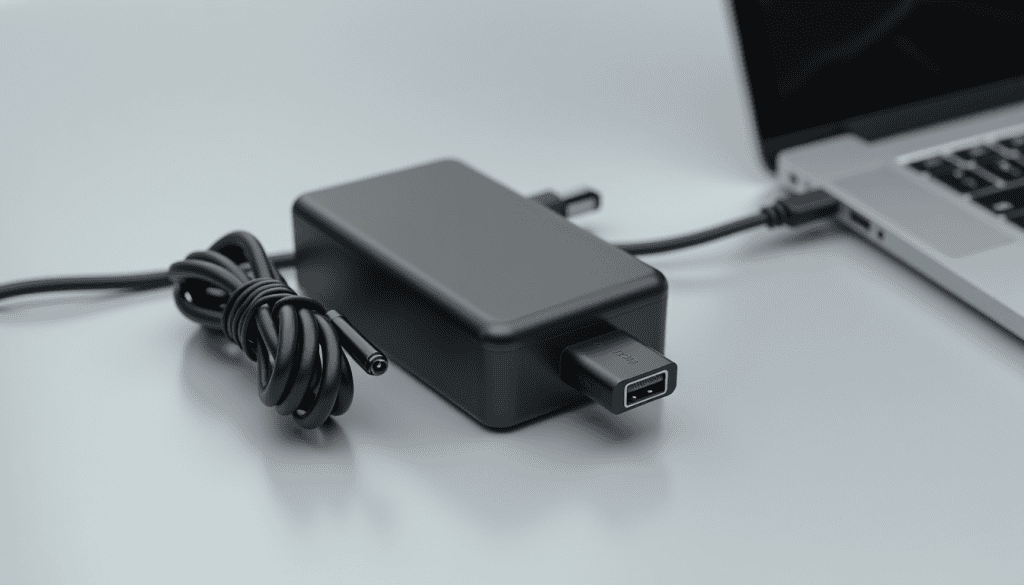
A replacement charger costs anything from a few dollars to a quarter of a new laptop, and the cheap one often works fine — until it does not, and takes a battery or a mainboard with it. The trick is knowing which numbers on the label matter and which marketing words do not. This guide shows you how to choose the right laptop charger, how to match it to your machine, and where paying a little more is genuinely worth it.
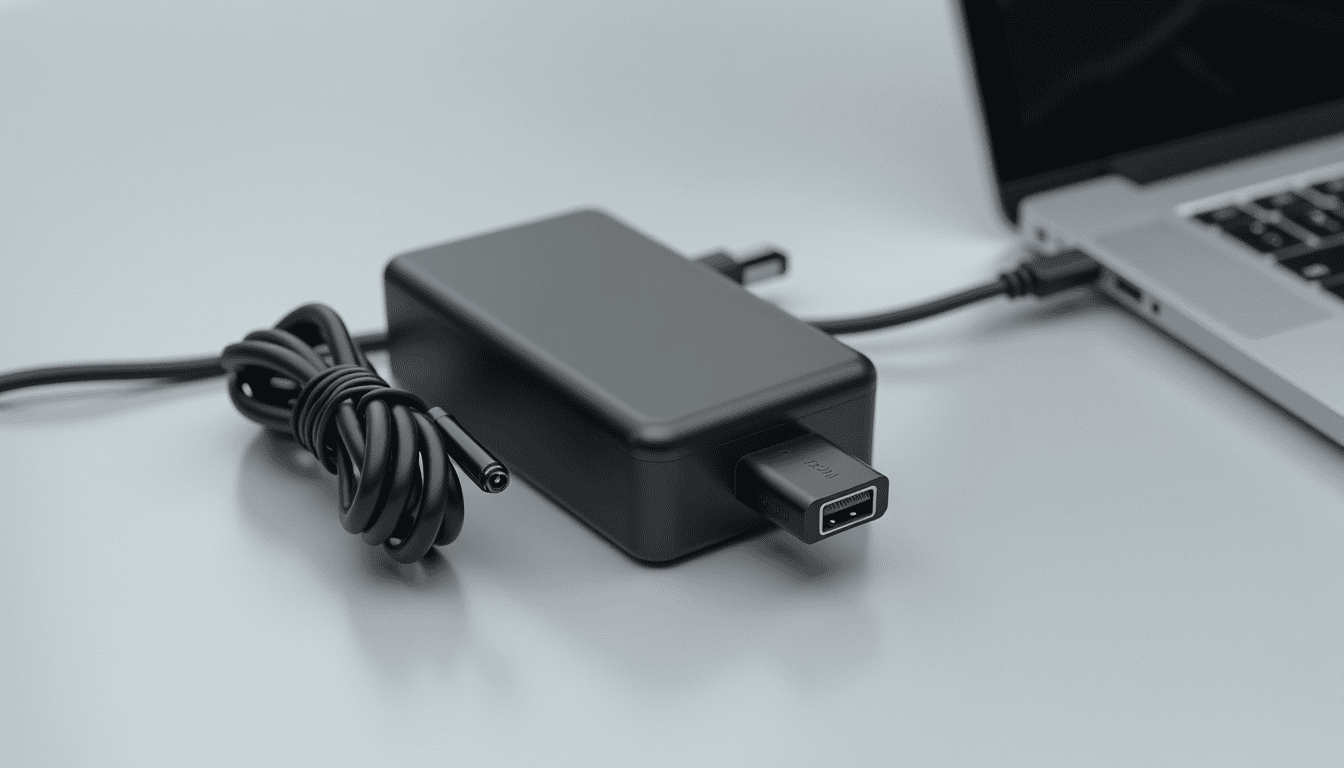
Match three numbers, not the brand name
Every charger has an output voltage, a current rating, and a connector. Get those right and the laptop will charge safely:
- Voltage must match exactly. A 19 V laptop needs 19 V. Higher voltage can damage the charging circuit; lower voltage either refuses to charge or charges only when the laptop is off.
- Current (amps) must meet or exceed the original. A 19 V 3.42 A supply can be replaced by 19 V 4.74 A. The laptop draws what it needs. Never go lower, or the charger runs hot and the battery charges slowly or not at all.
- Connector size and polarity must match. Barrel plugs come in dozens of sizes, some differing by half a millimetre. USB-C is easier — but see the wattage note below.
Multiply volts by amps for watts. A 65 W charger is 19 V × 3.42 A; a 90 W is 19 V × 4.74 A. That wattage number is the one to compare when shopping.
How to choose the right laptop charger for USB-C laptops
USB-C laptops negotiate power, so a 45 W phone charger will physically fit and may still refuse to run the machine under load. Two rules keep you safe:
- Buy a charger rated at or above the laptop’s original wattage. Underpowered USB-C charging works only while the laptop sleeps.
- Use a cable rated for that wattage. A thin cable with a 60 W rating caps a 100 W charger at 60 W, and cheap cables can lack the data lines needed for negotiation.
Look for USB Power Delivery on the label, and prefer a reputable brand with a marked wattage — not a marketplace listing that claims “100 W” with no certification.
What “universal” and “auto-sensing” really mean
Universal adapters ship with interchangeable tips and a voltage switch. They are fine as a travel backup if you set the switch correctly every single time. They are a poor daily driver: the switch gets knocked, and one wrong setting can kill the charging circuit. Auto-sensing supplies are safer but often overstate their output, so check the continuous rating rather than the peak.
For a second charger that stays in a bag, a used original from a reputable seller beats a new no-name unit. Match the model number printed on the old brick — search that exact string.
Safety checks before you plug in
- Feel the brick after ten minutes. Warm is normal; too hot to hold is not.
- Watch for coil whine or a burning smell — stop using it immediately.
- Check the cable at both ends for exposed wire and fraying near the strain relief, which is where they always fail.
- Never charge on a bed or carpet — the brick needs airflow.
- Buy from a seller with a return window and test the laptop under load in the first week.
Cheaper habits that protect the charger you have
Coil the cable loosely instead of wrapping it tight around the brick, pull the plug by the body and not the wire, and keep the charger out of direct sun. A brick that runs cool lasts years. Related: choosing the right USB-C cable, optimising laptop battery life and stopping laptop overheating.
If the laptop has stopped charging entirely, test the outlet and the cable before buying anything: the charging fault checklist applies to laptops too.
Related reads
Sources: USB hardware and power delivery, USB-IF USB Power Delivery.