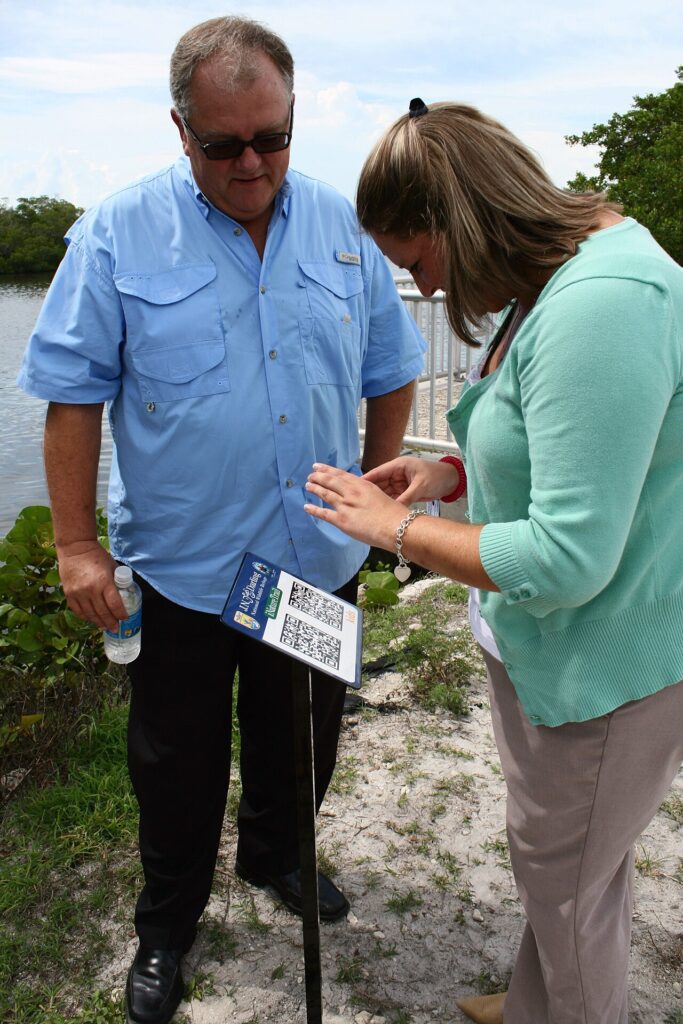
Scan Qr Codes Safely does not need to be complicated. Most QR code trouble starts when a person scans, taps, and signs in without looking at the destination. Treat every code like a shortened link: useful, but worth checking before it opens a payment page or login form.
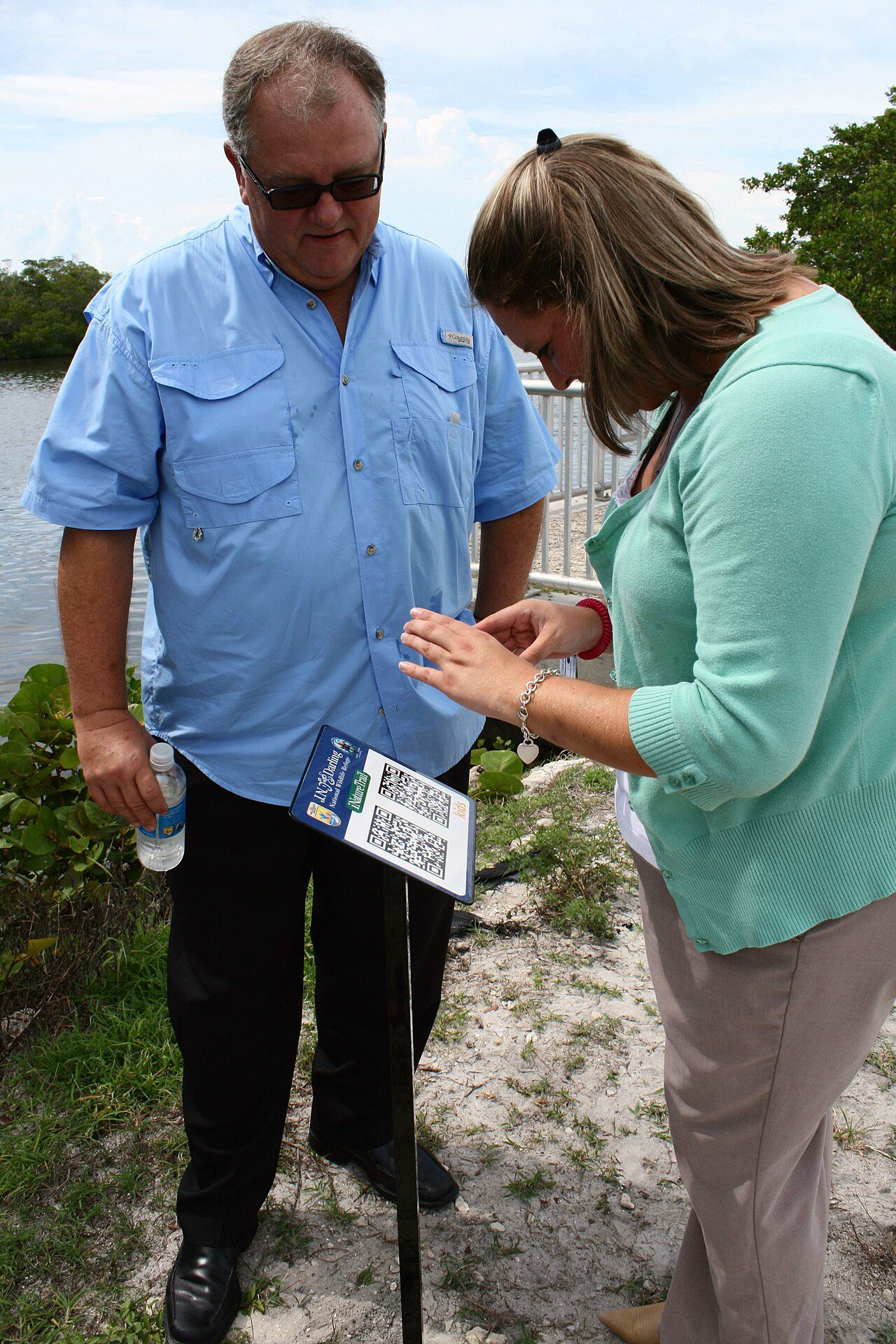
Scan QR codes safely with a pause first
After your camera recognizes a code, read the preview URL before opening it. If the link is shortened, misspelled, or unrelated to the poster, menu, parcel notice, parking meter, or invoice in front of you, close it and use the official website or app instead.
Check the page before entering details
A safe scan should land on a page that matches the task. A restaurant menu should not ask for your email password, and a parking sign should not push a random app download before showing prices.
Before typing card details, check the domain, the padlock, and whether the amount or account name matches what you expected. If anything feels rushed or odd, step back and search for the company manually.
Use your phone protections
Keep your browser, camera app, and payment apps updated so malicious pages are easier to block. Turn on passkeys or two-factor authentication for important accounts, because a fake QR login page is less useful when a second step is required.
For posters in public places, look for stickers placed over the real code. If the code looks raised, crooked, or newer than the surrounding sign, ask staff or use another way to pay.
Make QR habits simple
You do not need to fear every code. The winning habit is a three-second pause: preview the link, ask whether the request matches the setting, then continue only if the answer is yes. That tiny delay prevents most QR scams without slowing down normal life.