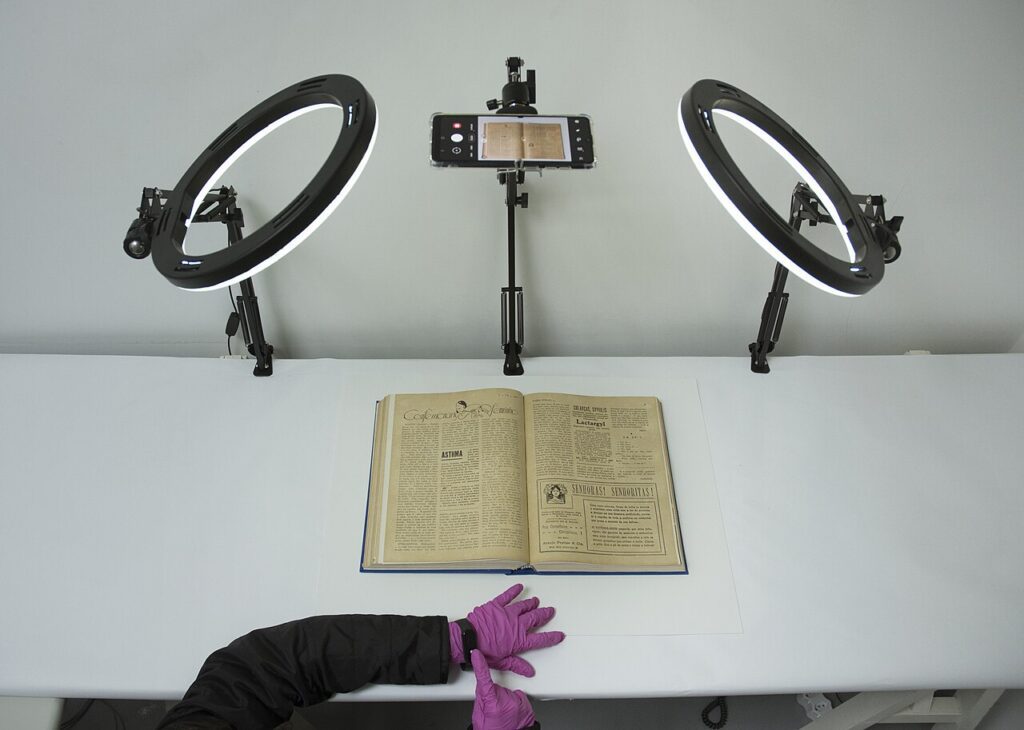
scan paper documents is easier when you use a simple checklist instead of trying to fix everything at once. These steps are practical, low-risk, and designed for normal homes rather than perfect lab conditions.
Set up a clean scanning spot
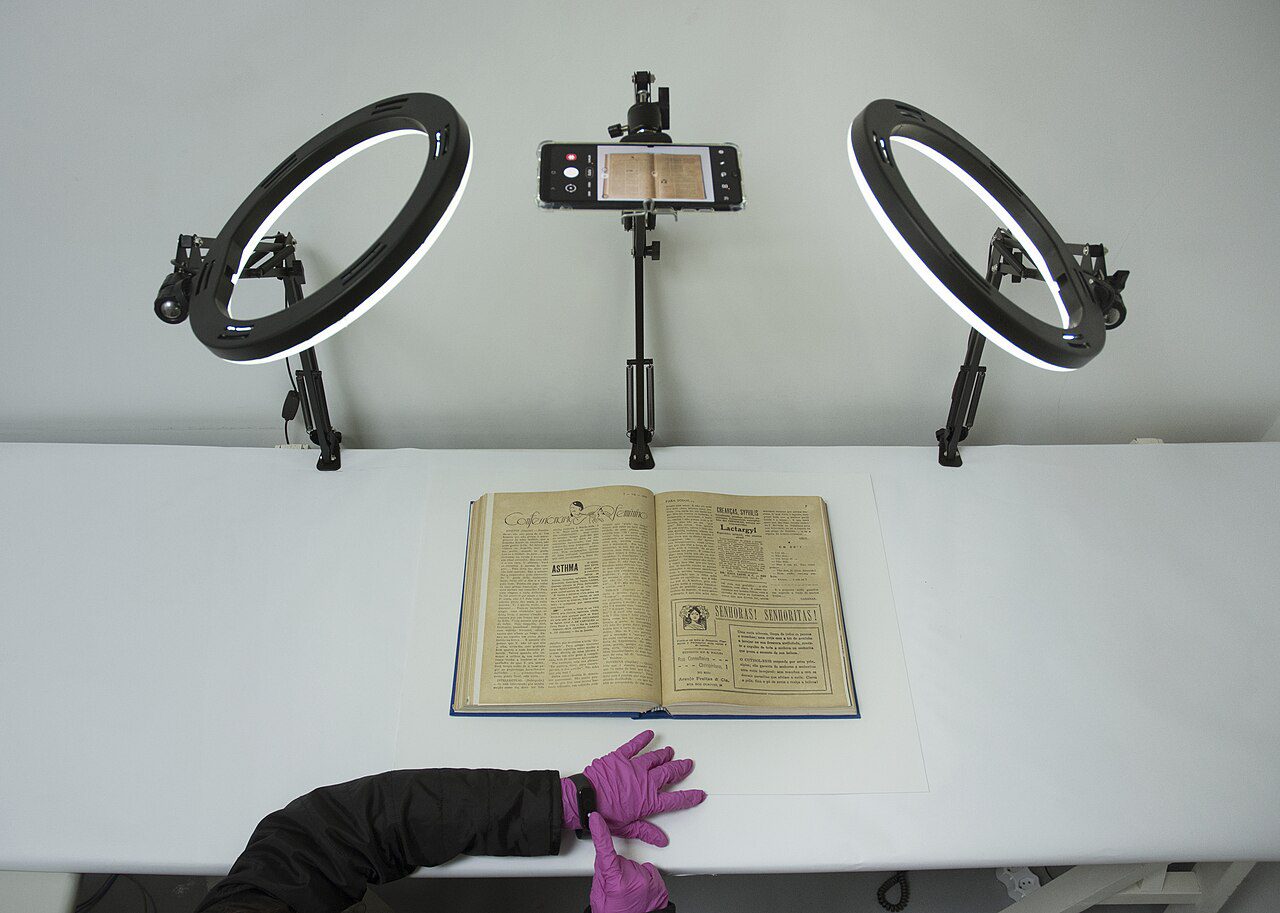
Good scans start before you open the camera. Put the paper on a dark, flat surface, move cups and cables out of frame, and point a lamp across the page instead of straight down. This reduces glare and helps the app find the document edges automatically.
Scan paper documents in the right app
Use the scanner built into Google Drive, Files by Google, Notes on iPhone, OneDrive, or Adobe Scan. Hold the phone parallel to the page, wait for focus to lock, and retake any shot where small text looks soft. Save multi-page forms as one PDF instead of a pile of photos.
Name and store files so you can find them
Use a boring file name pattern such as 2026-09-electric-bill.pdf or passport-renewal-receipt.pdf. Put important scans in cloud storage plus one local backup. For sensitive documents, avoid public sharing links and use two-factor authentication on the account.
Quick mistakes to avoid
Do not crop off stamps, signatures, page numbers, or payment references. Avoid heavy filters that make fine print unreadable. Before throwing paper away, open the PDF on another device and confirm every page is present.
Final check
Spend ten minutes applying the first step today, then set a reminder to review it again next month. Small maintenance habits prevent bigger problems and usually save more time than a rushed emergency fix.
For more practical guides, visit the Tips & Tricks homepage and bookmark the tips that fit your devices.