Android Storage Cleanup can save time, money, and frustration when you set it up with a simple checklist instead of random fixes. This guide gives you practical steps you can use today, with plain language and no unnecessary tools.
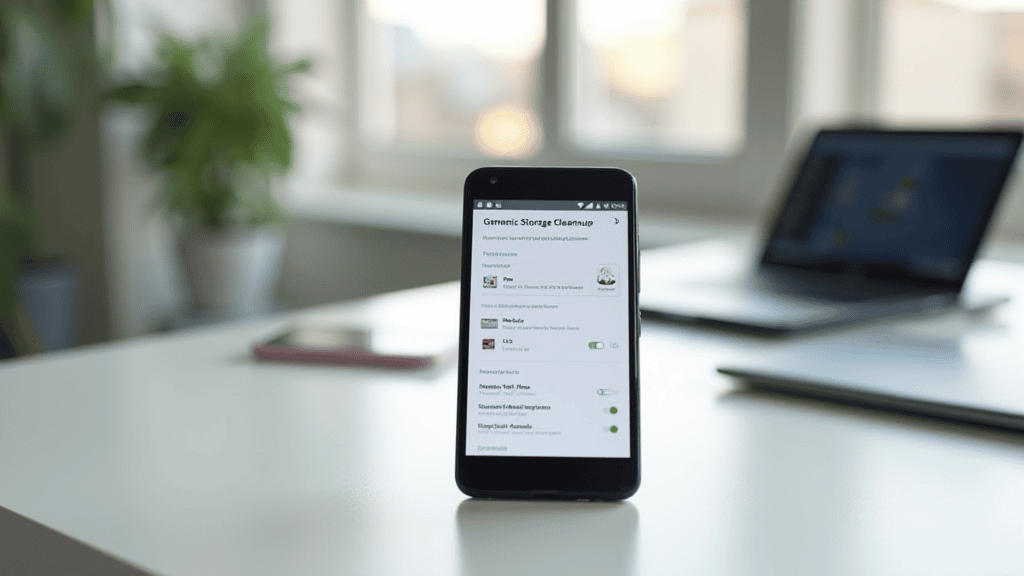
Start android storage cleanup with a backup
Android storage cleanup should begin with a backup, not a delete button. Photos, videos, voice notes, and documents are often irreplaceable, while cache files and duplicate downloads are easy to remove later.
Open your photo app and confirm that recent photos are backed up before touching large media folders. If you use local-only folders, copy them to a computer or cloud drive first.
Find the biggest space users
Use Android settings to check storage by category. Large videos, offline maps, messaging apps, and downloads usually take more space than system files. This view helps you solve the real problem instead of randomly deleting small files.
For background, compare your setup with trusted guidance from official support pages or consumer technology organizations before changing security, billing, or backup settings.
Clear app cache carefully
Cache is temporary data that apps can rebuild. Clearing it is usually safe, but it may sign you out of some apps or make them reload content. Start with video, shopping, social, and browser apps because they often store a lot of temporary files.
Do not clear app data unless you know what it means. App data can include saved progress, downloaded content, account settings, and local documents.
Tame downloads and messaging media
The Downloads folder is a classic hiding place for installer files, PDFs, duplicate photos, and screenshots. Sort by size first so a few large files solve more than dozens of tiny ones.
Messaging apps can store years of forwarded videos and images. Review their storage tools and delete media from large group chats before removing personal conversations.
Prevent the next storage warning
After cleanup, turn on automatic photo backup over Wi-Fi, limit offline downloads, and review large files once a month. A phone with 10 to 20 percent free space usually performs better and updates with fewer errors.
The goal is not an empty phone. The goal is enough free space that Android can update, apps can work, and your important memories are protected.
Make android storage cleanup easier to repeat
The best android storage cleanup routine is the one you can repeat without needing a free afternoon. Put the key steps in a note, bookmark the settings page you used, and keep a short record of what changed. If a setting saves money, improves speed, or reduces stress, write down the before-and-after result so you know it was worth keeping.
Avoid changing ten things at once. Make one adjustment, test it for a few days, and then decide whether to keep it. This makes troubleshooting easier and prevents the common problem where a useful fix gets mixed with a change that creates new frustration.
Common android storage cleanup mistakes to avoid
The most common mistake is treating cleanup or security as a one-time project. Devices, apps, prices, and settings change constantly. A small monthly review is safer than waiting until storage is full, an account is locked, or a bill has renewed for another year.
Another mistake is skipping verification. If you cancel a service, confirm the cancellation email. If you back up files, restore one sample file. If you change a password or router setting, test login and connectivity before you forget what changed.
When to revisit your android storage cleanup setup
Revisit the setup whenever you buy a new device, change banks or email accounts, move house, add a family member, or notice a recurring problem. These are the moments when old assumptions stop being true and small mistakes become expensive.
Keep the review practical: check the most important setting, confirm the result, and stop. A short review that actually happens is more valuable than a perfect checklist that feels too heavy to start.
Related reads
Use this as a small weekly routine: change one setting, test the result, and keep the notes that actually improve your day. Small repeatable habits beat one big cleanup that you never repeat.