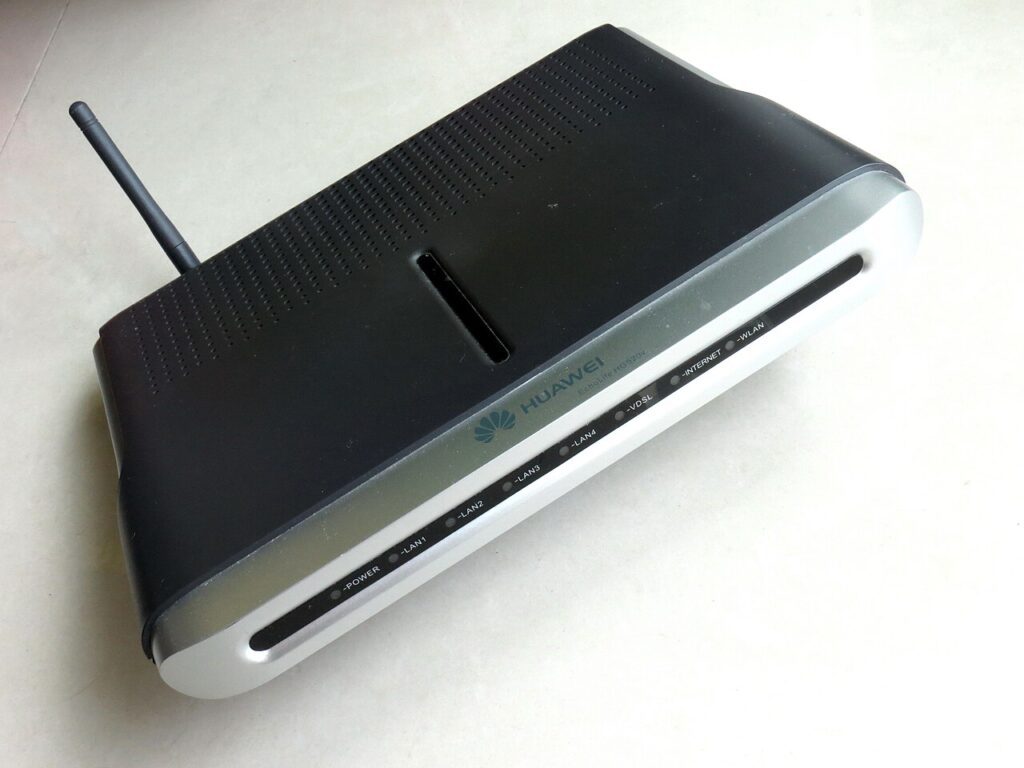
When home internet feels slow, many people assume they need a pricier plan right away. Sometimes they do. Very often, though, the real issue is that the router is hiding in the worst possible place: on the floor, behind the TV, inside a cabinet, or tucked into a far corner because that is where the installer left it.
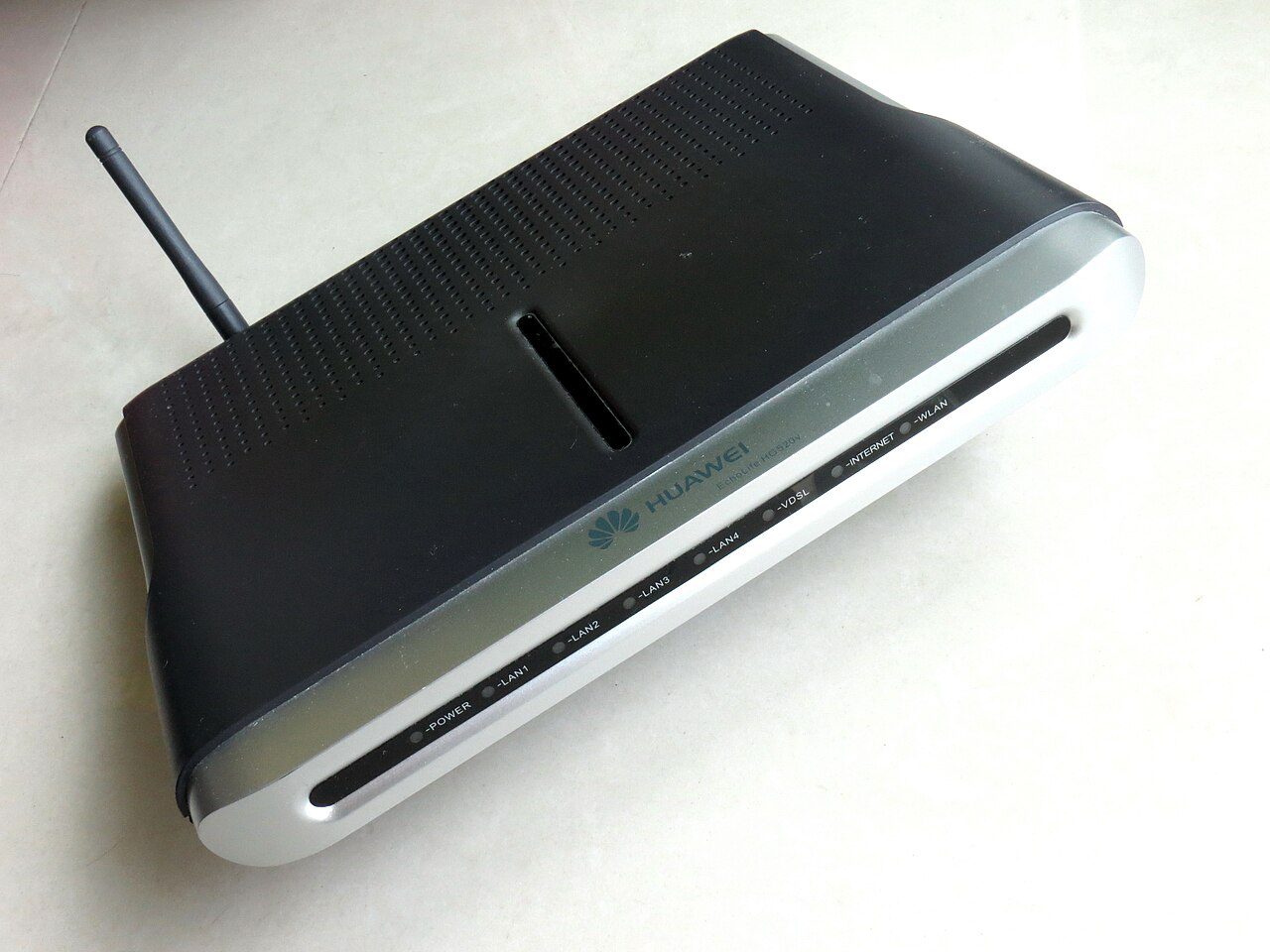
Better wifi router placement is one of those rare fixes that costs nothing and can still make a visible difference the same day. A small move can improve signal strength, reduce dropouts, and help the rooms you actually use feel more reliable without buying new gear.
Better wifi router placement starts with height and openness
Wi-Fi signals do not enjoy fighting through furniture, heavy walls, or a pile of electronics. Put the router on a shelf or table instead of the floor, and give it breathing room. A router hidden inside a cabinet may look tidy, but tidy is not the same as useful when the signal has to push through wood, metal, and clutter before it even reaches the room.
Try to place it somewhere open and roughly central to the area where you spend most of your time. This does not have to be mathematically perfect. You are simply reducing the number of barriers between the router and your phone, laptop, TV, or work desk. That one change alone solves a surprising amount of everyday frustration.
Keep the router away from interference
Microwaves, cordless phone bases, thick concrete walls, large mirrors, and crowded TV stands can all interfere with a clean signal path. If your router sits beside a stack of electronics, it may be dealing with heat and interference at the same time. Move it a little, then test the rooms that usually give you trouble.
Do not forget that people often judge internet quality from one bad corner of the house. Walk around with your phone after you reposition the router and compare the result in the kitchen, bedroom, and main work area. If a small change fixes those weak zones, you just saved yourself money and a lot of annoyance.
- Avoid cabinets, drawers, and floor-level placement.
- Keep some distance from large TVs, microwaves, and metal shelving.
- Aim for the middle of the home area you use most, not the room that is easiest to hide cables in.
Match placement to how your family actually uses the internet
If everyone streams in the living room and works near the dining table, place the router for those habits instead of optimizing for an empty guest room. Home networking works best when it follows real life. A perfect signal in the least-used corner is not a win if video calls still freeze where you actually sit.
This is also a good time to notice whether one stubborn device is the real problem. A weak old laptop adapter or a low-end smart TV can make the whole network seem worse than it is. Use a phone and a second device to compare results so you do not blame the router for a device-specific issue. If you are already trimming waste at home, pair this with our standby power savings guide for another easy household upgrade.
Test before you shop for upgrades
After moving the router, run a speed test in the same room as the router and then in the farthest room you care about. What matters most is not the biggest marketing number; it is whether the connection stays stable where you use it. Better placement often brings more consistency, which is what people actually feel during calls, streaming, and downloads.
If the signal is still weak after sensible placement, then consider a mesh system, a second access point, or a faster plan. But placement should come first because it is free, fast, and often good enough. It is hard to beat a fix that takes ten minutes and might save you from buying hardware you did not really need.
Before spending more on internet, make sure your current router is not sabotaging itself from a bad location. Better wifi router placement is simple, but the payoff is real.
For more practical home-tech upgrades that cost little and help immediately, browse our latest tips.